Sstgr
3 years agoNot applicable
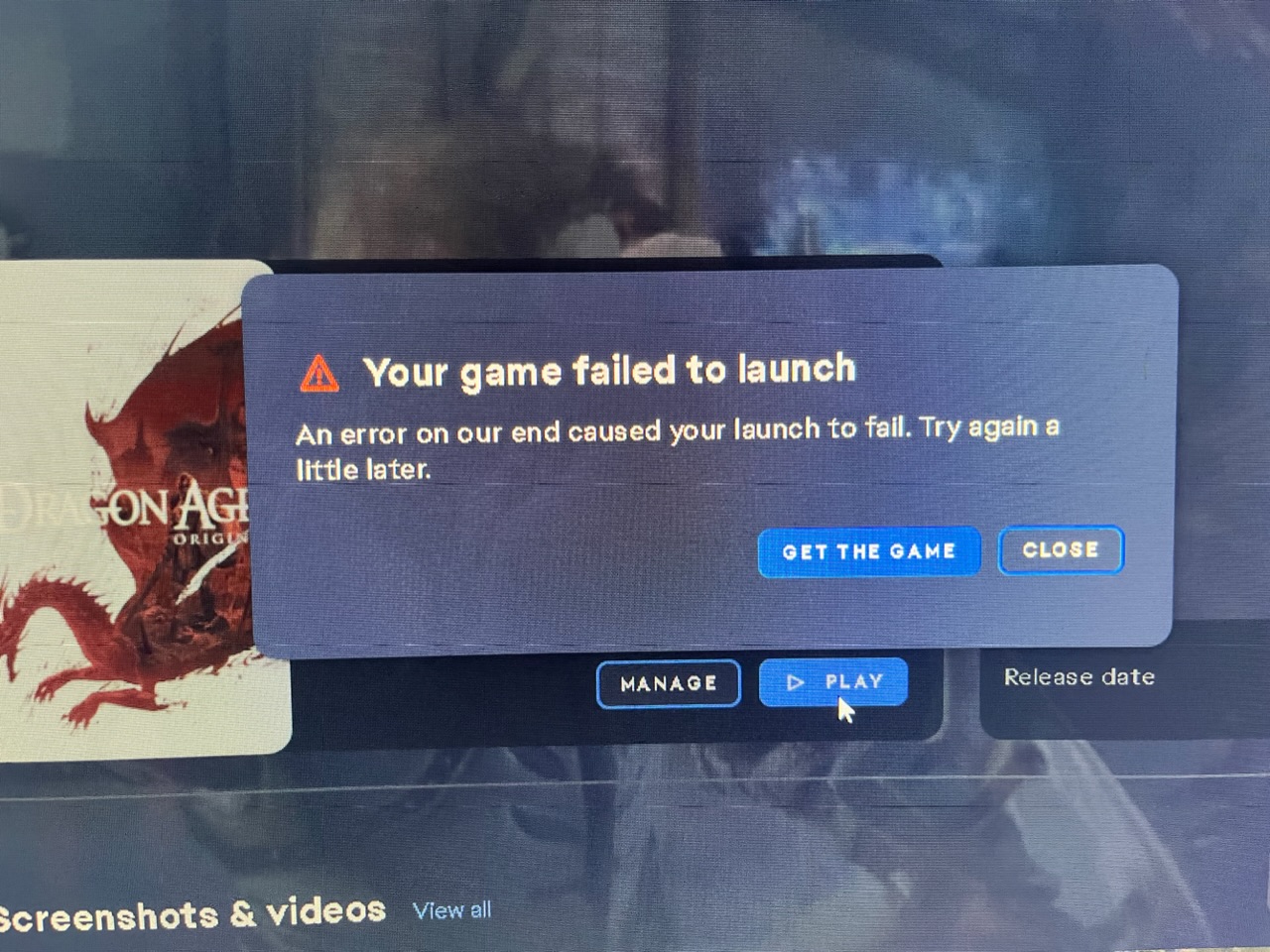
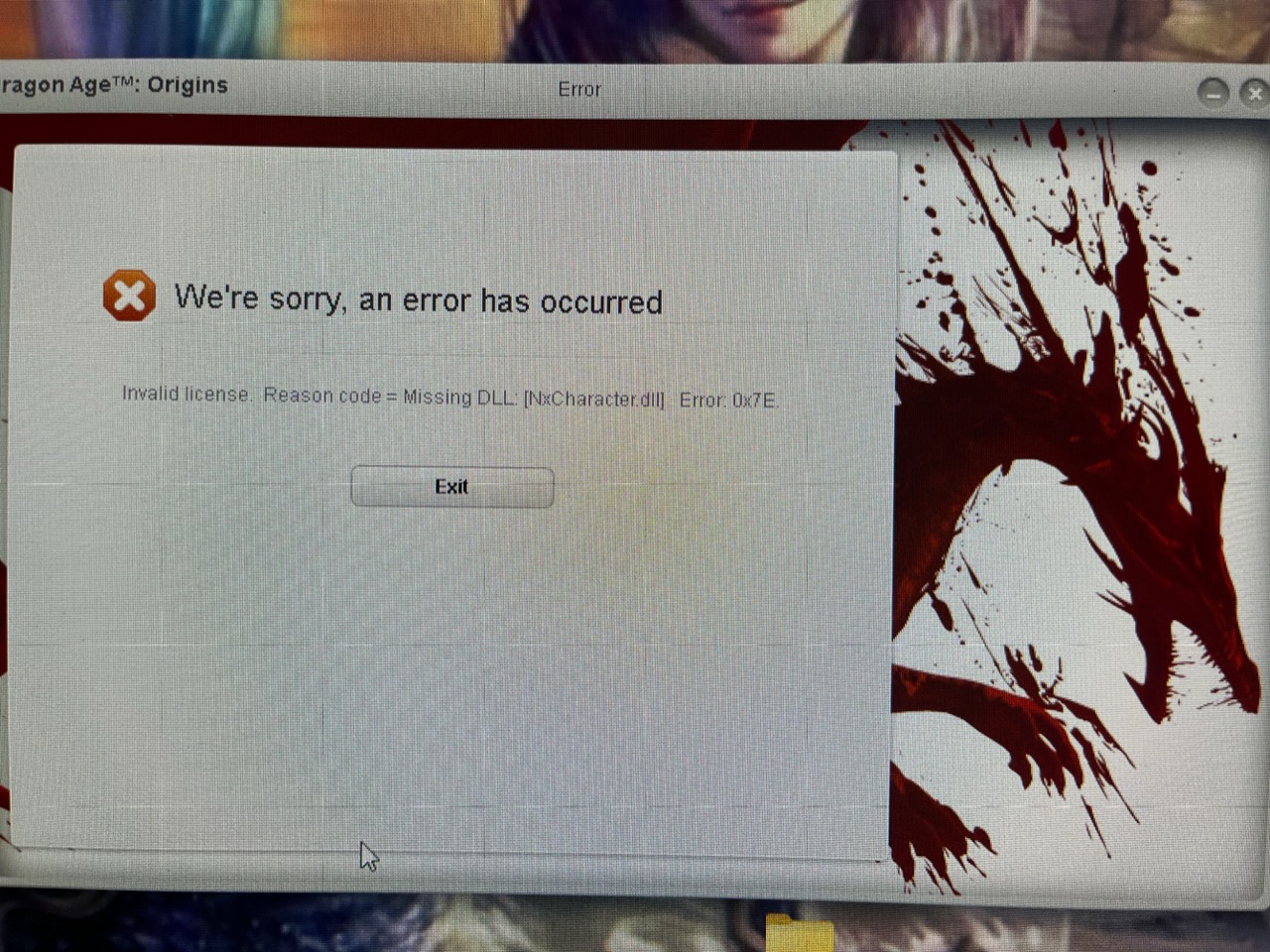
Dragon Age Origins invalid license missing dll error code(s)
Trying to play DA Origins on Windows 11, but whenever I try to launch I get an invalid license missing dll error code. I've tried downloading the nvidia physx solution, but it doesn't make a difference. Is there any other solution out there? I have the game installed on external drive if that makes a difference. Any help would be greatly appreciated. Thanks!
(cm edit - consolidated threads for visibility)
Go to your ".....Dragon Age\__Installer\vc\vc2005sp1\redist" folder rand run the "vcredist_x86.exe" as Administrator. (Right click the exe > Run as Administrator.) > Reboot > Test.