EA_Leeuw Community Manager
Community ManagerHow to fix Error Code EC:10000 or EC:10500 in EA app?
 Community ManagerCommunity Manager
Hello everyone,
I'm sorry to hear that some of you are still facing this issue. In most cases, this issue is related to local network settings or your internet service provider (ISP). To resolve the issue, you can follow the troubleshooting steps below:
Standard troubleshooting steps for the EA app (please click on "Spoiler" to reveal the info):
Connection & Administrator troubleshooting steps for Windows (please click on "Spoiler" to reveal the info):
Thank you.

Windows version and build number: 22H2, Build 19045.3086
EA app version: unsure, I can't even install the app anymore
The region you're from: USA, West
Are you using an internal or external drive to play your games? Internal
Are you using an HDD or SSD? SSD
Date this issue started: Still happening, noticed this on July 1st
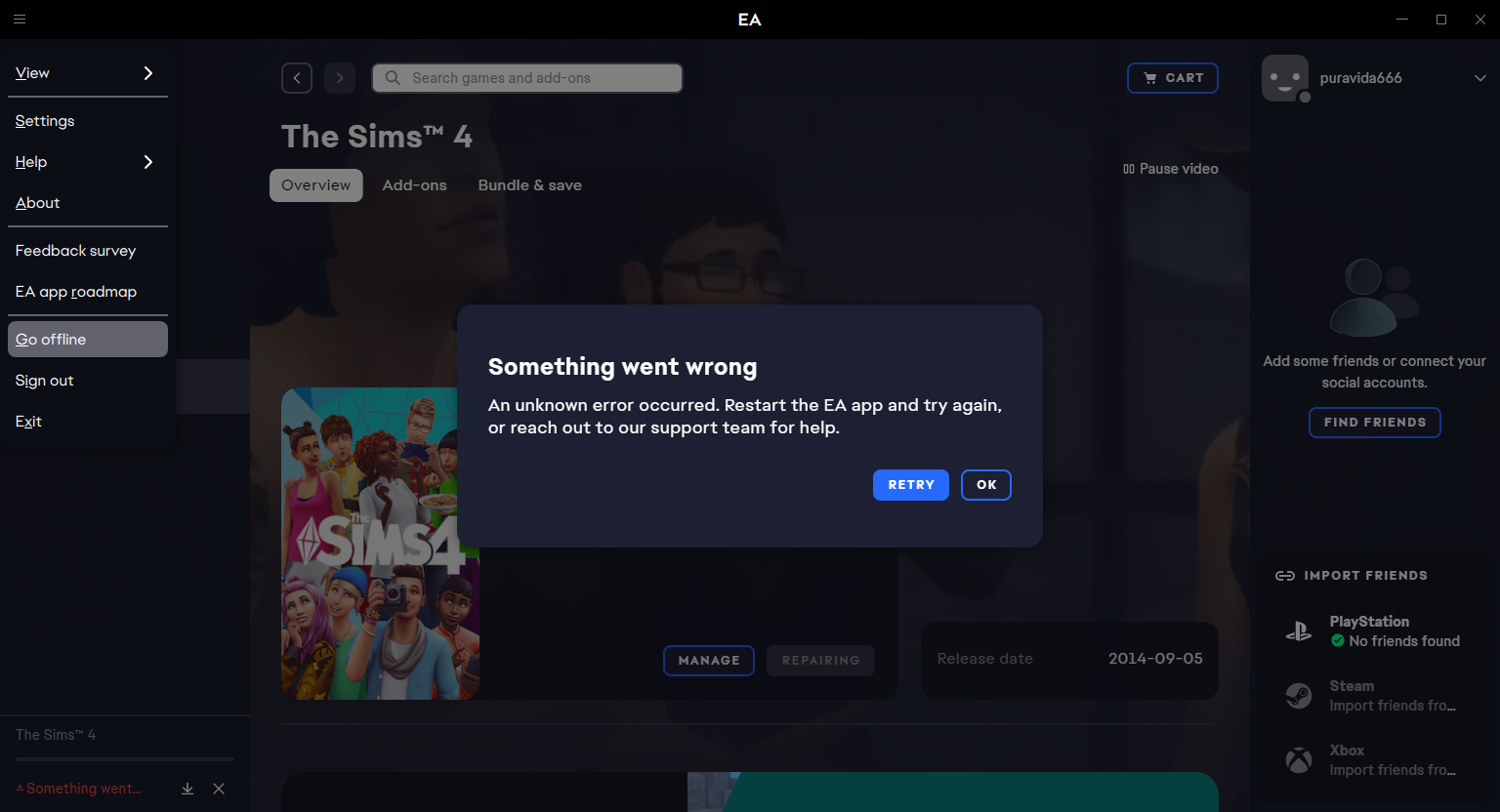
Other error(s)? Before uninstalling the app and running myself into a bigger hole, I originally could not download any DLC. I got the error "something is wrong, try again later". Attempting to repair also got me this error message. Tried to uninstall Sims 4 and reinstall: couldn't reinstall due to the same error again. Tried to uninstall and reinstall the EA app itself: "installation timed out". I really think this is an EA issue and not an internet issue. I don't know what to do, and I'm stressing over this even though I shouldn't
ETA: added DxDiag text
Community ManagerThank you for the new examples.