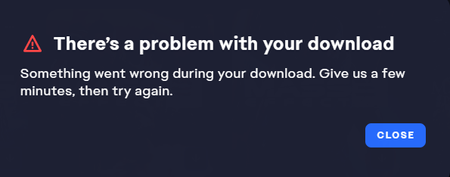
[Resolved] - Mass Effect 1 (2007) will not download on EA app


 EA Staff (Retired)
Thanks for taking a moment to share your experience with the community.
When you have a moment can you try the below steps (if you have not already)
Cheers!

Hi EA_Illium,
Thanks for responding! I have tried these solutions and ME1 still will not download. I do not have any pending updates for Windows and I am on the latest drivers for my GeForce 8800 GTX. I have exceptions for the EADesktop and Background service for it.
I can't do a clean boot to launch the game or try in different compatibility setting since I cannot download it. Still cannot download ME1 via EA App.