I found a workaround
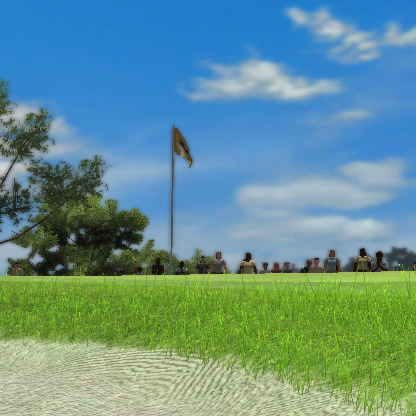
So far this has worked for me on 3 challenges I couldn't complete before because of the crowds in the way on the first attempt. Try the following I hope it works for everyone:
From the round start page
1. Go into settings (2x RB on gamepad}
2. Under visuals find Crowd quality and select disabled
3. save changes then start the round/challenge and the crowds should be gone
Remember this is a global setting for the game so if you want crowds normally you will need to change the setting back to whatever it was once you are done with the challenge. This is for PC I don't know or have a way to check if this will work on consoles If you are not sure what I mean by: round start page I have included JPGs of the round start page and the settings page with this setting highlighted. I know I have been very frustrated by this issue for a while. I am sure many of you are also. Like I said I hope this works for everyone.