Forum Discussion

DrYvonneLecter's avatar
DrYvonneLecter
Seasoned Newcomer
1 year ago

Still paintings don't work in Sims 2 Legacy

When I want a Sim to paint another Sim / a portrait as a still life on canvas with the easel it doesn't work anymore. It worked fine with the ultimate collection and with the CD-ROMs. 

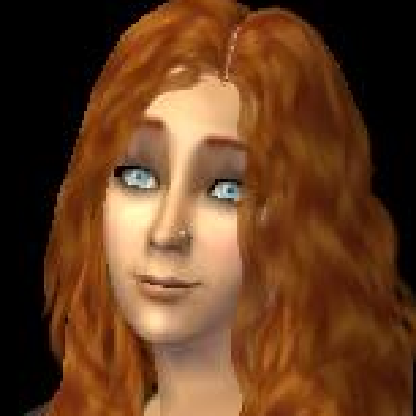
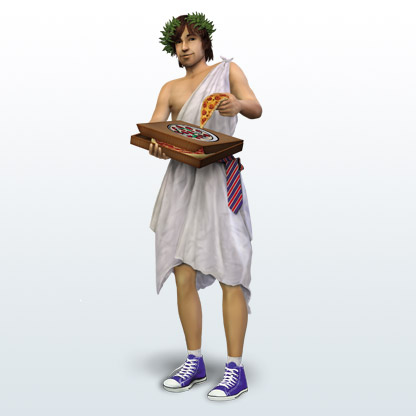
The frame for the still life is around the scene I want to be painted, but when the Sims paints, it's not the whole thing I selected, it's just a small part of it. You can see it in the screenshot. 

I always thought it was very nice, that my sims had big paintings of their family, wedding, kids, becoming a vampire etc.  in their house, depending on their lifestyle.
Does anybody else have that problem? For me it was a very important feature and I really hope it gets fixed.
2 Replies

  • I noticed it too. It may have something to do with screens now being higher resolution and the in game camera not being adjusted properly for that. 

  • GrubsonLangerak's avatar
    GrubsonLangerak
    Rising Novice
    26 days ago

    Indeed, but you have two options to workaround this bug. The first option is to hold down (not only press once) the "C" key for a few seconds until the game starts taking a few screenshots while taking a portrait photo (I've observed this doesn't work for everyone). The second option is to alt+tab to open the game in a window, then temporarily change the game resolution to a maximum of 1920x1080 or lower, as the bug doesn't occur at these resolutions, take a portrait photo, and start painting. After that, go back to the original higher resolution you had previously set, alt+tab again, and continue playing. After doing these things, your painted images should show up perfectly as you saw them in the photo taking preview.

Featured Places

Node avatar for The Sims 2

The Sims 2

Share your experiences, get to know other Simmers, and find troubleshooting & fixes in the official The Sims 2 community.Latest Activity: 2 hours ago
2,635 Posts