Forum Discussion

melancholyyl's avatar
3 years ago
Solved

househole on lot not playable

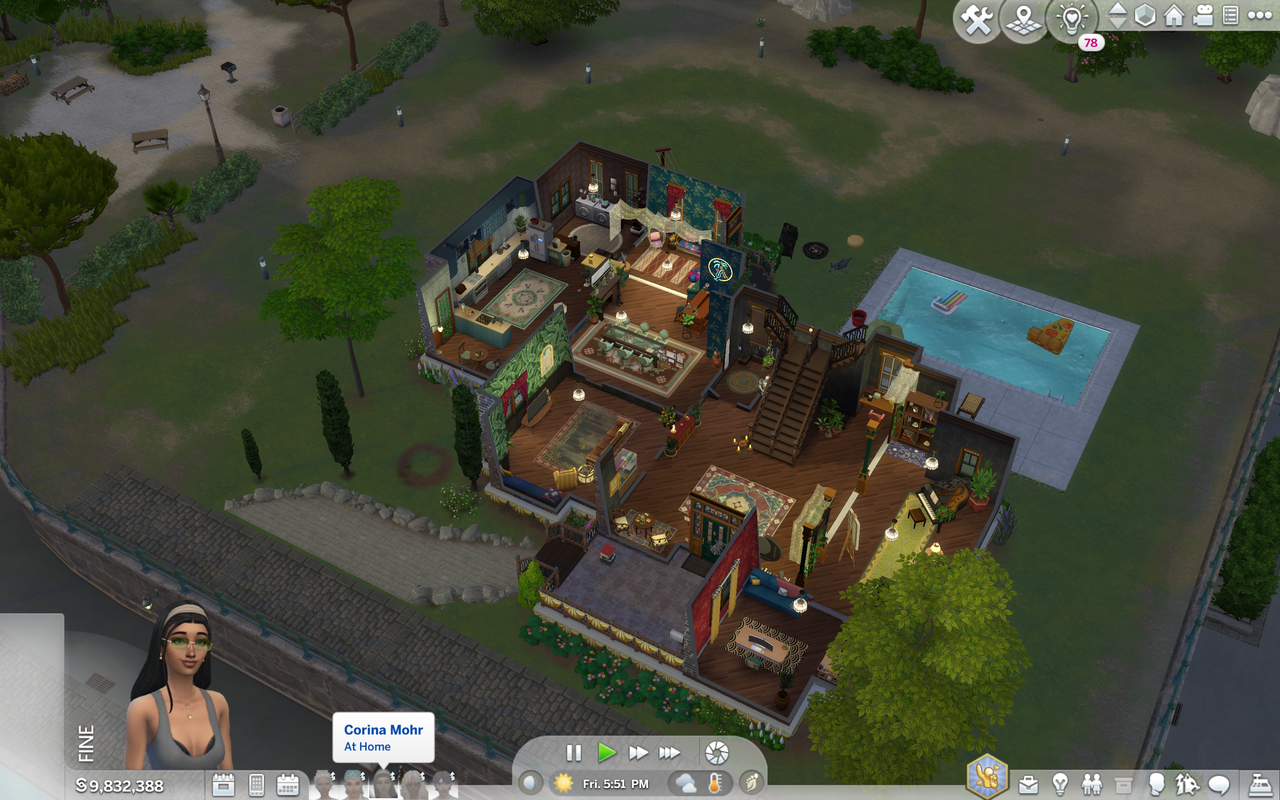
After i followed my sims to school i saved and exited the game but now when im playing the household it says im playing them but theyre not on the lot, when it says they are and i cant control them in any way. 
  • CGrant56's avatar
    CGrant56
    3 years ago

    @melancholyyl 

    Ok.  One thing I can think of to try is to change households to another household for a minute or so in live mode, then exit that household and return to the one with the problem to see if they will show up on the lot.  While you are in the other household, you could try to invite one of the "lost" sims over and travel back to original lot with the sim you invited over.  Then send the active sim back home, exit that lot and open the original lot.  At least, the sim you traveled with should be on the sidewalk in front of the house when you get back, but the entire household might be there too.  At that point you should be able to play them.

    Another is taking the household to CAS from Manage Households and change one thing on one sim, exit CAS then go back into the lot. 

    You could exit the game and delete the localthumbcache.package file.  That will force the game to generate new thumbnails and when you open the lot, the sims might be out front.

    You could also try a game repair to see if that will reset the sims.

    As a last resort, you could move the household out of their lot and then back in from the map. Of course, by doing that, they lose all connection to their collectibles, but you can just drop the collectibles back in a sim's inventory and then place them again.  You'd also lose everything in the fridge and any storage chests too.  Not ideal but it is a way to get the sims back to active.  Since the sims are showing at home, you might be able to open the fridge and chests and place things on the floor so you can save them and in some circumstances I've found, you might be able to put things in one of the sim's inventory.  

    Hope this helps. 

3 Replies

  • @melancholyyl 

    This is odd for sure.  I've never had it happen with all sims on a lot.  Have you tried right clicking on the little crooked arrow on their portraits to see if they have any options? 

    And have you tried have one of them to use the phone to travel?  If you can, travel to another lot and back and see if that will clear it up.

    Hope this helps.

  • I've tried both those things and with the arrows, it gives the options it gives when the sims arent on the lot but it doesnt give me option to bring the sim to the lot because the game thinks they are and arent on the lot at the same time i think. and ive also tried switching households and its the same for all of them.

  • CGrant56's avatar
    CGrant56
    Hero+
    3 years ago

    @melancholyyl 

    Ok.  One thing I can think of to try is to change households to another household for a minute or so in live mode, then exit that household and return to the one with the problem to see if they will show up on the lot.  While you are in the other household, you could try to invite one of the "lost" sims over and travel back to original lot with the sim you invited over.  Then send the active sim back home, exit that lot and open the original lot.  At least, the sim you traveled with should be on the sidewalk in front of the house when you get back, but the entire household might be there too.  At that point you should be able to play them.

    Another is taking the household to CAS from Manage Households and change one thing on one sim, exit CAS then go back into the lot. 

    You could exit the game and delete the localthumbcache.package file.  That will force the game to generate new thumbnails and when you open the lot, the sims might be out front.

    You could also try a game repair to see if that will reset the sims.

    As a last resort, you could move the household out of their lot and then back in from the map. Of course, by doing that, they lose all connection to their collectibles, but you can just drop the collectibles back in a sim's inventory and then place them again.  You'd also lose everything in the fridge and any storage chests too.  Not ideal but it is a way to get the sims back to active.  Since the sims are showing at home, you might be able to open the fridge and chests and place things on the floor so you can save them and in some circumstances I've found, you might be able to put things in one of the sim's inventory.  

    Hope this helps. 

Featured Places

Node avatar for The Sims 4 Mods & Custom Content

The Sims 4 Mods & Custom Content

Find tips, tutorials and troubleshooting for mods and custom content, and The Sims 4 patch files here.Latest Activity: 7 minutes ago
16,513 Posts