Forum Discussion


EA_Barry Community Manager
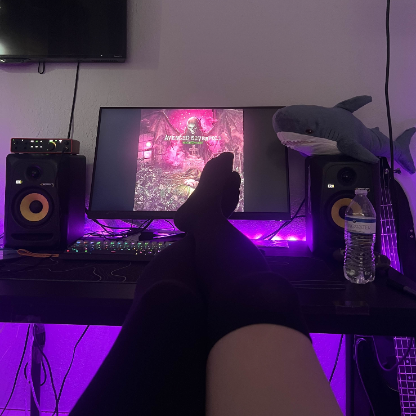
7 years agoCommunity ManagerI have just spotted your monitor is set to 240Hz refresh rate where the native rate is 60Hz.
Can you set it to 60Hz and let us know if that helps, thanks.

7 years ago
I did it on 60 Hz but the experience was very bad because I've got used to play on 240 Hz and also the crashing still persists.. any help please because I'm on game trial and I love this game but I don't want also to pay my money on game that crashes frequently with unknown reasons... and i want to see if any solution works ASAP or not because I want to take the advantage of the ongoing sale currently before the 21 of June.
- 7 years agoWhy Barry you didn't didn't respond to my latest reply.... WHY EA IS NOT GIVING THEIR CUSTOMERS THEIR FULL SUPPORT FOR THEM.... WHY MOST OF PEOPLE ARE COMPLAINING AND QUIT PLAYING BF1...... Simply because you don't give them the appropriate and the effective solution.
- EA_Barry7 years ago
Apologies for missing your responses here. We can try more troubleshooting but your issue may be outside of the game (a hardware issue). You may be seeing an overheating issue and the easiest way to check that is by running a monitoring app such as Speccy
That will allow you to check CPU and GPU temperatures as well as lots of other things.
A clean install of your video drivers may also help, run your video driver setup and choose custom/advanced and then deselect the optional GeForce Experience components and tick the box for 'clean install'. The clean install option is important because it will remove all previous driver components.
- 7 years agoI've done all what you said already and I went to a maintenance center to check my hardware components and everything was ok but that didn't resolve my problem... Any other solutions ???
Featured Places