7 years ago
CPU AND GPU LOADING 100%
So, hey! I just got new PC parts. i5-8600k and GTX 1060 6 Gb and for some reason game loads my GPU and CPU for 100%. But on previous PC with i5-2500k and same GPU only my processor were on 100% and ...

Hi @fuyya and welcome!
Your GPU should be used around 99% with an i5-8600k. Your CPU usage should not be any near that high.
Please read https://answers.ea.com/t5/Technical-Issues/READ-FIRST-How-To-Get-A-Response-To-Your-Technical-Issue/m-p/5636970#M1008 and try and provide some details, especially a dxdiag in this case would be helpful.

Hi @Carbonic and thank you!
I've read your post and I will provide more details. On screenshot you can see that while I am in game it loads up to 100% and when I tab out it drops down almost to zero.
Some more info about my system which im working on still:
CPU: i5-8600k
MOTHERBOARD: MSI z370 TOMAHAWK
GPU: MSI GTX 1060 Gaming X 6 Gb
RAM: Crucial Ballistix 8 Gb 2666 Mhz, I am about to buy more soon when I get money
Also, I am using pretty cheap cooler but seems its not a problem. Anyway I am going to buy water cooling system soon.
Processor is working fine, I mean, even on 100% it's very stable and game runs on 100+ fps without any lags.
I really don't understand why it loads that much. It has 6 cores and 6 threads. As I said, mine old i5-2500k without overclocking wasn't loaded more than 80-90% with 4 cores and 4 threads. But it was okay for it since it's really old processor.
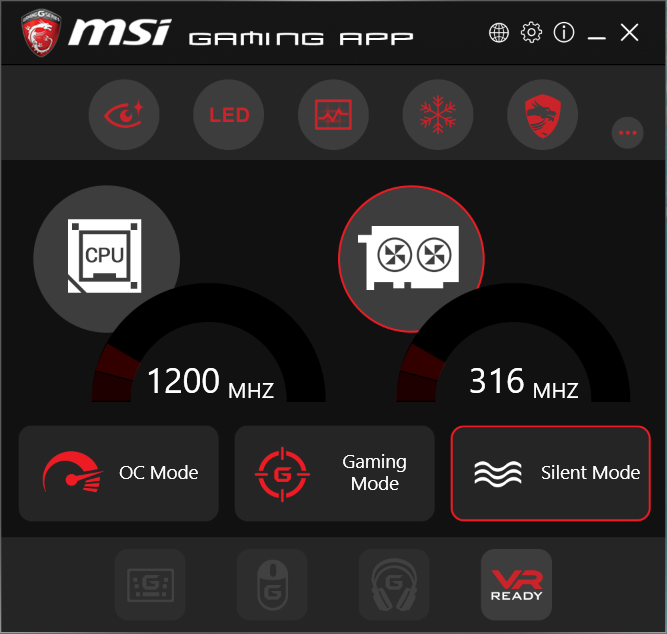
Also, when I was installing Windows, I installed MSI Gaming APP and accidently put CPU into gaming mode, I don't know did it change something but after I could not turn it back so I just deleted that app because someone said "If you delete it will turn back into normal mode". Also I checked in BIOS, seems like it is in a normal mode after all. But I think that "Gaming" mode just puts your CPU on a highest GHz it can reach
Everything seems fine with the dxdiag, perhaps except the BIOS version which says v. 1.0 - are you using the newest?.
Does it happen if game after a clean boot?
https://support.microsoft.com/en-us/help/929135/how-to-perform-a-clean-boot-in-windows
Lastly, I wouldn't worry about the MSI Gaming APP if you've deleted it. Programs like that usually applies the overclock / downclocking on each boot up so if you don't load the application anymore everything should be as stock.