I just bought Battle Field Bad Company 2 today, i registered an account inside the game by selecting "Multiplayer" menu, filed out the forms including the CD-Key.
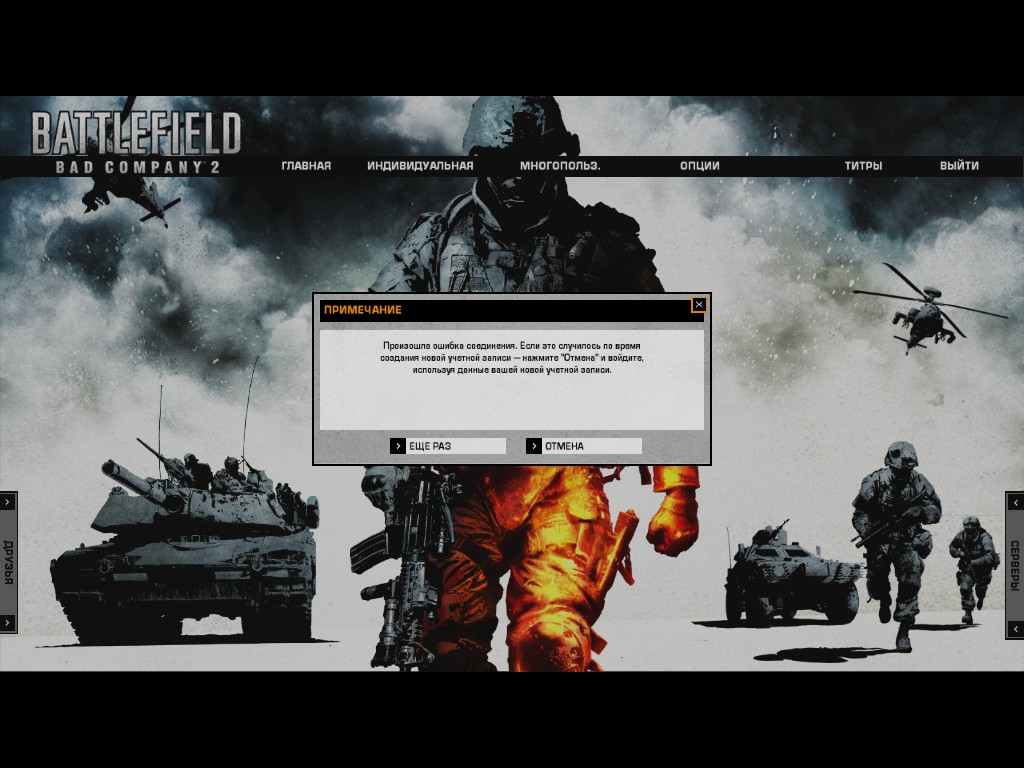
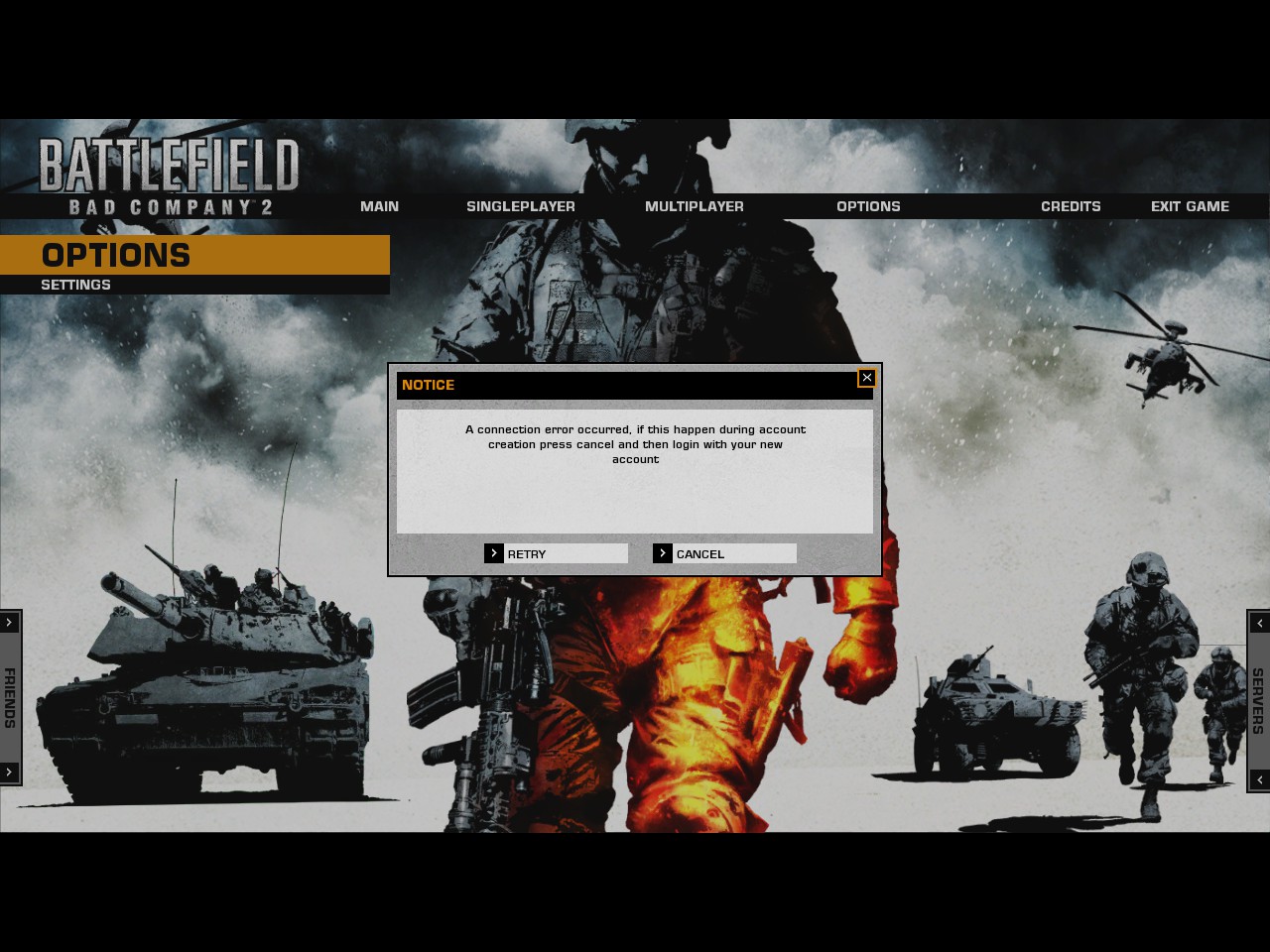
after typing the CD-Key, a pop-up shows up - "a connection error occurred, if this happen during account creation press cancel and then login with your new account."
and so i did. but it kept asking for the CD-Key that i just entered. - this took about 5 to 6 times, repeatedly.
- i bought the game on STEAM, and the CD-KEY is from STEAM CD-Key - Product Code
- already double-checked if i'm typing the correct Code - did this 5 times already, just so you know.
so i look for other ways in the STEAM comments for Battle Field Bad Company 2
i followed below instruction.
---------
1. Download and Install Origin (Ew gross I know I believe you can uninstall it after tho)
2. Login to Origin (Be sure to use the same account you would like to use for BF2)
3. Go to My Games Library, and click Add a Game at the Upper Right
4. Click Redeem Product Code and Enter in the CD Key. BF2 Should Then Pop-up
5. Click Claim, and the game should be in your lobby
6. Open up the game in Steam and login to the same account you just claimed it on.
7. You should now be in the game
--------
in the origin, after adding the Game, a pop-up shows - "This code has already been redeemed."
Do note that i received a Confirmation in my email for activation of account, but whenever i click on the given link, this error shows on another browser TAB
"An error has occurred and has been logged by our system. Thank you."
whenever i enter the game, it keep asking for the CD-Key.
and keep giving me the same error - "a connection error occurred, if this happen during account creation press cancel and then login with your new account."
and i'm sure i have a stable connection, tried it already on other games, and did not encounter issues with the network.
Please see attached images for reference.
Hope to hear from the support team,
thanks