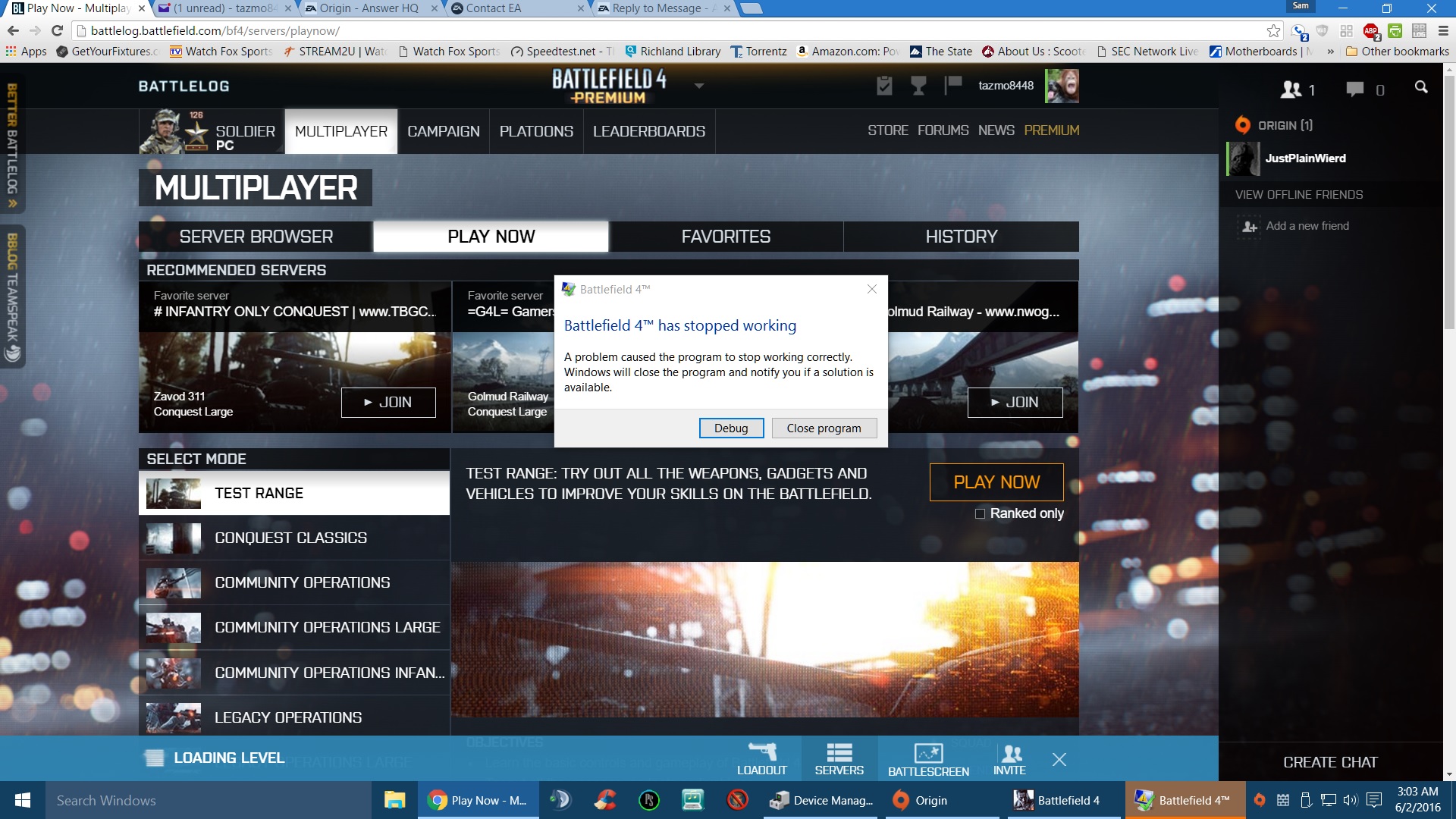
I know this is an old post but here goes....
Read your hints and tips and even went further with sfc /scannow....dns flush.....boot in safe modes...everything I can think of. I'm on W10 and have been running the game with no issues since 8/2015
tried launching today and all goes well til I actually pick a server; then it'll try to load the game and get to the point of almost beign able to Deploy... then it'll stop with a Window Error. All of my other Origin games launch and play.
I have my modem set to DMZ along with all the firewall settings allowed (even Advanced Properties with all three boxes checked) PB is up to date, so is the OS.
I've ran the Repair Game and checked for updates to no avail. Chrome doesn't have a plugin (that I know of) for the launcher like it use to have so there's nothing in Chrome://plugins to allow... I did
uninstall BL and reinstalled it...to no avail. The Test Range won't launch, Campaign won't launch.
To me it seems as though a Registry File may have become corrupted as everything else in Origin and BL works fine. I think the only answer in my case is to uninstall the game and re-install it but that
is a last resort as it is nearly 50 gigs worth, unless someone can think of something I may have missed.