Solved
Forum Discussion


EA_Aljo Community Manager
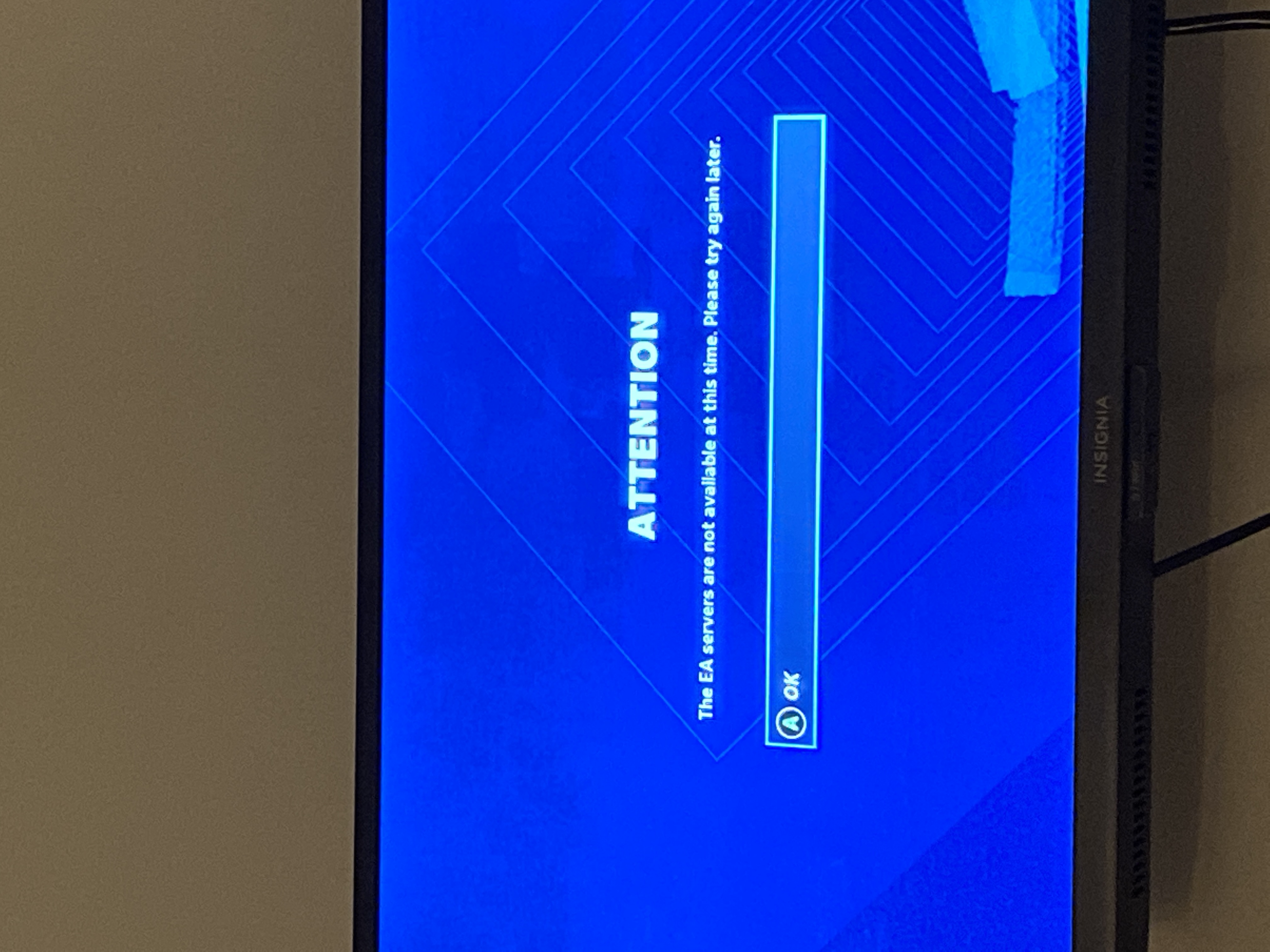
5 years agoCommunity ManagerWhen are you getting this error?
Something else to try is clearing the alternate MAC address with these steps:
Go to your Xbox One Settings (Just press Start, then click Settings)
Go to "Network", then "Advanced Network Settings"
Click on "Alternate MAC Address", and then click "Clear"
Did that help?

5 years ago
no, they had already told me to do it on Twitter and nothing ☹️
- EA_Aljo5 years ago
When are you getting this error?
- 5 years agowhen i want to play any mode in challenges
- EA_Aljo5 years ago
Try setting your lineup to the best overall. If that doesn't work, try setting the visuals for your players and coaches to default. Let me know how it goes. Thanks!
- 5 years agoIf that works, better to top my lineup and leave me, thanks
- 5 years ago@EA_Aljo Man this works
- EA_Aljo5 years ago
Great! If you have any other issues, please let us know. Good luck and have fun!
 5 years ago
I got the same problem, on ps4.
- EA_Aljo5 years ago
Did you try what has been suggested in this thread?
 5 years ago
I’m getting this error when entering ultimate team. My internet works fine. Tried it on my regular internet and a hotspot. Still gives me Error Our servers cannot process your request. Please try again later. I’ve powered down my router and console and also cleared my alternate MAC address. Nothing
- EA_Aljo5 years ago
Did you unplug your console, modem and router or just turn them off and on again? If you just turned them on and off again, try unplugging everything for 2 minutes, then plug in your modem and router. Let them come back online and plug in your console, start it up and try again.
- 5 years ago
Nope. Tried that again. Didn’t work. Even did a system reset on my Xbox one. Didn’t work.
- 5 years ago
I read about people’s accounts being banned accidentally. Is that what’s happening? I can’t even load in to ultimate team. It let me earlier today,, but was incredibly slow and would boot me out with the same message while switching screens(binder,auction house etc.)
- EA_Aljo5 years ago
Did you try setting your lineup to the best overall?
Edit: Just noticed your other post. I checked your account and it's not banned.
- 5 years ago
I can’t get on ultimate team to set my lineup
- 5 years ago
It let me on long enough to set my lineup to best overall. Then kicked me out when backing out of that screen
- 5 years ago
So????
- 5 years ago
I’ve spent thousands of dollars buying packs to play this game. Not being able to play is extremely frustrating and not fair. I’m losing out on rewards and chances to play and improve my ranking because of this
- 5 years ago
Hello?
- 5 years ago
Are you there?
- EA_Aljo5 years ago
I'm sorry for the late response. I was off the last few days. Possibly, alternate DNS servers will help. From the Xbox One home screen, go to Settings > Network > Advanced settings > DNS settings > Manual. (If Settings doesn't appear on the home screen, select My Games & Apps, then Settings). From there, enter the Primary DNS as "208.67.222.222" and the Secondary DNS as "208.67.220.220". If that doesn't help, try using the google DNS servers which are: primary alt number 8.8.8.8 - secondary alt number 8.8.4.4.