Forum Discussion

25 Replies
 EA_Aljo2 years ago
Community Manager
Just to be clear you're getting this error when trying to enter World of Chel?
 LuGer33x2 years agoSeasoned Scout
@jbturf69 wrote:It’s happening to me too
Where do you stand as far as unlocked goalie equipment? For me, the error occurred twice and both times only after I had unlocked all goalie items in WOC (big save emotes, intros, and all skates, pads, gloves, sticks, and masks).
Just started happening to me too directly after a drop in game. The game ended and then the “quit game” prompt came up AFTER the game finished and I just clicked yes thinking nothing of it, it sent me to the main menu and I haven’t been able the enter World of Chel since. The message and errors come up when trying to enter the game mode.
- EA_Aljo2 years ago
Please send me a private message with your gamertag/PSN ID and we'll look in to this.
This is now happening to me now on both generations of the game xbox one verison and xbox series x as well. However the "cannot retrieve inventory from the server at this time." so I only get that error when I try loading up into WOC from the main menu. The loading screen starts and looks like its about to finish and begin loading up the WOC menu to choose a game mode to play, then all of a sudden i receieve that message and then kicks me back to the main menu. So thats whats happening on the xbox one verision of the game.
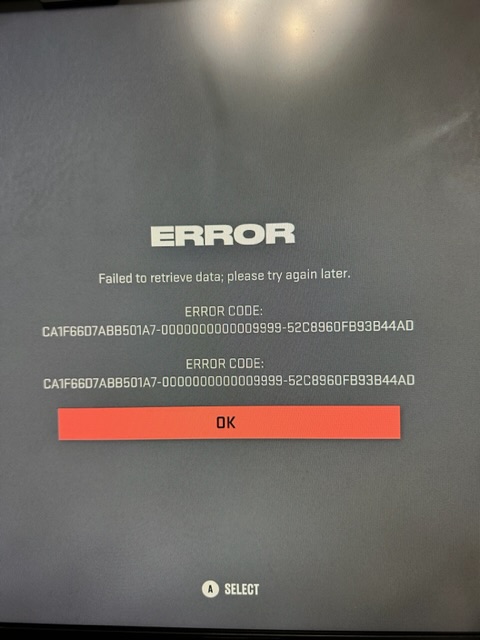
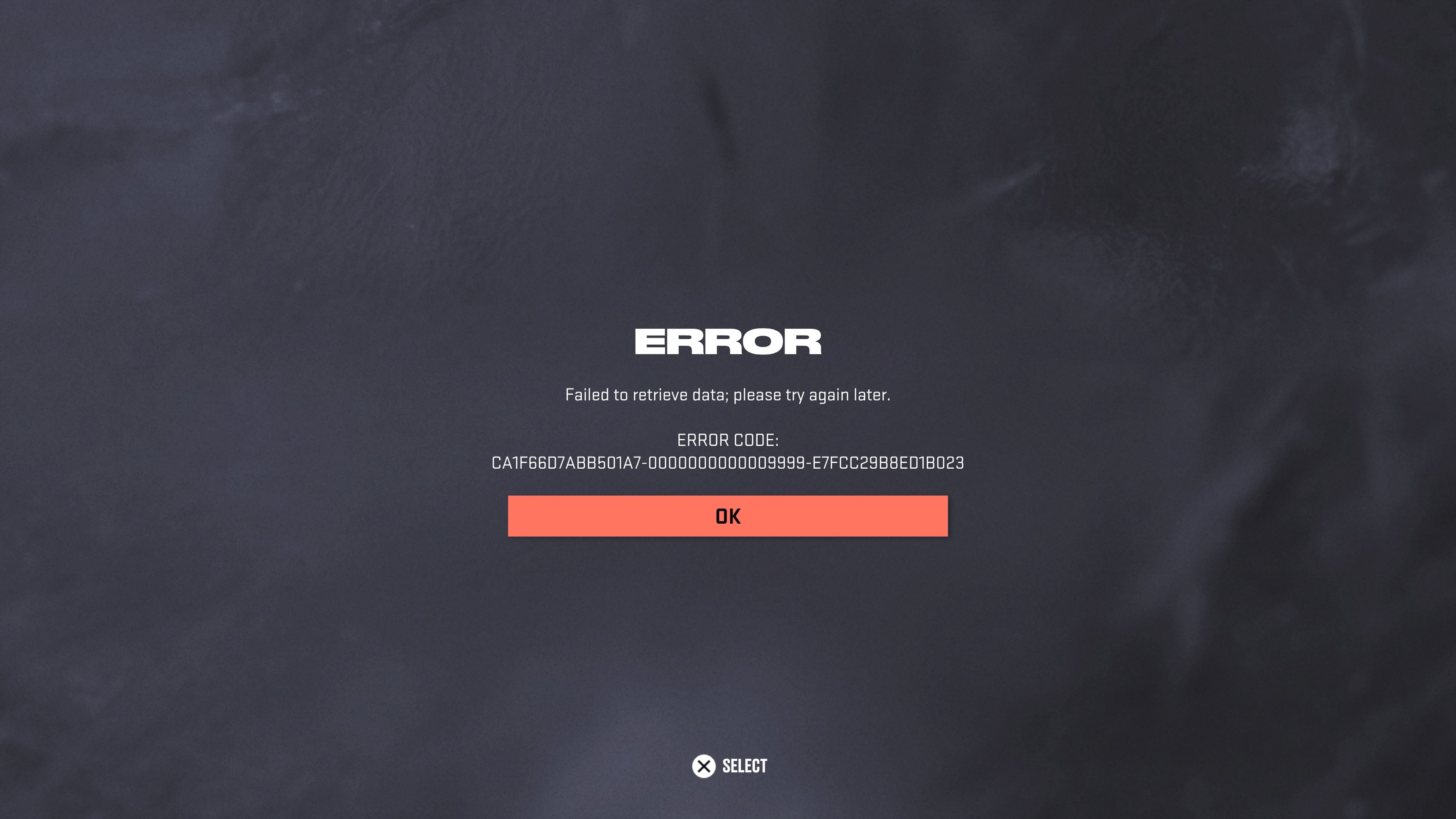
The xbox series x verision of the game I get a diffrent error and it's right after i choose a position in any WOC game mode. So on new gen I'm successfully able to load and access the WOC menu with the game modes to select. Once I choose lets say like 4s drop. I load into the lobby and my next step would be to choose a position to play. Its right after that button pressed on a position and immediately get a super long error code followed by a kick back to the main menu.
WOC is the only game mode I play and yeah i'm screwed out on both old and new gen verisons of the game.. fml.
@EA_Aljo, could you possibly add me to this list of people that need their accounts looked at to fix. Also are there any steps a could take to litigate this issue I'm having? I see this problem started back ijn january give or take. Is there a fix to this by now or is it still being accessed?
Appreciate it
- EA_Aljo2 years ago
Can you send me a private message with your Xbox gamertag or PSN ID? Thanks!
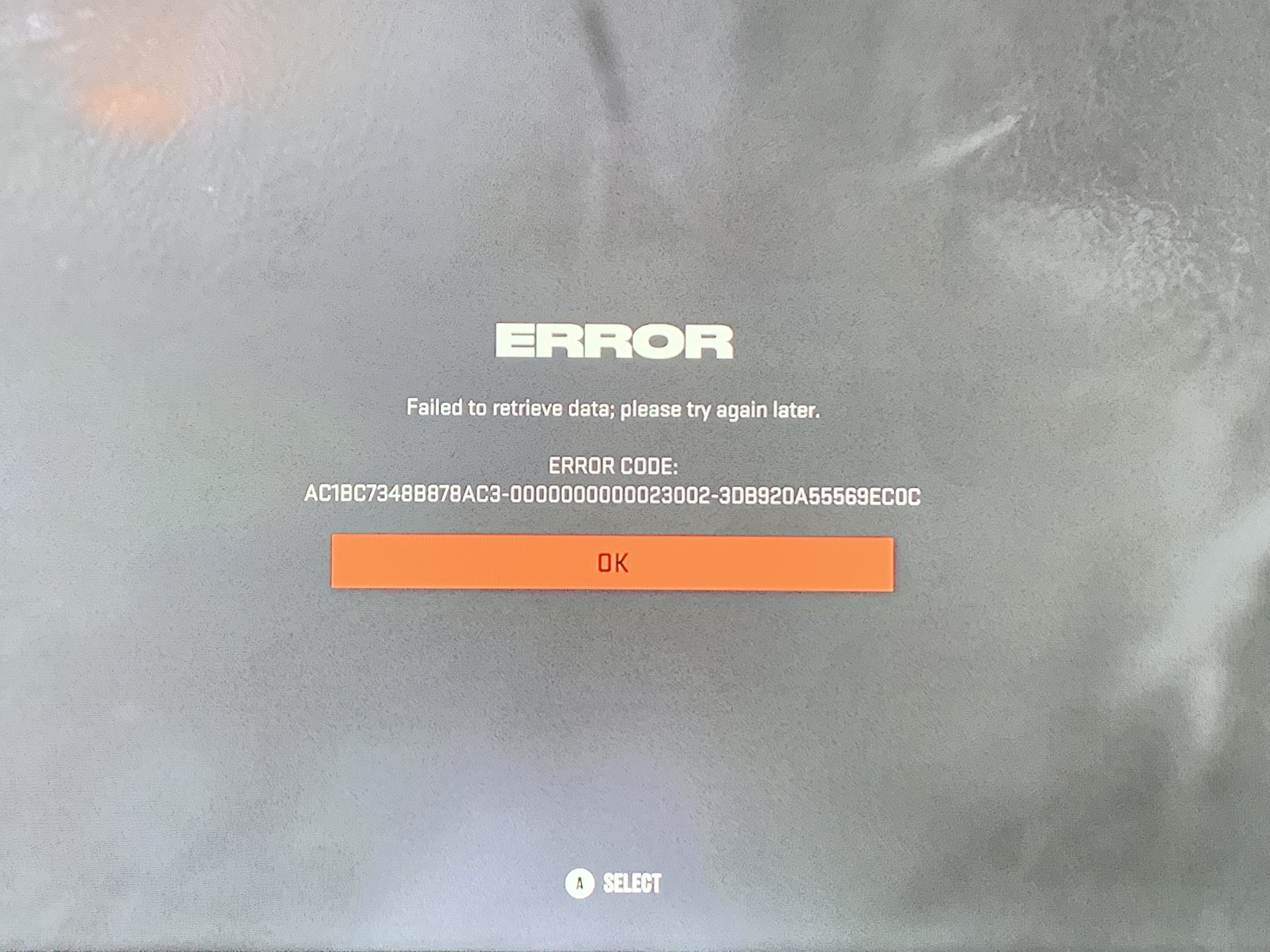
Im getting Cannot retrieve data error every 3-4 games. Give me some ridiculously long error code that changes everytime. Also, Load times to get into WOC, getting into a dressing room with my friends, they are all maybe 3-5 minutes per. ive power cycled, uninstalled reinstalled, even reset my Xbox. Nothing has helped. and this is the only game i have trouble with =[
- EA_Aljo2 years ago
Hello, @XJaeaeyRezziodX
Try clearing your alternate MAC address with these steps:
Go to your Xbox Settings
Go to "Network", then "Advanced Network Settings"
Click on "Alternate MAC Address", and then click "Clear"Let me know what happens. Thanks!
Did that, as well as changing all the cosmetic items and loadout stuff, took forever with slow load screens, but did it. and turned the game off and tried again and still the same.
- EA_Aljo2 years ago
We were also working on this in private messages. It sounds like it ended up working so please let me know if anything changes. Thanks
- @EA_Aljo Hey,
I'm getting failed to retrieve data error too. I've tried everything yo've suggested in this thread and nothing worked. I'm on xbox series x and my gamertag is Sc0rP10N81. Can you please help? - EA_Aljo2 years ago
When exactly are you getting this error?
I am having this problem when I try to load into World of CHEL. I have a PS5 and my gamer tag is Zylo11. I have also had issues once I finish a CHEL game and when it resets back into the lobby, it will flash an error code and kick me out.
I am able to get into drop-in games but not club games.
- EA_Aljo2 years ago
Hello, @atla
I'd like you to power cycle your equipment with the following steps: unplug your modem/router and console. After 2 minutes plug in the modem/router. Let them come back online completely. Then plug in your console and start it up. Let me know if that helps or not. Thanks!
It did not work. Still can not load into WOC.
I have done this two separate times and it did not work.
- EA_Aljo2 years ago
Are you only having this issue when games complete or do you have trouble loading in to WoC? Also, which ISP are you on?
I just started having the same issue as well. I only have the issue when I try to log into World of Chel on ps5. I have also tried power cycling router and modem before turning on ps5 and haven’t had any luck. Also changed DNS settings to google and that didn’t help either.
- EA_Aljo2 years ago
Are you getting an error saying failed to retrieve data or does it specifically mention inventory?
 RockyRoche242 years agoNew Novice
I’m having the same issue. I can’t load into WoC. Even if WoC loads, I can’t navigate the menus as the EA icon is infinitely spinning until it times me out.
I have tried the following:
1. Alternate MAC settings
2. Uninstall / reinstall
3. Change DNS from Google to Cloudflare
4. Rebooted router
5. Deleted saved data
I can’t test gear changes because I can’t navigate WoC menus. My username is RockyRoche24 on XBSX.
failed to retrieve data
Still not working. I have done the power cycle twice. I left my club and it seemed to get better but it still isn’t working.
This is on Xbox Series X
Cannot retrieve data. Cannot connect to EA Server. Xbox. I’ve tried everything listed in this thread minus deleting my player. Can’t access to do it. It takes minutes to load from main menu into WOC and then once I choose anything from there I get errors. First with the data retrieve issue and then it says I lose connection to the EA Servers.