Orange Dot Notifications Will Not Clear
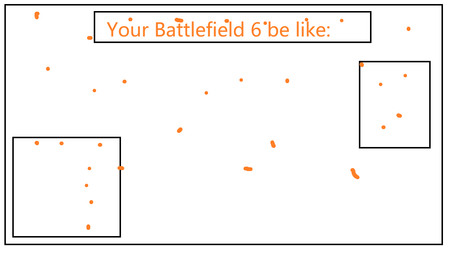


For bugged persistant dots:
Add the affected weapon to your favourites, in the favourites tab, it should be tagged 'NEW'. Click on the weapon to remove this, then unfavourite. This is what worked for me.
As for skins, try clearing them through through the Appearence tab on a loadout. You will need to do this class by class unfortunately.

 Community Manager
I have seen this called out probably more than others at the moment.
For bugged persistant dots:
Add the affected weapon to your favourites, in the favourites tab, it should be tagged 'NEW'. Click on the weapon to remove this, then unfavourite. This is what worked for me.
As for skins, try clearing them through through the Appearence tab on a loadout. You will need to do this class by class unfortunately.
Also, a YouTube video on Battlefield 6 Weapon Loadout Yellow Dots Removal I would suggest checking out for those who like visual guides on steps.Also, Also, try the steps outlined Here as they have worked as well!
No. That does not work.

I had tried this too, and it does not work.
I’ve been fighting this problem! Be sure it isn’t a skin/charm……
move to favorite then look at it there should say NEW if it is going to clear , just view and hopefully clears. Mine worked.

This worked for me as well. Some of them don't go away until you relog though. And there's still some skins that don't show the orange dot in the Skin/Camo section, but trigger the orange dot in Apperance.
Community ManagerDaikoi So once you log out and back in, it's like the cache is stuck, then, and it just comes back?
Can you
this fixed my problem as well. thank you
Community Managerb00t_err0r Thanks for letting us know these steps worked out for you!
