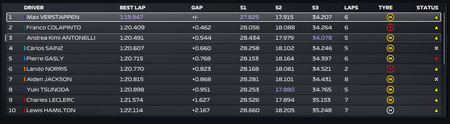
MY TEAM Drivers missing on second season

 Community Manager
Hey DiamonDog94,
Thanks for letting us know about that. Would you be able to share your saves with us?
The steps you will have to follow will be different depending on the platform:
Let me know if you have any questions.

Hi Sorry for late reply, I am getting file not allowed errors when uploading the save file, I tried compressing them as well
Community ManagerHey DiamonDog94,
Thanks for the reply. I will send you a DM here to see if we can sort this out.