FC Mobile Game Info Hub
2 MIN READ
Missing or Failed Purchases

EA_Pulsar Community Manager
10 months agoCommunity ManagerBasic Troubleshooting for Android & iOS
Hey there,
If your in-game purchase is missing, delayed, or the payment keeps failing, try these basic steps first. They apply to most mobile games on Google Play (Android) and the App Store (iOS).
1. Try these basic checks
- Restart the game and your device
- Fully close the app, then reopen it.
- If that doesn’t help, restart your phone or tablet and try again.
- Check your internet connection
- Use a stable Wi-Fi or mobile data connection.
- Test another app or website to make sure the internet is working.
- Check your store purchase history
- Open Google Play or the App Store and look for the order.
- If there’s no record of the purchase, the payment likely didn’t go through.
- If it shows as pending, processing, declined, or unpaid, it’s usually an issue with the store or payment method.
- Check device date, time and region
- Make sure date, time and time zone are correct (preferably set automatically).
- Check that your region / country matches the one used in your store account.
- Wait a short while
- Most purchases arrive within a few minutes, but sometimes they can take a bit longer to be processed by the store.
2. What to do next
- If the order shows as Completed in the store but the item is still missing:
- Take screenshots of the receipt / order details. (How to provide proof of purchase)
- Contact the in-game support and include the purchase date/time, amount, currency, and order ID.
- If the payment is pending, declined, or keeps failing:
- Check or update your payment method (card, PayPal, mobile billing, etc.).
- Follow the official Google or Apple payment troubleshooting steps linked below.
3. More detailed steps by device
For full, step-by-step instructions and more troubleshooting options, use the guides below for your device:
- Android (Google Play) – detailed help with payment errors and purchase issues:
Google Play support - iOS (Apple) – detailed help with in-app purchases and billing issues:
Apple billing & subscriptions support
4. Use the EA SPORTS FC™ Mobile Webstore
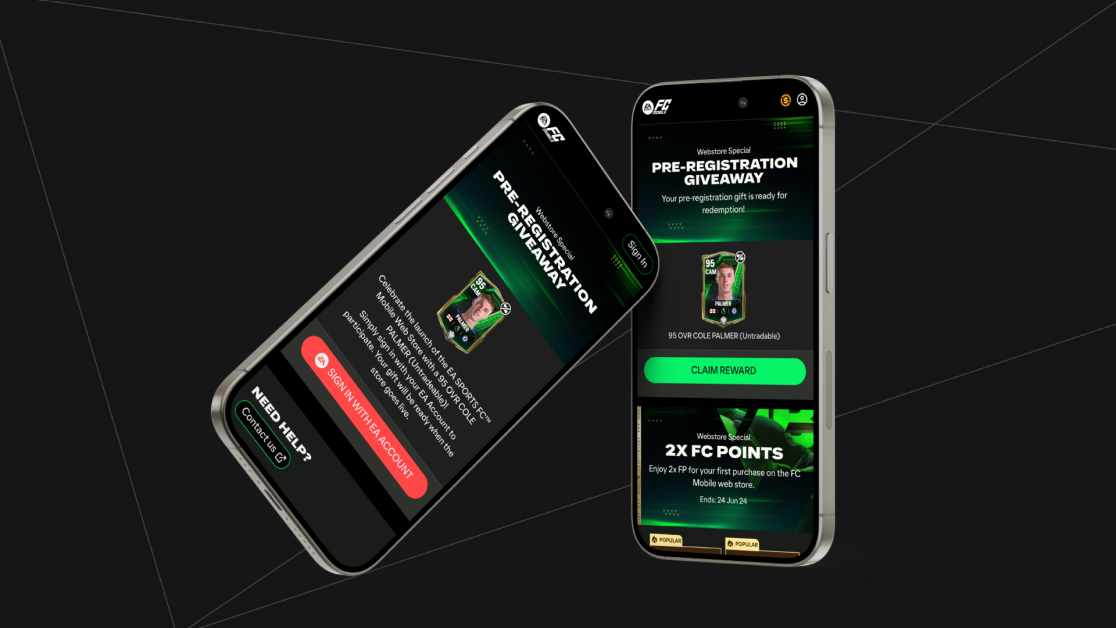
Remember, you can also access the FC Mobile Web Store from any web browser. If you’re having trouble in-game, you can try your purchase on the website instead.
Updated 7 months ago
Version 2.0EA_PulsarCommunity Manager
Community ManagerJoined October 07, 2014
FC Mobile Game Info Hub
Official updates and announcements for EA SPORTS FC™ MOBILE.