Re: BF 2042 Tips, Part I: Settings - Comprehensive PC Settings Guide
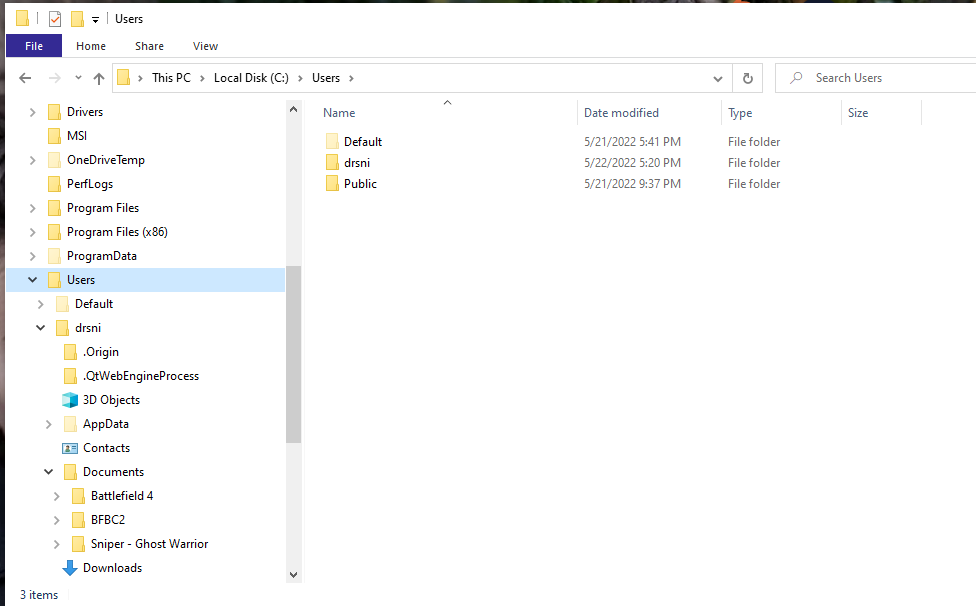
@fatherspace Hi, I didn't see this alert when you pinged me for some reason. The file to modify with respect to this guide is PROFSAV_profile. I do it in Notepad.
If that file isn't showing up or is otherwise problematic, then as was mentioned by another user, you should delete that file and repair the game. You can repair via Origin by right-clicking the game and selecting repair. You should be able to get everything back to normal. You'll have to start all over with the settings changes, but it's well worth fine tuning your settings from the get-go.
For future reference, I'd always make a copy of the PROFSAV_profile file once you make your satisfactory settings changes. Then, save it under a different name in the same folder or elsewhere.