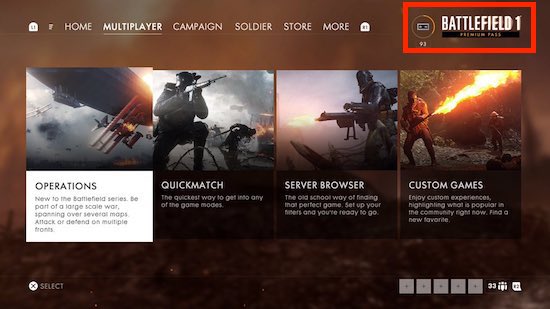
Missing Battlefield 1 Premium Pass [PS4]
Hello,
if you have any problems with your Premium Pass this could help you out 😉
1. Check if you have enough HDD space on your Playstation 4.
2. Turn off the PlayStation 4 by pressing the power button on the front panel. The power indicator will blink for a few moments before turning off.
3. Once the PlayStation 4 is off, press and hold the power button. Release it after you've heard two beeps: one when you first press, and
another seven seconds later.
4. Connect the DualShock 4 controller with the USB cable and press the PS button on the controller.
5. Rebuild Database: Scans the drive and creates a new database of all content. This operation may take a long time depending on the type and number of data items.

6. After the process is done go into the Playstation Store and download the Battlefield 1 Premium Pass.
7. Before you go into the main game, go to Settings -> Playstation Network -> Restore License.
8. Start your game and you'll hopefully see your Premium Pass content.
Battlefield Forum Post
https://forums.battlefield.com/en-us/discussion/109525/missing-battlefield-1-premium-pass-ps4#latest