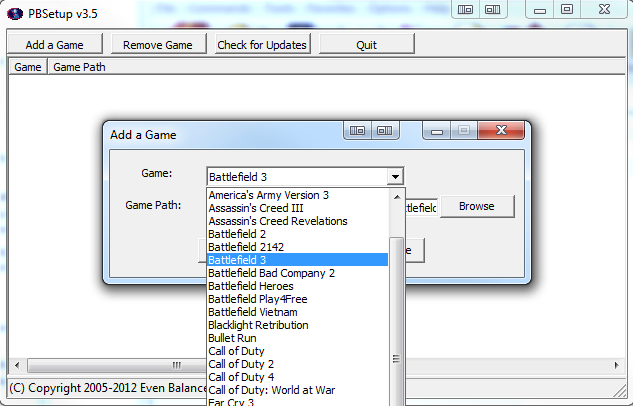
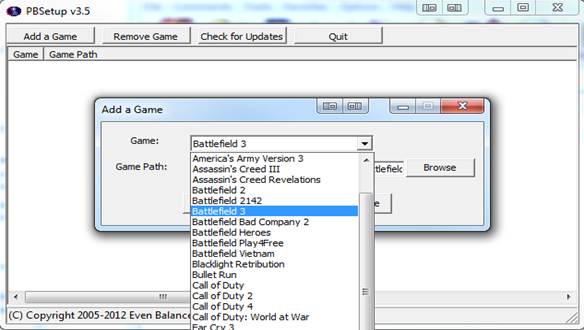
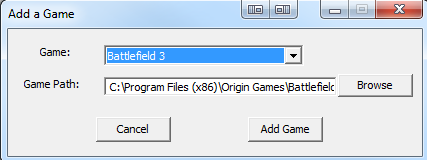
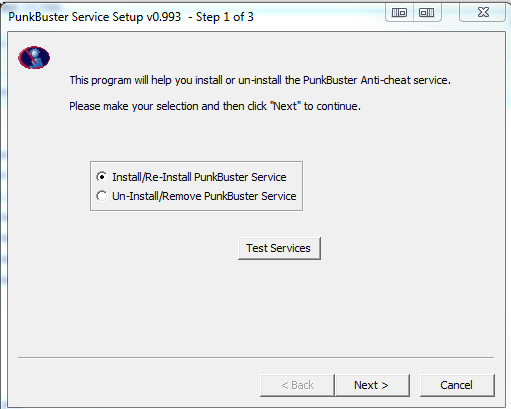
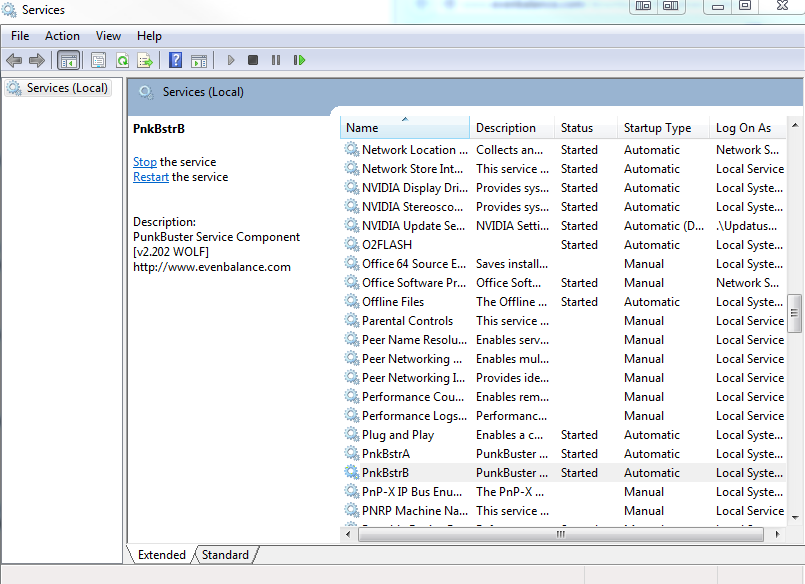
You can remove PunkBuster for PC by going to the Control Panel, then Programs & Features, or Add/Remove Programs for the Classic View, for Windows.
If you’re having trouble auto-updating or running PBSetup.exe, it may help by removing PunkBuster from your system for a clean installation.
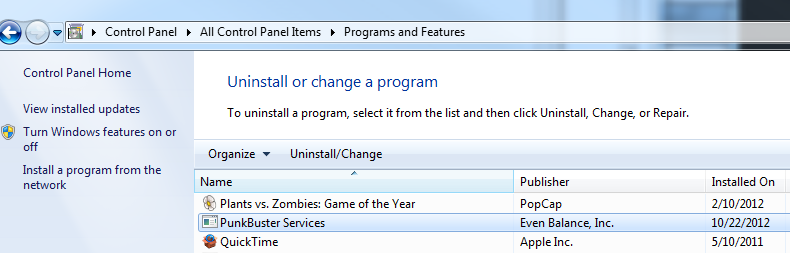
Click Uninstall/Change to remove PunkBuster Services from your computer. You can also uninstall PunkBuster Services by running PBSVC.EXE and choose the Uninstall PunkBuster Services option.
- NOTE: You will not be able to join any matches of games that use Punkbuster until you re-install it.
As with any uninstallation procedures, make sure to restart your PC to finalize any system changes.
For more information, use the PunkBuster Player Manual or the Even Balance Support Page for your particular game.
If this was helpful and solved your issue, please press 'Accept as Solution' button to mark this topic solved. Then click the 'XP' button to award me XP.