Forum Discussion


EA_Aljo Community Manager
4 years agoCommunity ManagerThat looks pretty good. The pings get a bit high towards the end, but that could be due to how far the test server is from you. It's in the US so if you're outside of that, ping times will be higher for the last few hops.
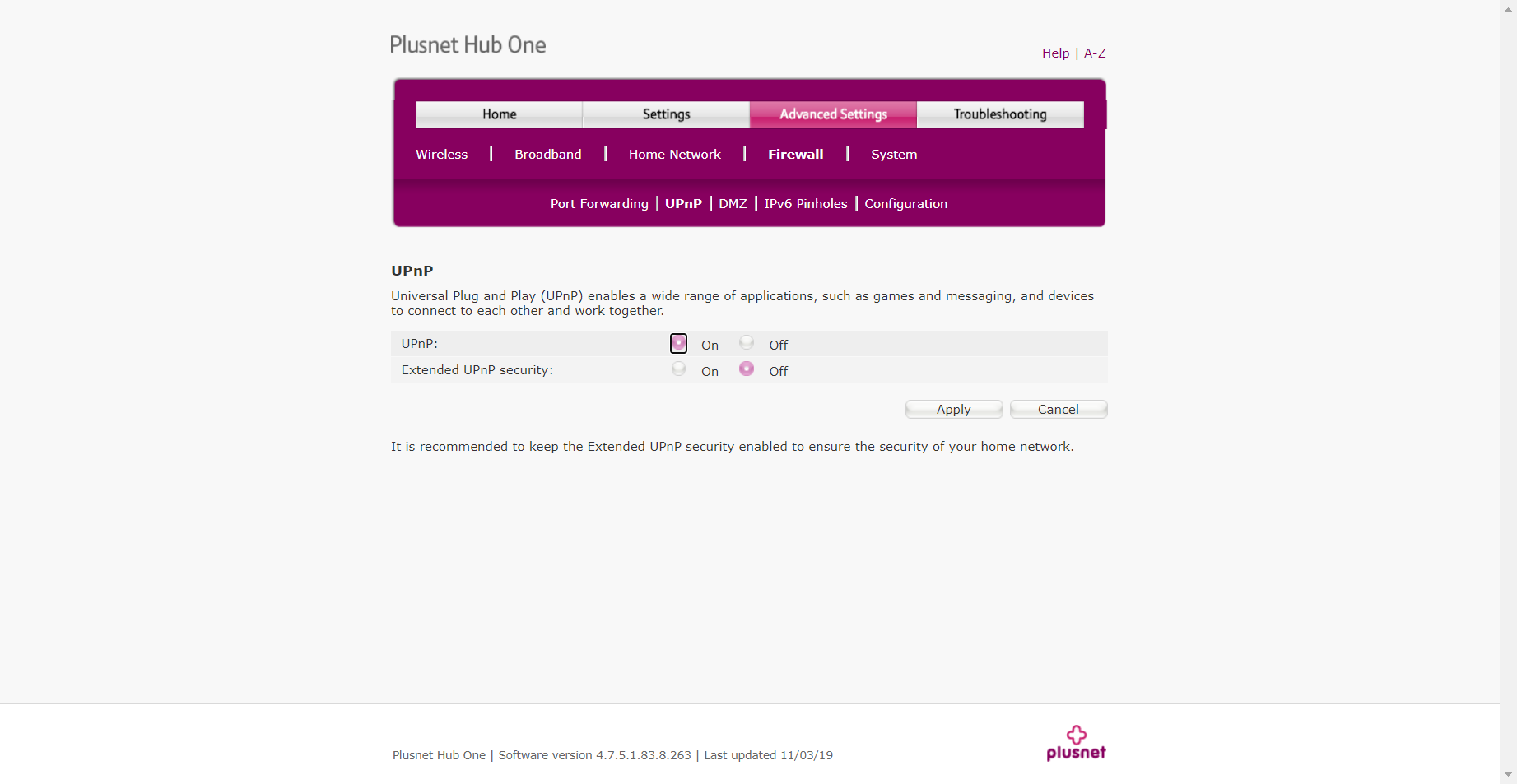
As @x--Fusi--x mentioned, can you check to see if UPnP is enabled?

4 years ago
How do i do that my good man?
 x--Fusi--x4 years agoSeasoned Ace@Phoonominal69
Every router is different, but in general.
Opens the user interface of your router
Enter your device password. It is usually on the bottom of the router. This does not mean the WiFi password!
Activates the expert view
Network Settings tab
Activate UPnP
Apply changes.- 4 years ago
Done and no. Exactly the same results again. Enter a game 19-20 seconds into loading... CONNECTION TO EA ONLINE TIMED OUT. This is getting stupid now. I have tried EVERYTHING and still the game only works 1 in every 50-60 attempts. It's really getting annoying spending an hour a time getting into a server. When im lucky enough to have the game not freeze up coming back out to the main menu.
- x--Fusi--x4 years agoSeasoned AceTry to give your console a new name in the router.
If there are several consoles on one router, problems can arise with Nat.
Have you tried to use 2 different networks, one console over LAN and the other over Wi-Fi?
If you have done all of the previous things, maybe the only thing that helps is to deal with your internet provider. You either need 2 static ips for your 2 consoles. Or the router is defective / incorrectly set. Maybe a router exchange.
- EA_Aljo4 years ago
Adding on to what @x--Fusi--x said, you can probably google your router model to find these instructions. Most routers have their manual online. - x--Fusi--x4 years agoSeasoned AceIn order to access the router, enter your router's IP address in the browser. You can often find this IP address on the underside of your router or in the associated operating instructions.
Featured Places