- Open the guide by pressing the Xbox button on your controller.
- Move right to the System tab.
-
Select Settings.
- Move down to Network.
- Select Network settings.
-
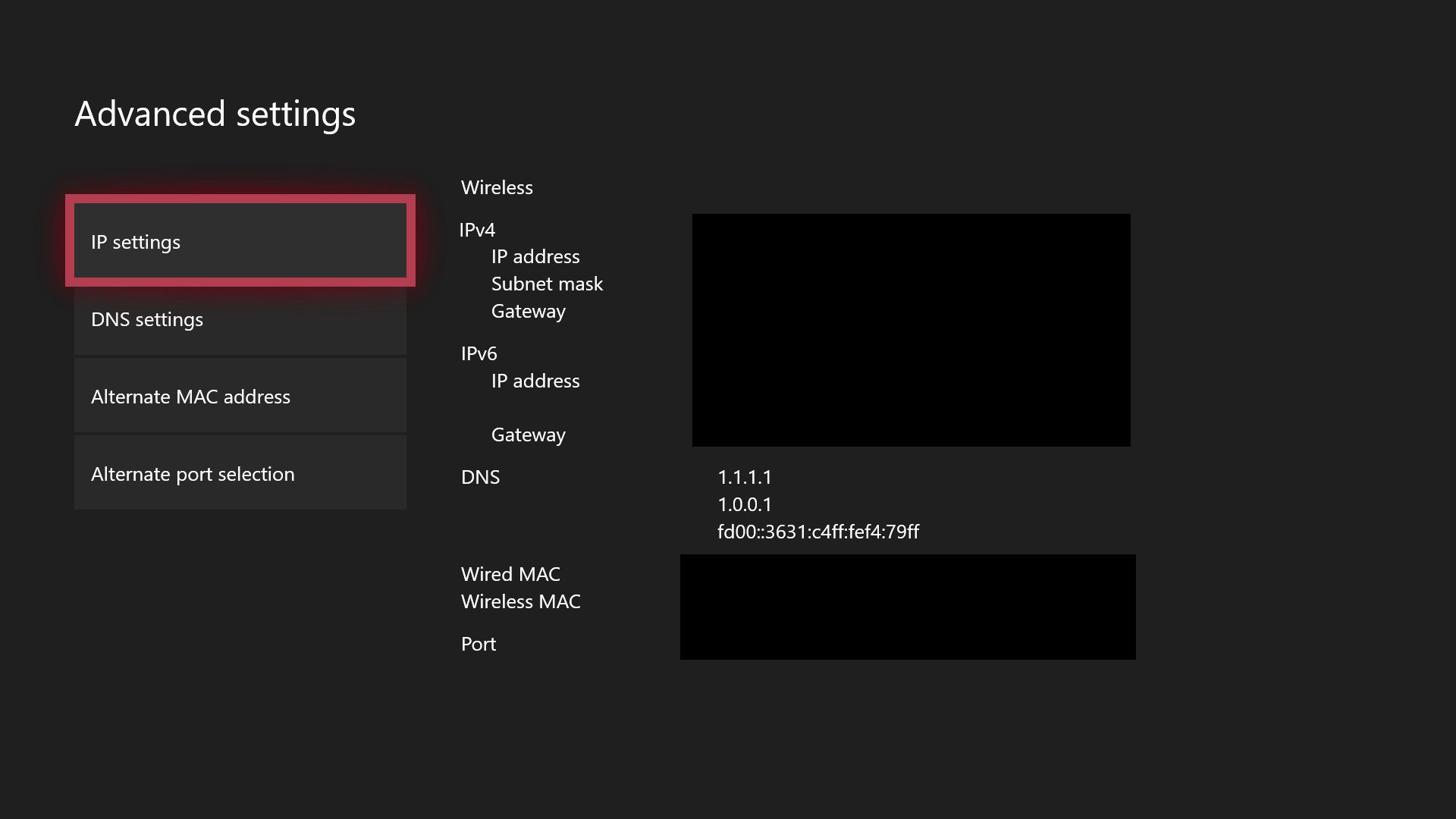
Select Advanced settings.
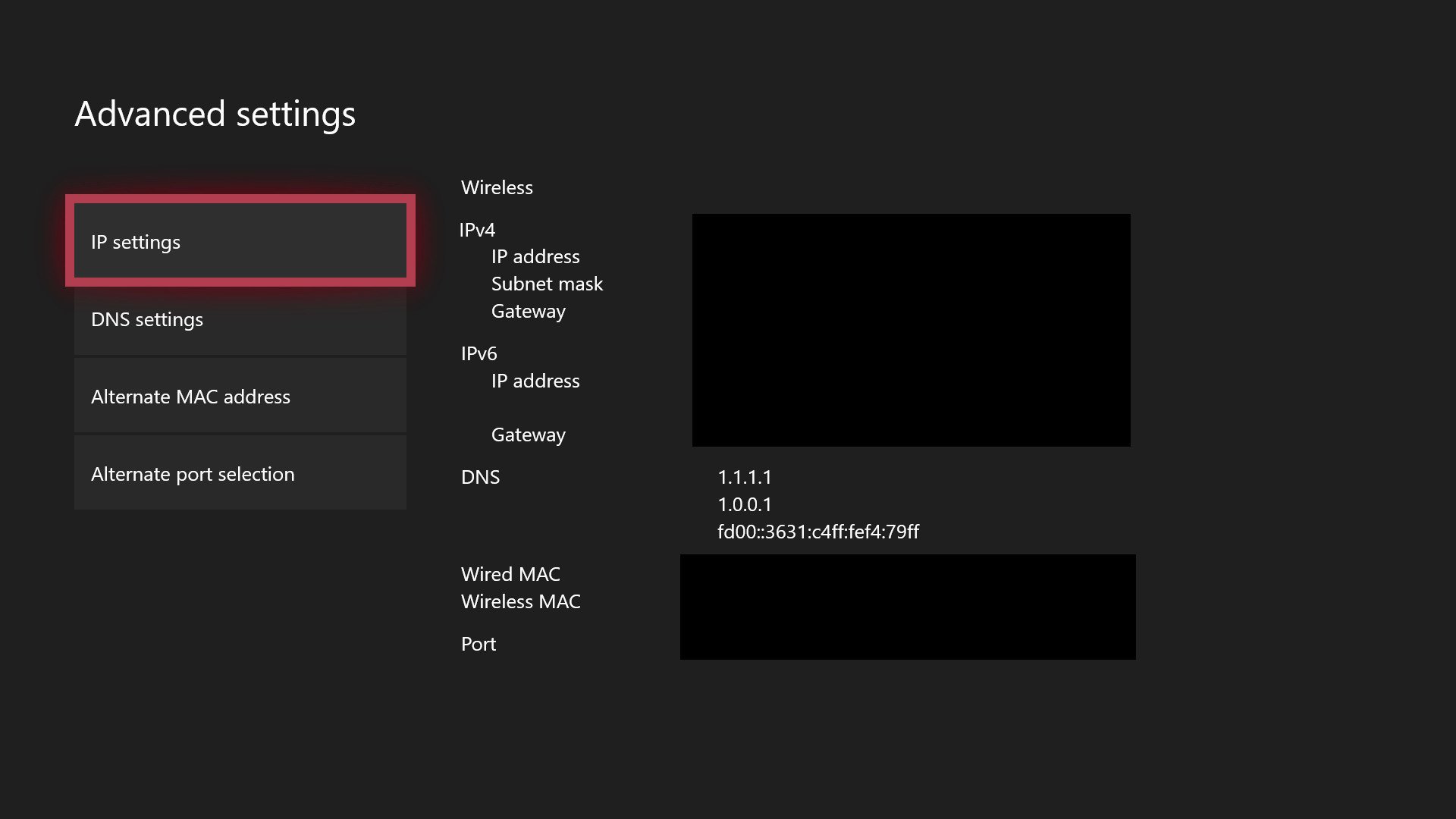
- Make a note of your existing DNS servers on this screen, in case you need to re-enter them for some reason.
- Select DNS settings.
- Select Manual.
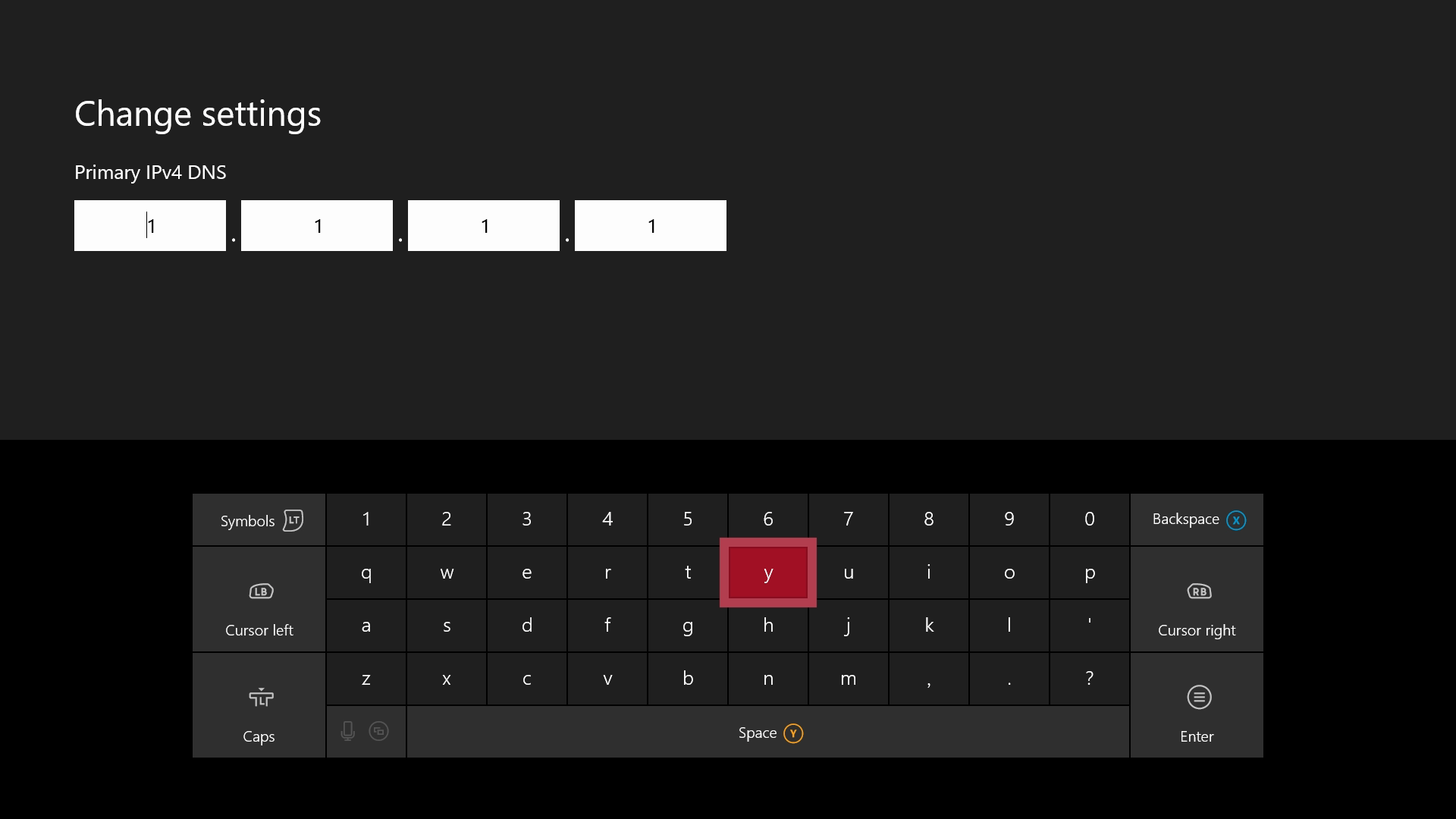
-
Enter your new DNS servers. (For Cloudfare, it's 1.1.1.1 as the primary, and 1.0.0.1 as the secondary.)

- Once you have finished, press B to exit the menu, and the Xbox will check your connection to make sure everything is working correctly.
Re: Madden 20 error downloading tuning data
I swapped from wired internet to wifi. I removed saved games and reserved data. I restarted console several times. I changed DNS from automatic to google servers and back. I tried a new MAC address....
I was able to get into the pro bowl game and it froze during the kickoff on two different occasions.
One, while kicking, the game froze. Made as strange buzzing sounds and the consol turned off.
Two, while receiving and running back the kick off the game froze. Strange sound and then crash.
If the game is downloaded to my xbox and I'm playing single player, why would these network settings affect performance?
What else can you suggest? I am waiting for my xbox to reboot for the 100th time so I can try the gamertag suggestion.
Thanks for your help.