Forum Discussion

Anonymous's avatar
Anonymous
9 years ago
Solved

Need for Speed 2015 Intel Crash

Hi!  I just purchased the NFS2015 thru Origin.  After the game is downloaded and installed, I tried to play but fail.

It prompt a box with the following wordings:

"Detected Intel driver version #1 15.301.1201.0 12/23/2015 00:00:00 #2 10.18.10.4425 04/04/2016 00:00:00.  The recommended driver version is xx.xx. 15.4251 or later.  Please update your drivers at http://downloadcenter.intel.com/ before playing the game.  Do you want to try and run the game anyway?  There maybe stability, performance or visual corruption issues."

I tried to ignore this and get into the game.  But it just crash and can't get into it once.

I have tried to run the Intel Driver Update Utility which shows that my PC is running on x.x.x.4425 version, which is the latest version.

Here is my PC's spec:

Intel Core i7-4790 3.6G

Radeon R9 380 4GB

16GB Ram

Win 8.1 64Bit

Can anyone advise the solution?  Many thanks in advance!

  • Anonymous's avatar
    Anonymous
    9 years ago

    Finally

    When I connect to to the display card instead of onboard display card

    it works!

    Finally I can get into the game!

    Many thanks for your help!

9 Replies

  • Anonymous's avatar
    Anonymous
    9 years ago

    Maybe it is a stupid question... 

    Where can find the "Gaming" tab in AMD Catalyst Control Center (as attached)?

    I can't find this tab...

  • Anonymous's avatar
    Anonymous
    9 years ago

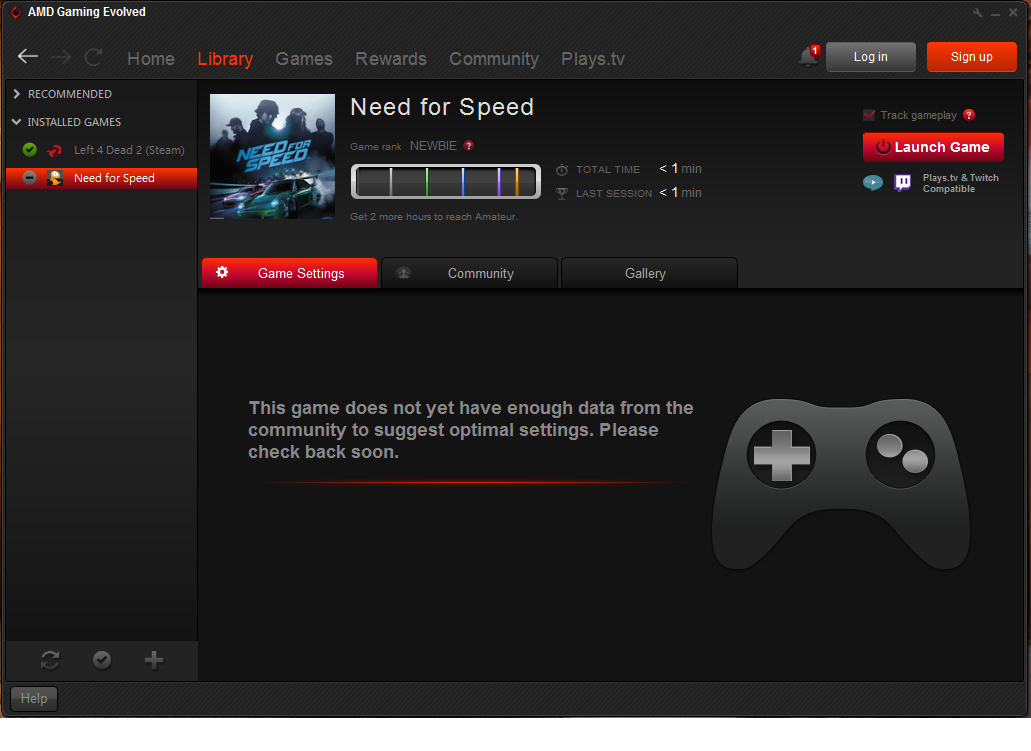
    I have also tried launch the game thru "AMD Gaming Evolved" client, but it still fail to enter the game. =(

  • EA_Barry's avatar
    EA_Barry
    Icon for Community Manager rankCommunity Manager
    9 years ago

    @c0ldheart26

    Sorry the article does not exactly match what you are seeing. In step 4 of the AMD part of the article it asks you to click add, you should click add preset and then continue with the rest of the steps. It appears step 3 (gaming tab, 3D application settings) is redundant.

  • Anonymous's avatar
    Anonymous
    9 years ago

    I have added the preset as the captioned screen.

    But whenever I double click the game in the AMD Catalyst Control Center, or launch the game thru "AMD Gaming Evolved"

    the error screen still prompt in the 2nd screen

  • Anonymous's avatar
    Anonymous
    9 years ago

    Finally

    When I connect to to the display card instead of onboard display card

    it works!

    Finally I can get into the game!

    Many thanks for your help!

  • Anonymous's avatar
    Anonymous
    7 years ago

    I still have the same problem and i didnt find the answer here any help pls 

  • Anonymous's avatar
    Anonymous
    7 years ago

    how it worked ? 
    can you show me please how to connect to Display Card ? cuz i have the same PC 

Featured Places

Node avatar for NEED FOR SPEED™ Franchise Discussion

NEED FOR SPEED™ Franchise Discussion

Have you played any other Need for Speed games in the franchise? Tell us about your experience on the community forum.Latest Activity: 1 minute ago
30,464 Posts