Forum Discussion

10 years ago
I already asked a similar question here:
BETTER GRAPHICS ON SOME DEVICES
And waiting for a good answer. Let me know if you have any luck with editing the JSON file.

5 years ago
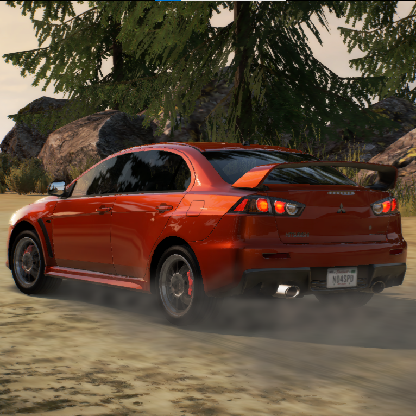
Just follow these simple steps and Get Ultra Graphics in NFS No Limits. First Click this link below:
https://www.mediafire.com/file/7xwcn4b28eqza18/Graphics.zip/file. Then download the folder that is given. After that go to play store and Download ZArchiver. Open the app and Grant the permission. Go to Internal Storage/download. Extract the downloaded file. Next come back to Internal Storage. Click android/NFS no limits folder/files/var. Then delete the json. File. Again come back to Internal Storage/android/download. Click the extracted folder then select Willow's Graphics. Copy the file inside the folder. Again follow this: android/NFS no limits folder/files/var. Paste the file there. Now restart the device and enjoy the Ultra High Graphics 🥳🥳🥳.
Featured Places