Solved
Forum Discussion



Stevob EA QV Team
1 year agoEA QV Team@mikeymike6q As I mentioned above, can you try the following if possible?
"a temporary work around for this issue if you have any DLC/ Packs installed is to uninstall one of them, reload in and this should re-sync the inventory. Launch the game and go to free roam. If this works, then close off everything and install the DLC again and it should work from then on."

1 year ago
Hi there, I have tried the solutions you have recommended and still have the same issue. I deleted a dlc, I have tried connecting differently, everything, please help
Username: gringation03
- 1 year ago@Gringation I'm on ps5 on a wireless 5g connection if that makes a difference
 EA_Illium1 year ago
EA Staff (Retired)
- 1 year ago@EA_Illium I used wireless 5g home wifi, I have an update, I deleted a car and it solved most of the issue but there are still items from previous speed passes that are locked even though I have them, I tried and tried again but I still would appreciate the help
- EA_Illium1 year agoHi @Gringation, To confirm are you getting a "Purchase Failed" error message, or the Error F03 / FOD "Inventory could not be loaded"?
- 1 year ago
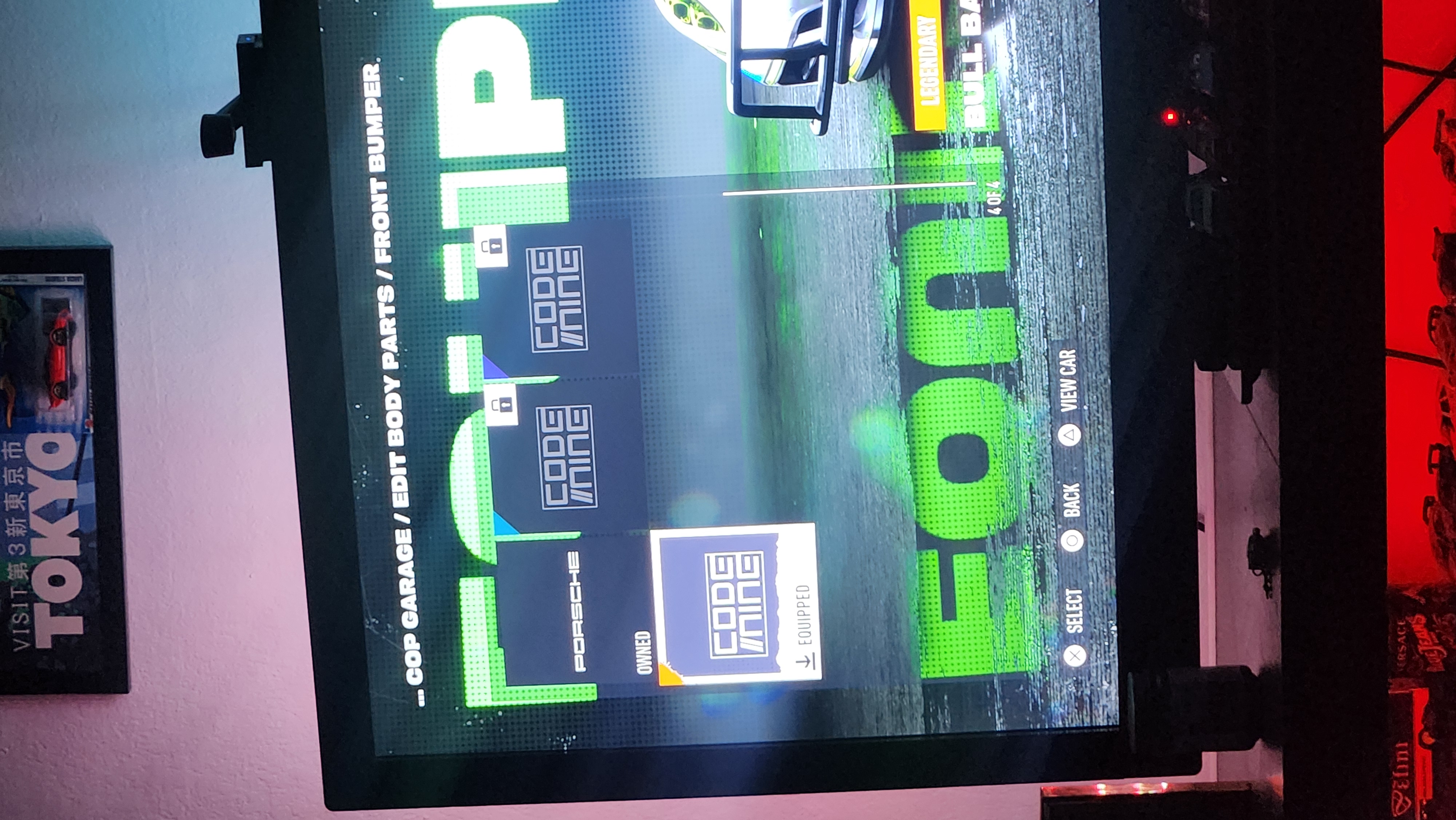
It is the F03 Error, inventory cannot be loaded, specifically the inventory missing is from the last speed passes and unfortunately some cars and money too.
- 1 year ago
Yes that is correct
Featured Places