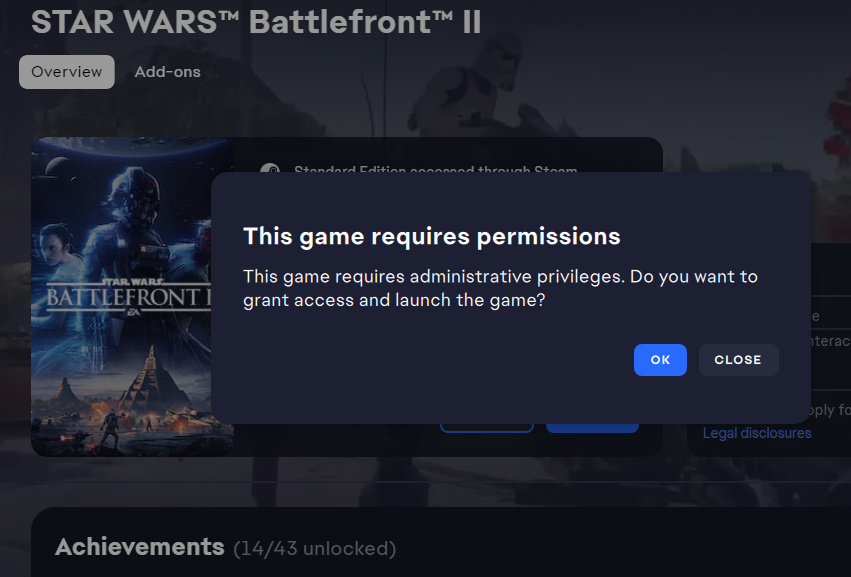
"This game requires permissions" error, Not Launching


@MST3Kmaster wrote:
How do I do that? If I right-click on the thing and hit "run as administrator" it's just the same error I've been getting.
What "thing" are you referring to? The "STAR WARS Battlefront II" icon on your desktop? If so, right click on it and make sure it is pointing to starwarsbattlefrontii.exe file. (It probably is.)

Yeah, I did it on the .exe file that I found through using the "browse local files" option on Steam, and it still gives the same permissions error.

Any solutions???
I haven't found any yet, I hope to find some soon. I have a hankerin' for some clankerin'.

If this issue is still a thing for anyone, try looking at the entry in “Environment Variables” this messed up both Star Wars Battlefront Games. The environment variable referenced both Star Wars BF games having issues.
Steps:
In the “Windows desktop search bar", type "Environment Variables" then open the option that displays "Edit the system environment variables". Next, click the button at the bottom of the window that says, "Environmental Variables". If there's a Variable called GAME_DATA_DIR or a variable related to Battlefront II, delete it. It maybe a good idea to restart your PC after this. Once back into Windows, try launching the game(s) that were affected and see if they start.
I hope this fixes the issue for you.. There was also no need for me to do anything with granting permissions or run as admin after doing this...
Unfortunately EA was no help at all...