sims2 - Build/buy/Needs bar size
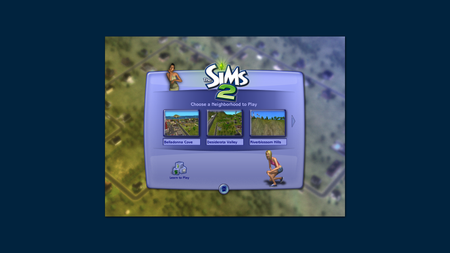


darkdagree3 One of the patches removed Fullscreen mode and replaced it with Borderless, meaning the resolution adapts to your system settings (Settings > System > Display); you can try lowering the resolution there to see if the UI becomes larger.
Alternatively, if your resolution is higher than 1920x1080, you can try the cheat uintProp uiScaleFactor x (replace x with 1, 2 or 3) as described in the April 3 Patch Notes. Hopefully one of these suggestions works for you, or EA finds a way to make UI scaling options more accessible.