Forum Discussion
25 Replies
 graceymanors4 years agoLegend@Nikkei_Simmer i will not join the dark side I won’t I won’t?
- graceymanors4 years agoLegendhttps://youtu.be/VeiGD380teo
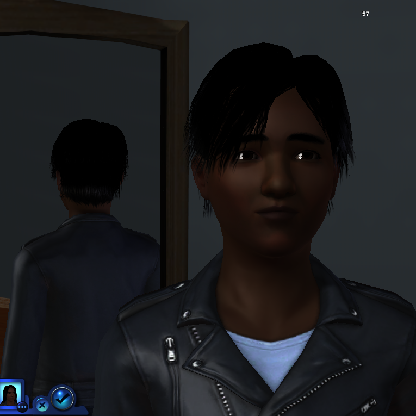
Here is what the update is making my game do. - @alanmichael1
I have a pretty decent set up but after a year of doing absolutely everything I could think of with a lot of players trying to help me to no avail I just went to disc and don't have any issues now. The only reason I keep the digital game installed is to download stuff from the community and the exchange as my disc game is on a seperate hard drive that I don't allow to touch the internet. I never really found out what was causing my issue but it had to be some sort of update with origin and/or windows 10 because prior to that it was running fine on windows 10 for a while and when i was running the game on win7 prior to that I never had a problem either.
@Nikkei_Simmer
Very funny and that very same thought has crossed my mind a few times lol :)
@GraceyManor
That does look really weird it makes me wonder what is going on for you..I hope you are able to fix it. - graceymanors4 years agoLegendI don’t get why some are getting the update and others aren’t
- If you installed the game on a system drive, I believe you can rollback if your windows system restore is turned on, since the disc version of Sims 3 is installed on a registry level (and I hope the origin's version isnt different), try rolling back to the date prior you updated the sims 3 from origin, the downside is that any changes and software you installed after the date will be gone but userdata will be perfectly safe(Desktop,Document, Download)
But if your game is installed on different partition than windows, system restore may not help.
or just you know, reinstalling the game from scratch.


Featured Places