Forum Discussion


puzzlezaddict
5 years agoHero+
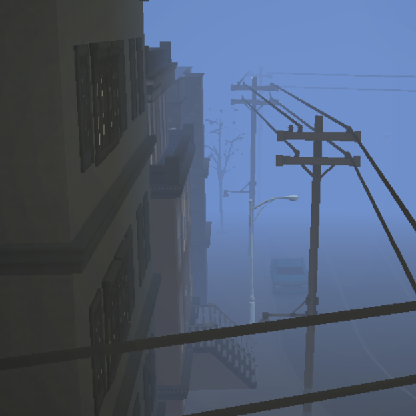
This is a known issue that happens when you exit one save, but only to the Main Menu, and then start a new save without quitting to desktop first. The problem is that the game doesn't fully flush the data from the previous save, and some of that data can get superimposed on the new save and cause all kinds of issues. I've seen the ghost one a couple of times when I wanted to look at different neighborhoods without loading from scratch. Other fallout from the data contamination might not become apparent until later. That's why it's always best to quit to desktop and reload before switching saves, whether the one you want to play is new or not.
If you did quit to desktop before starting the new save, maybe your game folder has leftover data from a previous save that's getting loaded into the new one. Go into Documents\Electronic Arts\The Sims 3\CurrentGame and delete anything in there. This folder should always be empty unless you have a save loaded. Delete the five cache files in the Sims 3 folder as well. For reference, they are:
If you did quit to desktop before starting the new save, maybe your game folder has leftover data from a previous save that's getting loaded into the new one. Go into Documents\Electronic Arts\The Sims 3\CurrentGame and delete anything in there. This folder should always be empty unless you have a save loaded. Delete the five cache files in the Sims 3 folder as well. For reference, they are:
- CASPartCache.package
- compositorCache.package
- scriptCache.package
- simCompositorCache.package
- socialCache.package
Featured Places