Forum Discussion

3 Replies
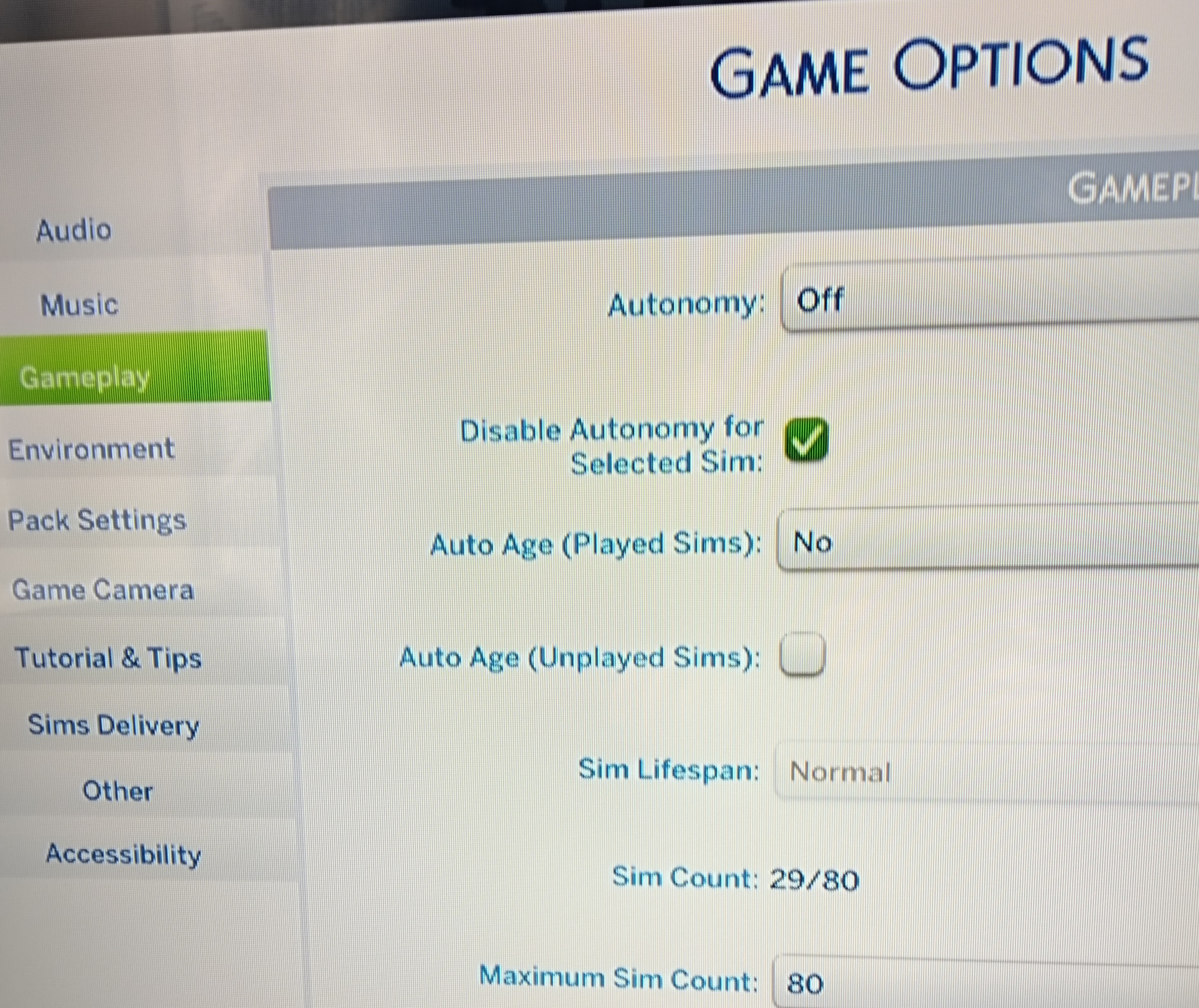
@MiniStonedKitty this is quite an old thread so I'll quickly reply before it's locked. I've attached images to hopefully show you where you need to look (I'm on Xbox). Your game save is the current game you are playing. If you open up your Menu and select Game Options then follow these steps in the images attached and then select Apply Changes then that should do the trick.
@MiniStonedKitty A 'game save' is just referring to a saved version of your game. If you've saved more than one 'game save' you will have more than one. When you open your game you will see the 'Load Game' option...
After clicking 'Load Game' (above) if you have more than one 'game save', you will see a list of the games that you have saved, with the most recently played and saved at the top:
 EA_Solaire3 years ago
Community Manager
Hi all,
This thread has gotten a bit older now, so I've locked it to prevent necro-posting.
If you're needing further help on this topic, please feel free to create a new thread and we'll take a look with you 🙂


Featured Places