Forum Discussion

No RepliesBe the first to reply
Featured Places

Hello.
I know your post was made long ago, but I just found the solution on my Croatian keyboard (QWERTZ).
First, make sure you have turned on the cheats.
Open the Cheat box by simultaneously holding Ctrl Shift and the letter C.
Type testingcheatsenabled true and press Enter.
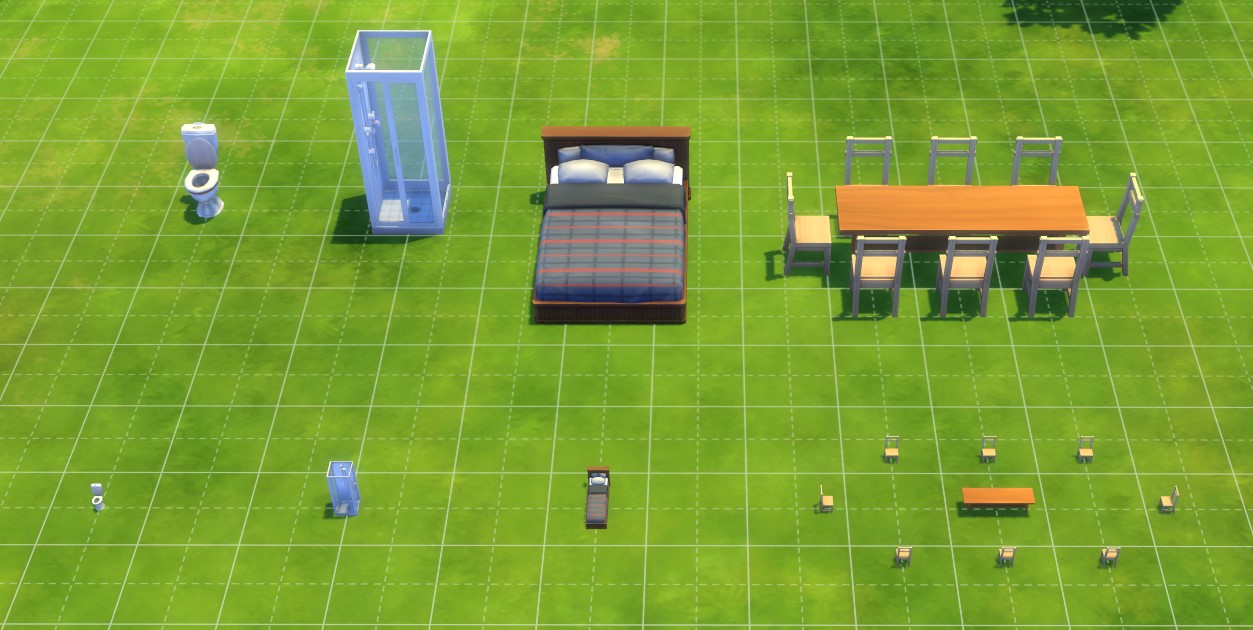
Select an object.
To resize, hold Alt Gr and press the letter Š (with a divide symbol) to minimize or the letter Đ (with a multiplying symbol) to maximize.
For rotation, use , and .
For moving objects freely hold the Alt key and drag your selected object.
I hope this helps.