[ARCHIVED] How to use Mods/CC on PC


Product: The Sims 4
Platform:Mac
Which language are you playing the game in? English
How often does the bug occur? Rarely (0% - 9%)
What is your current game version number? 1.98.158.1220
What expansions, game packs, and stuff packs do you have installed? none
Steps: How can we find the bug ourselves? if you go to the main menu, it does not tell you the mods i have, you can tell that my characters are stripped off as i use custom content on them
What happens when the bug occurs? everything gets stripped off and my mods disappear, my characters become bald, shirtless and pantless, my house loses its furniture.
What do you expect to see? My mods should appear as per usual and my characters should be able to have their custom content.
Have you installed any customization with the game, e.g. Custom Content or Mods? Yes
Did this issue appear after a specific patch or change you made to your system? Yes
Please describe the patch or change you made. I previously had an issue where my household wouldn't load and I would find myself back at the world page so someone suggested moving my Sims 4 folder to the desktop
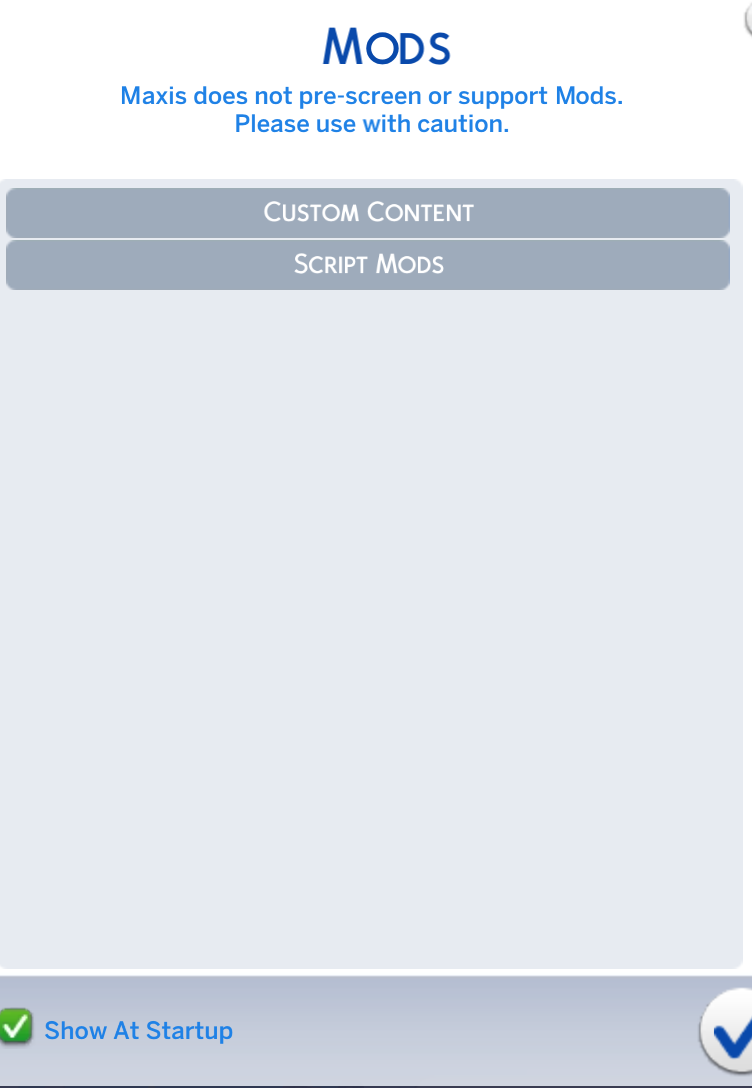
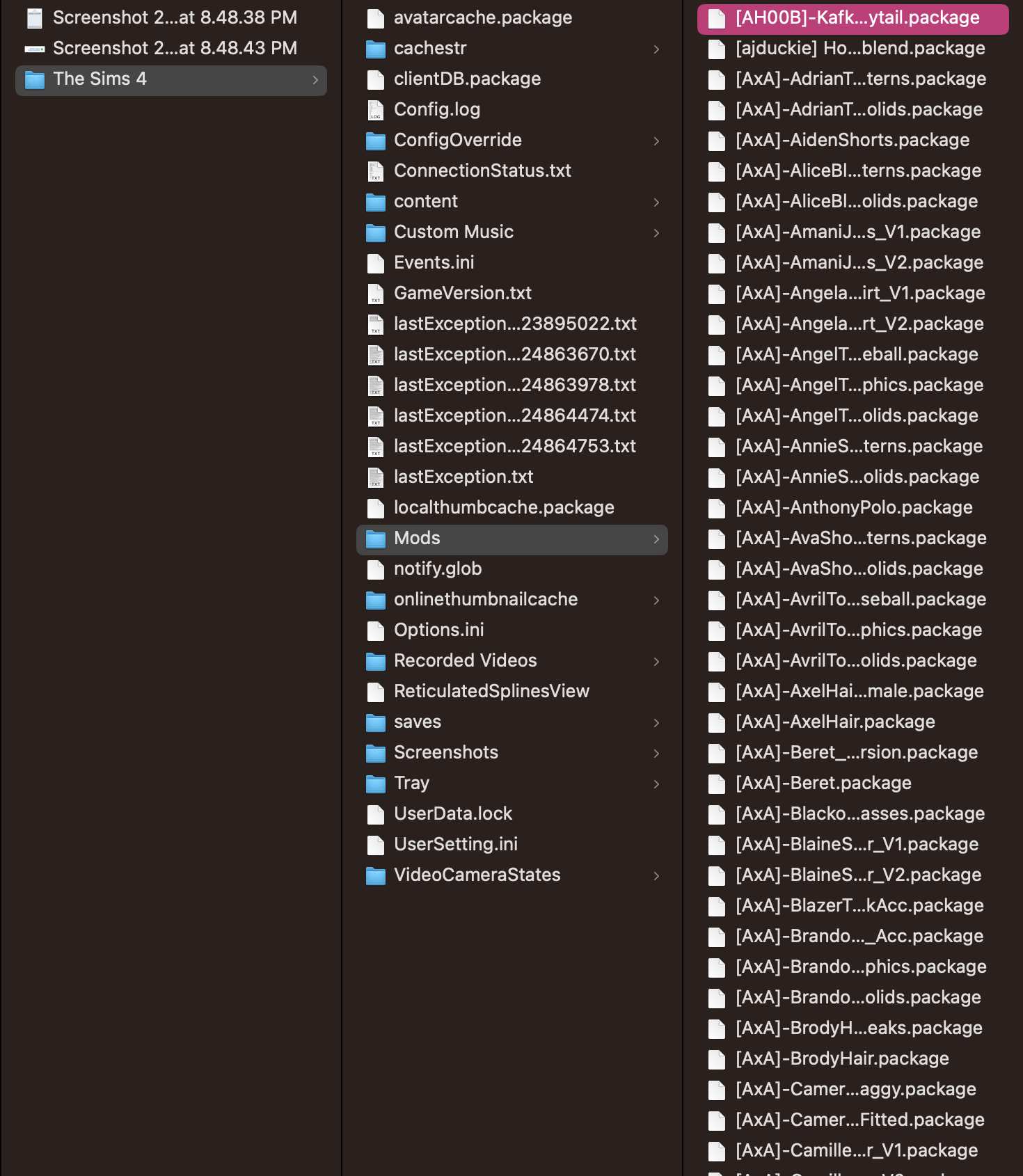
I previously had an issue where my household wouldn't load and I would find myself back at the world page so someone suggested moving my Sims 4 folder to the desktop, afterward, my household loaded but my Sims 4 acted like I had no mods even though it was enabled and there are clearly mods in the 'Mods' Folder.

Did you put the mods back into the newly generated Sims folder, or are they still in the copy on your desktop?
yeah i added a new folder and put all my mods in but nothing seems to work