Gallery Glitches When Trying to View Lot Created By Another Player
Product: The Sims 4
Platform:PC
Which language are you playing the game in? English
How often does the bug occur? Rarely (0% - 9%)
What is your current game version number? 1.94.147.1030
What expansions, game packs, and stuff packs do you have installed? I have all the expansion packs and stuff packs. I have all game packs except for Werewolves, Journey to Batuu, Realm of Magic, Strangerville, and Vampires. I own over half of the kits.
Steps: How can we find the bug ourselves? Go to the gallery page of another player and try to click on a lot to view it. This just started happening today.
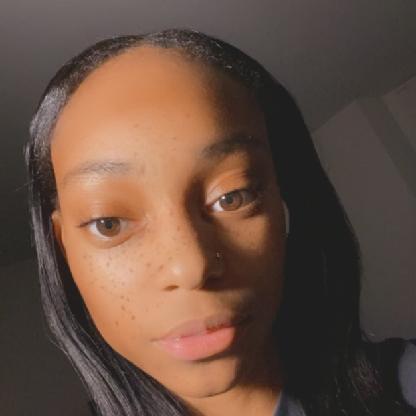
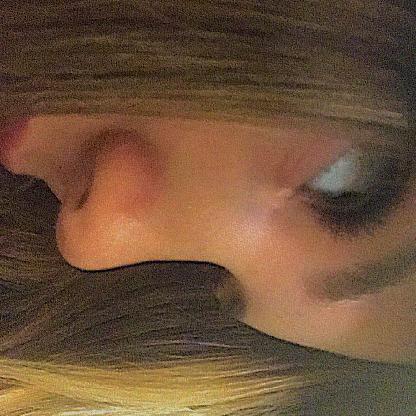
What happens when the bug occurs? I have attached a picture of what pops up when I try to click on certain lots to this post. The glitched screen remains up even after I close out of the gallery and will not go away, therefore, the only option is to exit the game.
What do you expect to see? Not that... I expect to see the page showing the pictures of the lot I clicked on.
Have you installed any customization with the game, e.g. Custom Content or Mods? Yes
Did this issue appear after a specific patch or change you made to your system? Neutral/Not Sure
I know there was a small game update recently. I am not sure if that has anything to do with this glitch although, at this point, I am having so many issues with this game that I will most likely be shelving it again soon. It is largely unplayable for me. I am also trying to figure out if and which of my custom content items (i.e., primarily CAS custom content) could be causing some of the issues I am experiencing although, I have yet to find the problem using the 50/50 method.




.png)
.png)