Solved
Forum Discussion


1 year ago
Alright if i’m being honest I know absolutely nothing about computers and just recently got this handed down to me as a gift. I was under the impression that an SSD was an external drive, but according to my computer mine is actually internal. My apologies. The format is Mac OS Extended (Journaled) though if it still matters.

Bluebellflora
1 year agoHero+
@gasolinico
SSD means Solid State Drive and is the name for the type of disk, whether internal or external 🙂
Rename or move the Mods folder out of the Sims 4 folder so the game does not load it, trash the localthumbcache.package file again then try to load the game.
Which version of macOS are you running?
SSD means Solid State Drive and is the name for the type of disk, whether internal or external 🙂
Rename or move the Mods folder out of the Sims 4 folder so the game does not load it, trash the localthumbcache.package file again then try to load the game.
Which version of macOS are you running?
- 1 year ago
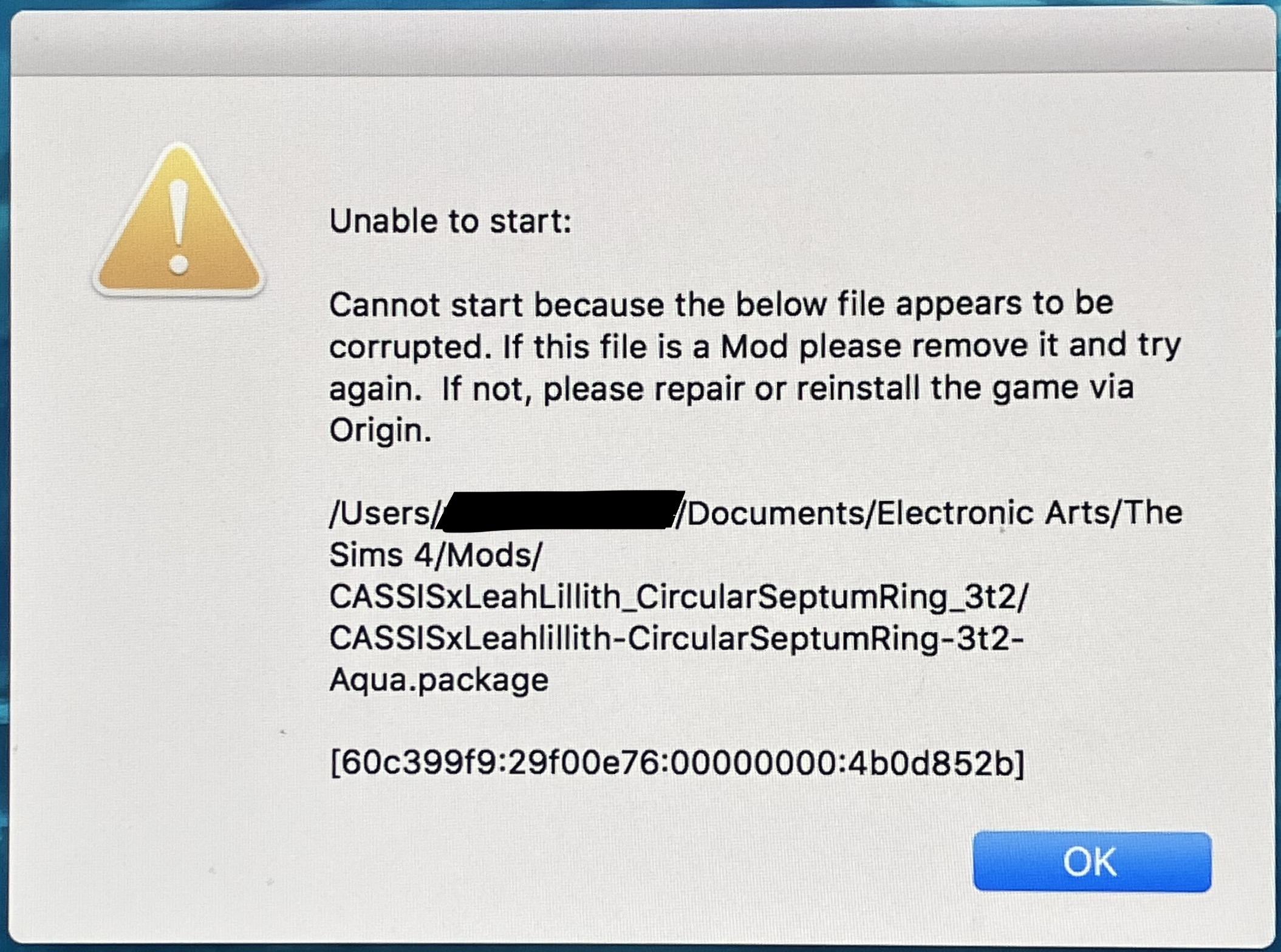
Before you sent this reply, I actually found out why the message kept showing up. When I had deleted the file my game was stating as being corrupted, I had looked the name up in my documents to find it. The file that showed up from this was somehow not the file in my mod folder, despite it never having been duplicated or added to anywhere but the mod folder. So when I deleted it, there was still a copy of it in the mod folder for some reason. So I went through my mod folder and deleted it, and when I tried to open the game, the warning didn't show up. However, the game didn't open either. I tried repairing the game, and still, It didn't open.
So today when I saw there was a new update to download, I went through my mod folder again and deleted all the mods I had, leaving only the CC. I updated the game, and finally, it opened. It gave me a warning though that it had disabled mods in case they weren't compatible with the new update. Seeing this I reenabled mods in the game settings and tried to restart the game. It didn't open, so I deleted the localthumbcache.package file and tried repairing it. It did nothing and the game still won't open. ☹️
- 1 year ago
Nevermind. 50/50'd my mods folder and found out the thing preventing my game from opening was a single stray slider file. Thank you for the help, though ! 🙂
Featured Places