Solved
Forum Discussion


4 years ago
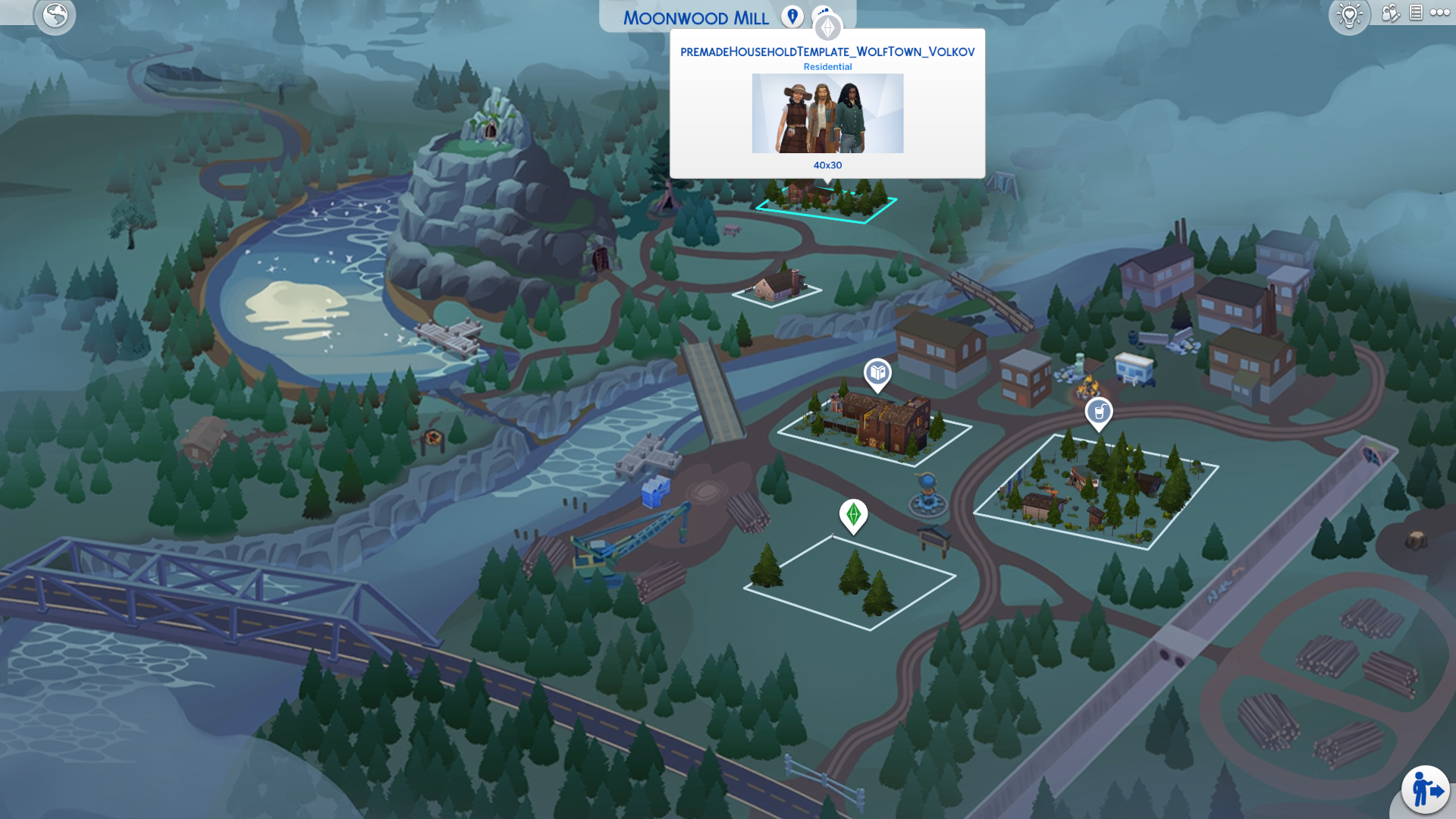
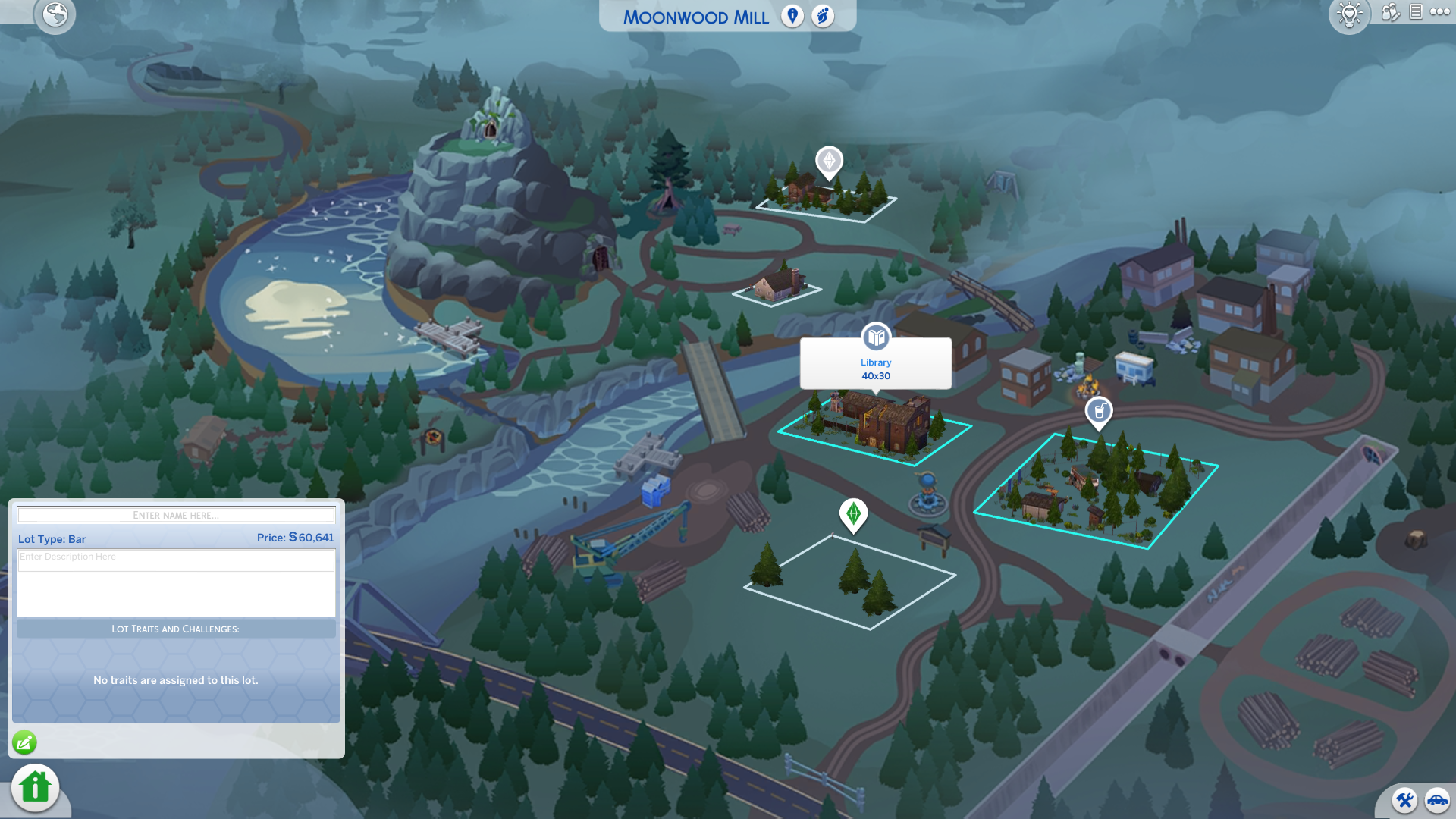
I just bought and downloaded the Werewolves GP, went into my save file and wanted to look at Moonwood Mill. I notice none of the lots have names or descriptions, and the sims that followed with the pack has a template name and also no descriptions: "premadeHouseholdTemplate_WolfTown_Volkov" "premadeHouseholdTemplate_WolfTown_Howell" "premadeHouseholdTemplate_WolfTown_Lopez" "premadeHouseholdTemplate_WolfTown_Oaklow" "premadeHouseholdTemplate_WolfTown_Wilder". The Build Buy objects are named **DEBUG** as well, with no desription to them.
I thought maybe it was a mod or something that messed with everything, and decided to take out all my mods and start a new save file, to copy over everything, but the problem has persisted. I haven't seen others with the same issue, so figured I'd make a new bug report on it. Hope someone can help me, because it's a little annoying.
- 4 years ago
After trying to repair the game (unsuccesfully), I decided to try and uninstall and reinstall. That seemed to do the trick. I disabled the pack and resaved my save file without Werewolves, and when I enabled the pack again, and went into my save file, everything was working again.
I'm unsure of what caused the issue, but I've fixed it by uninstalling, reinstalling, disabling the pack, resaving my save file without the pack, and enabling it again.
**EDIT**
Turns out it was Better Build Buy that was the culprit, which I incidentally updated inbetween my reinstall of the game as well. But the lot names and descriptions of the families where still gone, which is why disabling the pack, saving your save file without the pack, and then enabling it again is a fix for your save file.  Mielosh4 years agoSeasoned Vanguard
Product: The Sims 4
Platform:PC
Which language are you playing the game in? English
How often does the bug occur? Every time (100%)
What is your current game version number? 1.89.214.1030
What expansions, game packs, and stuff packs do you have installed? All but the kits and the wedding pack
Steps: How can we find the bug ourselves? I'm not sure if you can replicate it
What happens when the bug occurs? Every text that is werewolf related is blanc
What do you expect to see? Text in the option bubbles
Have you installed any customization with the game, e.g. Custom Content or Mods? Not now. I've removed them.
Did this issue appear after a specific patch or change you made to your system? Yes
Please describe the patch or change you made. After installing the werewolf pack
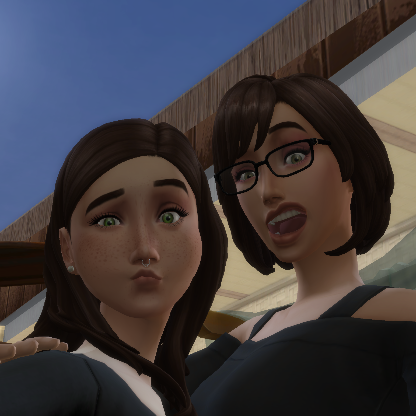
As you can see in the pictures, every option bubble that is related to werewolves is blanc. I have removed all my mods, but it didn't fix it, so that makes me think it's not a mod issue. I'm not sure what to do and how to fix it, as I have not found similar issues.
- Mielosh4 years agoSeasoned Vanguard
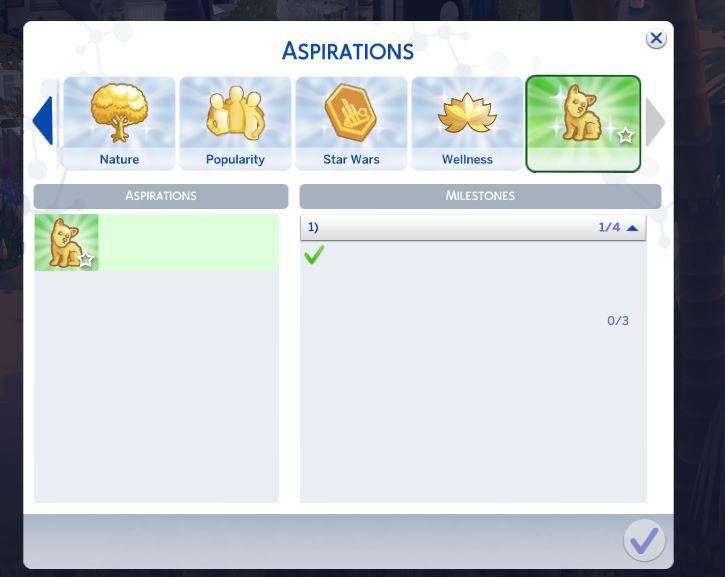
I repaired the game and now the aspiration is also not showing (see pic). I have all my mods disabled. The SDX version is also correct.
 crinrict4 years agoHero+@Mielosh I merged your post with the main thread. Please try suggestions given here.
- Mielosh4 years agoSeasoned Vanguard
Ah, thanks! I copied everything from GP12 to Delta/GP12 and now it's fixed.
Featured Places