EA_Cade The Sims Team
The Sims TeamThe Sims Team
Product: The Sims 4
Platform:PC
Which language are you playing the game in? English
How often does the bug occur? Every time (100%)
What is your current game version number? 1.99.264.1030
What expansions, game packs, and stuff packs do you have installed? horse ranch
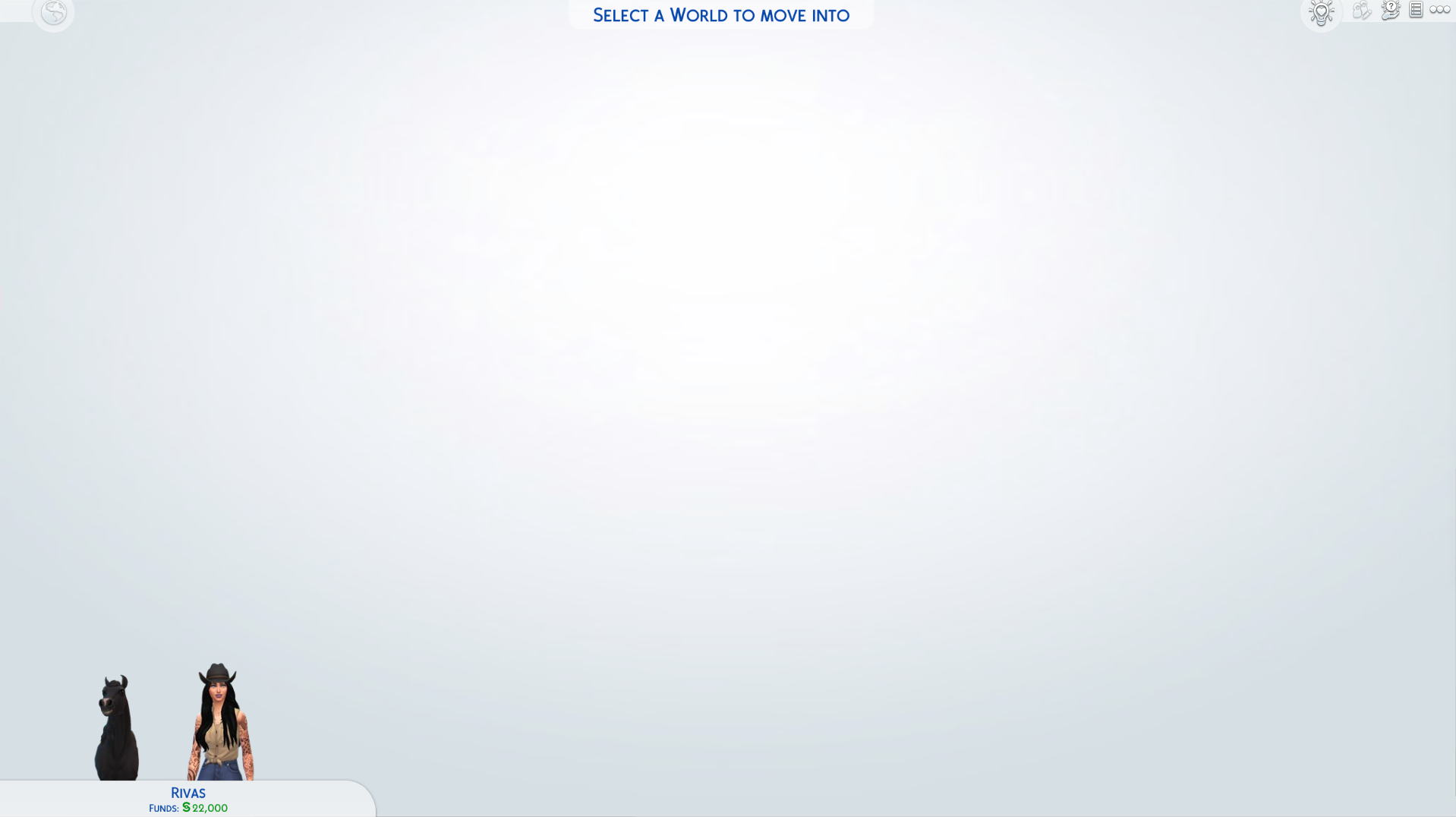
Steps: How can we find the bug ourselves? try to move a family into the new world chestnut ridge, world will not load
What happens when the bug occurs? world does not load to choose housing ect.
What do you expect to see? the world to load and be able to move a family into a home and play in said world
Have you installed any customization with the game, e.g. Custom Content or Mods? Not now. I've removed them.
Did this issue appear after a specific patch or change you made to your system? No
new horse ranch expansion pack, the new world will no load after creating or selecting a family to move in. you cannot choose home nothing. you cant play in the world.

 Community Manager
Hey @Bareskinz,
This looks like an issue with the TOOL mod- please remove all mods completely by deleting the files from your mods folder. After you've done that, you'll want to delete the localthumbcache.package as well.

Hey @EA_Solaire,
thank you for the issue statement however, I have a large mod folder that I'm not okay parting with. I was wondering if there is any other fixes to this. I know that this pack is new but I really can't get rid of these mods.

It worked for me without deleting the mods (I deleted TOOL and repaired it through Origin). What you could do is reinstall your mods in groups so you can figure out which one(s) is (are) causing the issue.

Hey, I read a post on this problem, however, I couldn't find the thread, hence I'm asking for help myself.
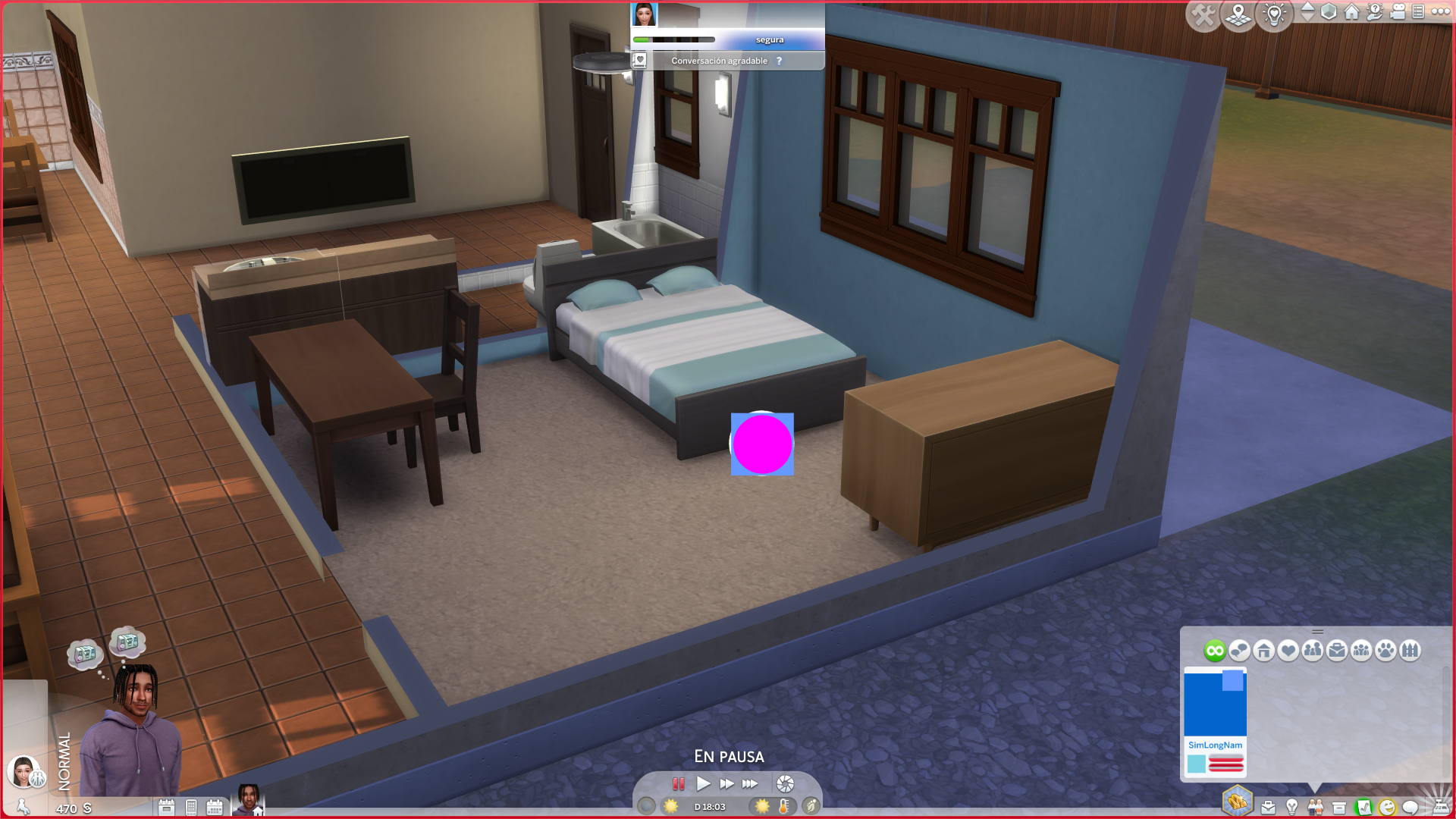
The problem that I'm getting is that when I open my relationships tab, I get this weird glitch where the sims names are 'SimLongName' and the UI looks really messed up (I attached an image). My game is modded and I think it may have to do with my MCCC, because when I open the relationships tab on MCCC, the UI looks really weird too. And whilst I'm writing this, a purple circle in a blue box has appeared (which I've also attached an image), in an attempt to open MCCC, which has happened to me before. I've updated my mods but I still keep getting these visual glitches, so I don't really know what to do. I've also repaired my game.
If it's better to ask in the MCCC Discord, please tell me, but as I'm not sure what is causing this issue, I'm asking for help here.
Thanks,
Juan


I am having the same issue (without the circle and box on the screen). However trying to "modify career outfit" or use Build mode completely breaks my game, causing everything at the bottom of the screen to disappear as well as removing function of the buttons at the top of the screen. My plan is to wait for the next MCCC update but if you found an answer that would be appreciated