Saving doesn't actually save game
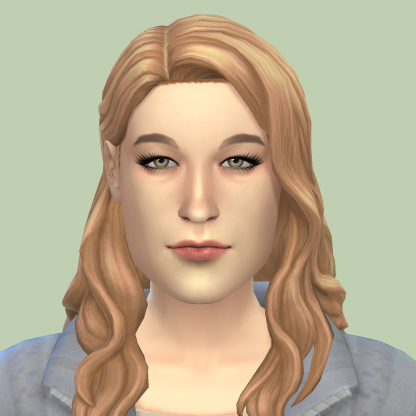
Since update of 7/26/22, opening the game menu and saving doesn't actually save because when I reload the world, it resets to where I was when I first logged on since the new update. I threw a birthday party for my sim and aged her up, somehow that part was saved but the relationship that I built up with another sim during that party didn't. It also resets back to the time of day it was when I first logged on. This repeated multiple times. Also, the needs menu colors are messed up and don't change or when they do and are replenished, they never go back to green. I'm just very confused on how the file still saved my sims new age and traits that she got, but not the relationship stats or area she was last in when I reload the save. It also doesn't seem to matter how many times I redid the things my sims originally did or how many times I save before reloading the world, it still bugs out and does all that.