
Re: Build/buy not working after 4/17/update
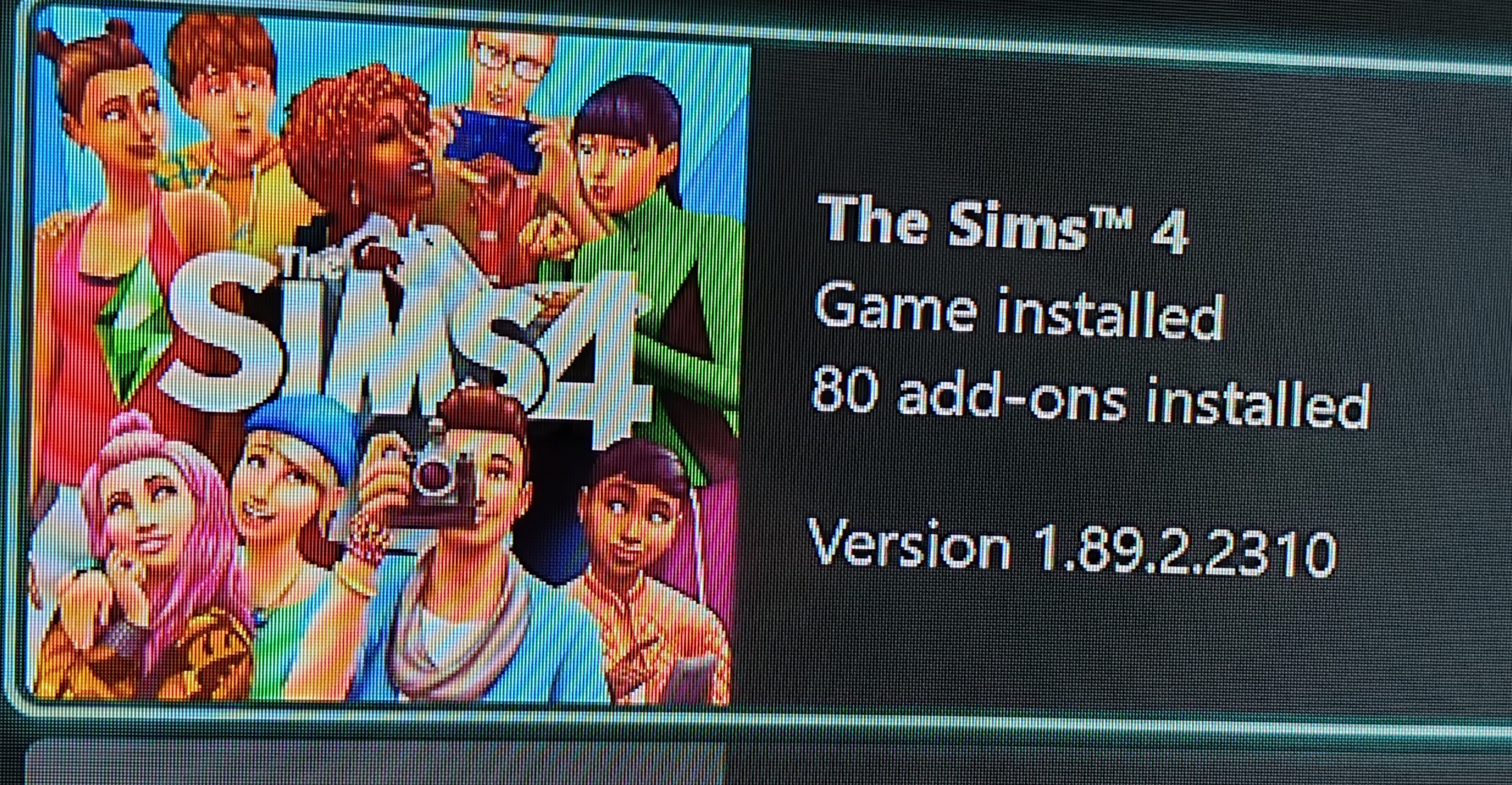
Hi there @gnosticabyss I'd start with the steps for power cycling in the attached troubleshooting guide. If that doesn't help then I'd clear locally saved data by going to manage game and add-ons and then on Sims 4 clear the small amount of data next to your gamertag (attached) by selecting delete from console. Then start your game up and it will carry out a data synch. That usually works for me. If not I'd try a reinstall next. There are follow up steps in the guide if that doesn't work.
I also had a console update yesterday on Xbox Series X but I don't know if that was for all models or just mine. But I'd check for an Xbox update in Settings just incase too and make sure your console has all updates installed.
Hope this helps!





.jpg)