Forum Discussion


kreatora
6 years agoHero (Retired)
@Dareacop
Sorry but this can not be undone.
If you deleted whole The Sims4 folder there is no way to recover it. If you have uploaded something to the Gallery - houses, families it is still there and you can download it.
The game created a new virgin game folder as it should. Start a new game and play.
Next time move The Sim 4 folder to the desktop instead delete it. In this way, you can paste your saves and library folders into the new game folder and will lose nothing.
I don't work for EA
 Dareacop6 years agoNot applicable
The thing is I can't even get to a start menu, the game opens and then cuts straight to black and then exits.
- kreatora6 years agoHero (Retired)@Dareacop
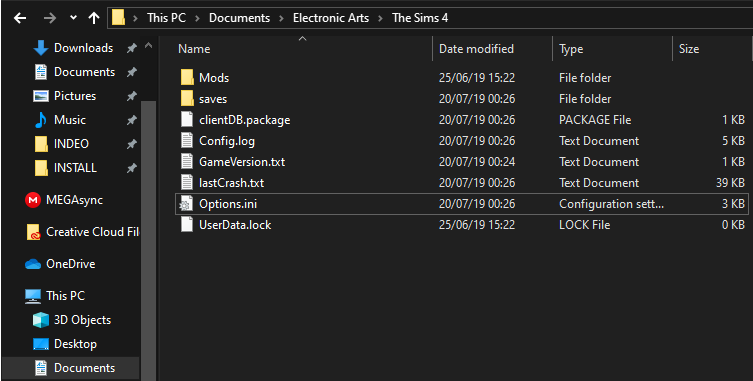
Move the TS4 folder what you have now to the desktop. Then fix the game in Origin.
Origin/Library - right-click on TS4 - option "repair game"
Then try to launch the game. Let the game create a new, clean TS4 folder.- Dareacop6 years agoNot applicable
I have tried that, my game just won't create the files needed for it. I am going to install the Sims 4 onto my laptop to get the folders to see if it works. If I can get it working, I'll upload the folder onto Drive or something similar. Don't know why I didn't think of it in the first place.
Featured Places