Grey Screen on the world map
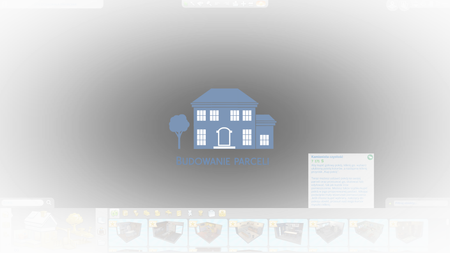


sorry to hear you're feeling ill. Hope you get better soon.
Your graphics card could do with a driver update.
You should be able to get the newest one through either the GForce Experience if you have that installed or the Nvidia page: https://www.nvidia.com/Download/index.aspx?lang=en-us
Just have the site detect your card.
Other than that: Is it just happening with spa lots and restaurants or others as well ?
Dear Crinict The grey screen appears only at the first 2 lots that the game shows the restaurant and the spa than the game works normal. I updated my graphic card to the newest version and change the screen asus splendet utility to normal. before I used eye care as default. I tried then to start the game again the grey screen doesn't shown. Now I uninstalled the game , cleaned with ccleaner and then reinstall the game again.I hope that this will help.
I tested It again other lot also from gallery are working fine only the first two that are shown by the beginning of my game are causing it,
The White Restaurant that show on the begining of the game from Dine Out and the Spa Zen from Spa Game pack. I don't know their names in English. When you open your home game gallery are the first from Dine Out and Spa Day Game pack. When I install tchem frome the home game library their are installing fine without problem but When I install tchem When the game shows these lots that is the problem. Sorry for late response.




