Forum Discussion

mintcypooh's avatar
1 year ago

Infinit loading screen when start game

I got stuck in loading screen of the sims4 when start the game it loading for more than 40 min. Everything is updated I remove all mods and cc but still stuck here.

It was happen before I restart/reinstall everything but not working but somehow it fix on it own and it happen again don't know how to fix it.

5 Replies

  • @mintcypooh  As a test, please try playing in a clean user folder.  Move the entire Sims 4 folder out of Documents > Electronic Arts and onto your desktop, and when you launch the game, a clean folder will spawn with no content.  (Your saves and other content will be intact in the folder you moved but temporarily not read by the game.)  Don't add anything to the new folder yet; just let me know whether you can get far enough to start a new save and play in live mode for a bit.

    If that doesn't help, please run a dxdiag and attach it to a post.

    https://help.ea.com/en-us/help/pc/how-to-gather-dxdiag-information/

  • mintcypooh's avatar
    mintcypooh
    1 year ago

    Thank you! It's still stuck at the same page I'll try run the report.

  • I've try turen off the internet and open the game it work with no problem but when internet back on it back to not working.

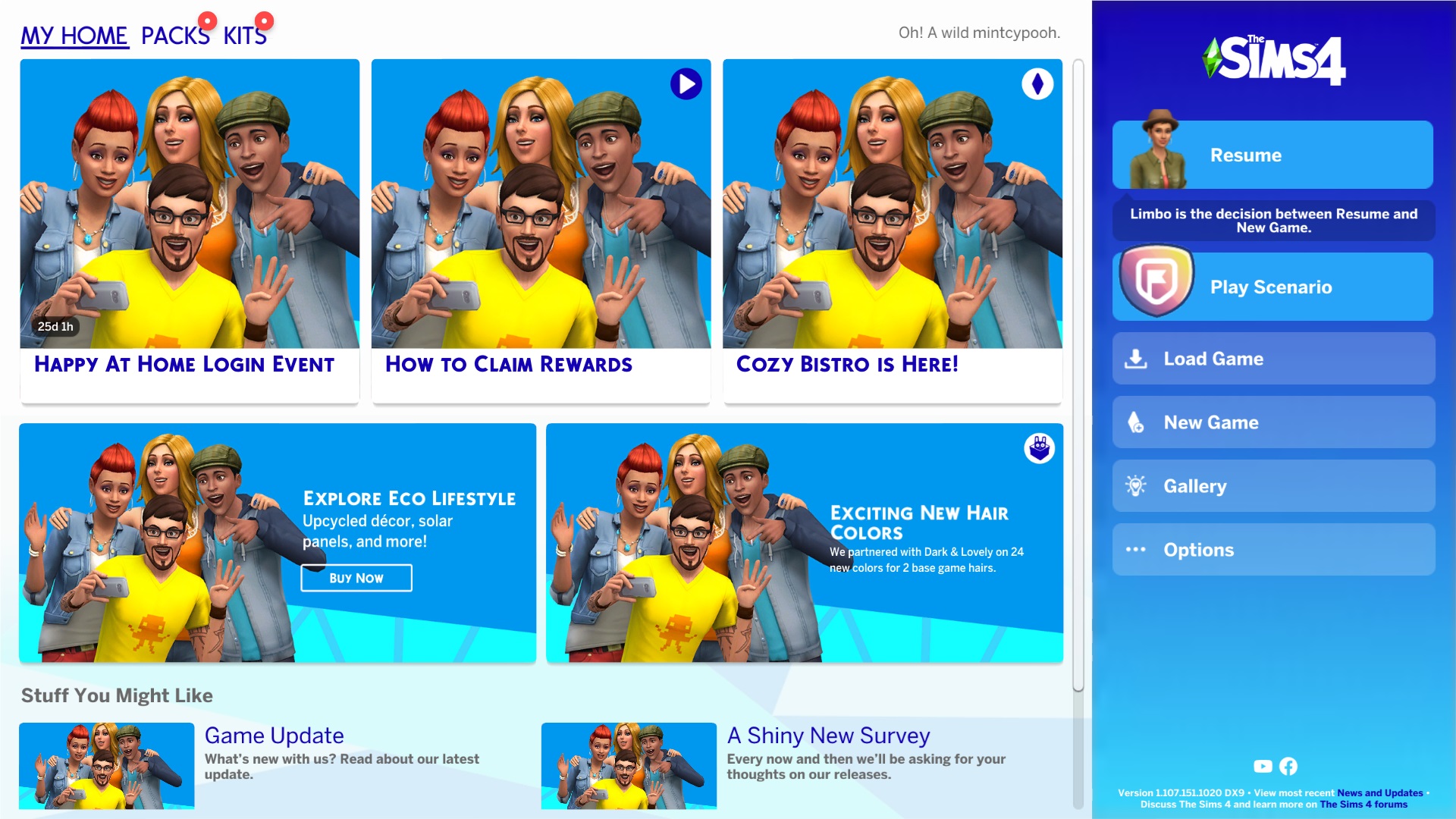
    Which make me quite mad right now since we have to go get the login reward and I can't get in game while online I've try open the game with no internet first then turn it back on it seem work but the main menu page be like this and login page not working.

  • puzzlezaddict's avatar
    puzzlezaddict
    Hero+
    1 year ago

    @mintcypooh  What antivirus do you use, and what happens if you disable it temporarily?  Is OneDrive running on this computer, and does it help to pause syncing?  You can right-click the cloud icon in the lower-right corner to see the option.

    If neither of these helps, I'd still like to see a dxdiag.

  • mintcypooh's avatar
    mintcypooh
    1 year ago

    I use antivirus that come with window and I didn'n sync any game file to onedrive but somehow the game fix it self and back to normal. If it happen again I'll try close onedrive. Thank you!