Forum Discussion


puzzlezaddict
2 years agoHero+
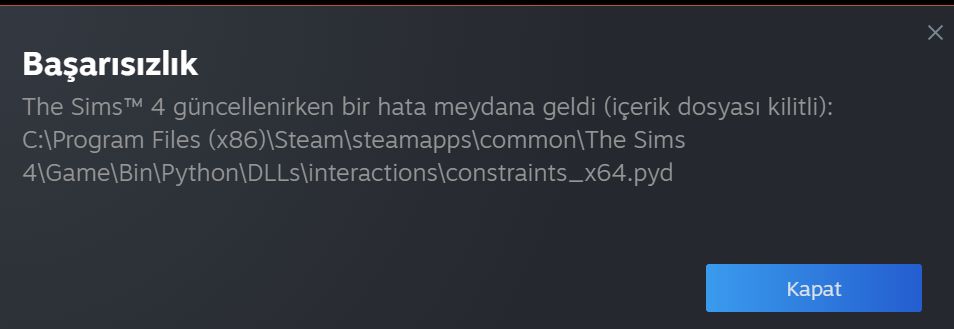
@elfinitty Please restart your computer and try repairing Sims 4 instead. Open your game library, right-click the Steam icon, and select Properties > Local files > Verify integrity of the game files.
If you get the same error, and you use a third-party antivirus, disable it, temporarily, restart your computer again, and try to update the game again.
If that doesn't help either, change the install location for Sims 4:
https://help.steampowered.com/en/faqs/view/4BD4-4528-6B2E-8327#move
Move the game to a new folder that you create for just this purpose.
 2 years ago
I tried to verify the integrity of the game files but it didn’t work. I had actually changed the location of the steam files recently to the D driver as my C driver was getting full. It’s already the default downloading location for steam, so should I turn it back to the C driver?
- puzzlezaddict2 years agoHero+
@elfinitty I would actually suggest uninstalling Sims 4, creating a different new folder for your Steam library, and reinstalling to that location.
Featured Places