Forum Discussion


puzzlezaddict
2 years agoHero+
@maeizagamer Please test with no mods or custom content, as in, move the entire Mods folder to the desktop and delete localthumbcache.package. You don't need to save your progress.
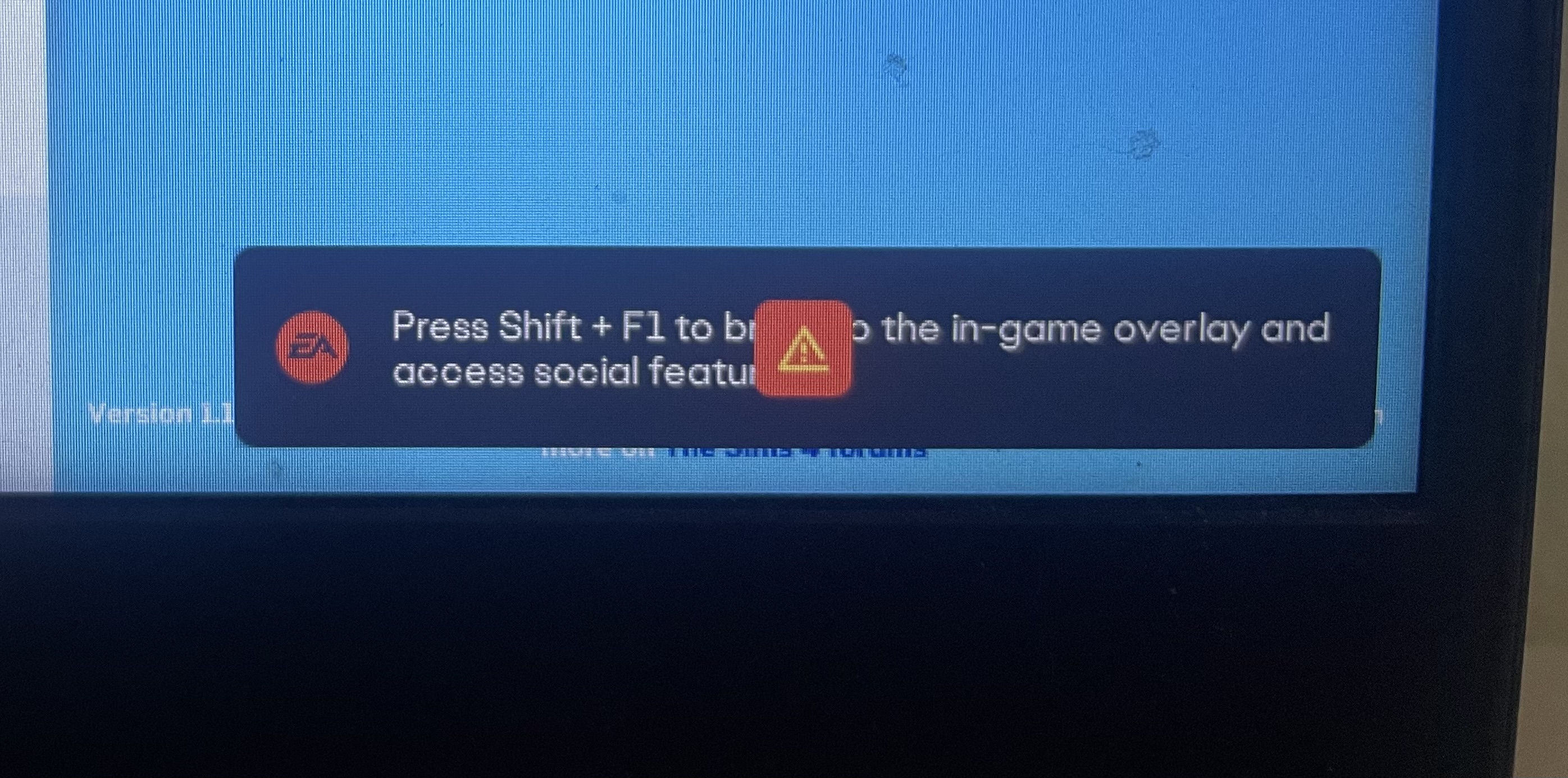
If that doesn't help, or you don't use an mods or cc, please post a screenshot of the orange warning sign you're seeing. Please also run a dxdiag and attach it to a post.
https://help.ea.com/en-us/help/pc/how-to-gather-dxdiag-information/
 2 years ago
...
- puzzlezaddict2 years agoHero+
@maeizagamer Please try disabling the EA App in-game overlay, which I believe is under EA App Settings > Application.
If that doesn't help, try putting the App in offline mode.
Please also disable the Discovery Quests. You'll need to do so for each save you're playing and restart Sims 4 to see the effects.
Featured Places