Solved
Forum Discussion


6 years ago
My gallery is messed up and I think it may be a mod because the gallery if fine when I turn the mods off I have a ton and don’t really want to go through them all but I guess if I have too I will because I can’t access my gallery at all
- 6 years ago
Hi, today I went on and updated my sims and then fixed my outdated mods and started my game.
My game said some stuff was wrong in my last exception file so I went and got rid of what it told me to get rid of.
After fixing all that, I went and created a girl and couldn't go to my gallery. It said "wwwwwwwwwwwwww" in the title of the four tabs and nothing was being shown.
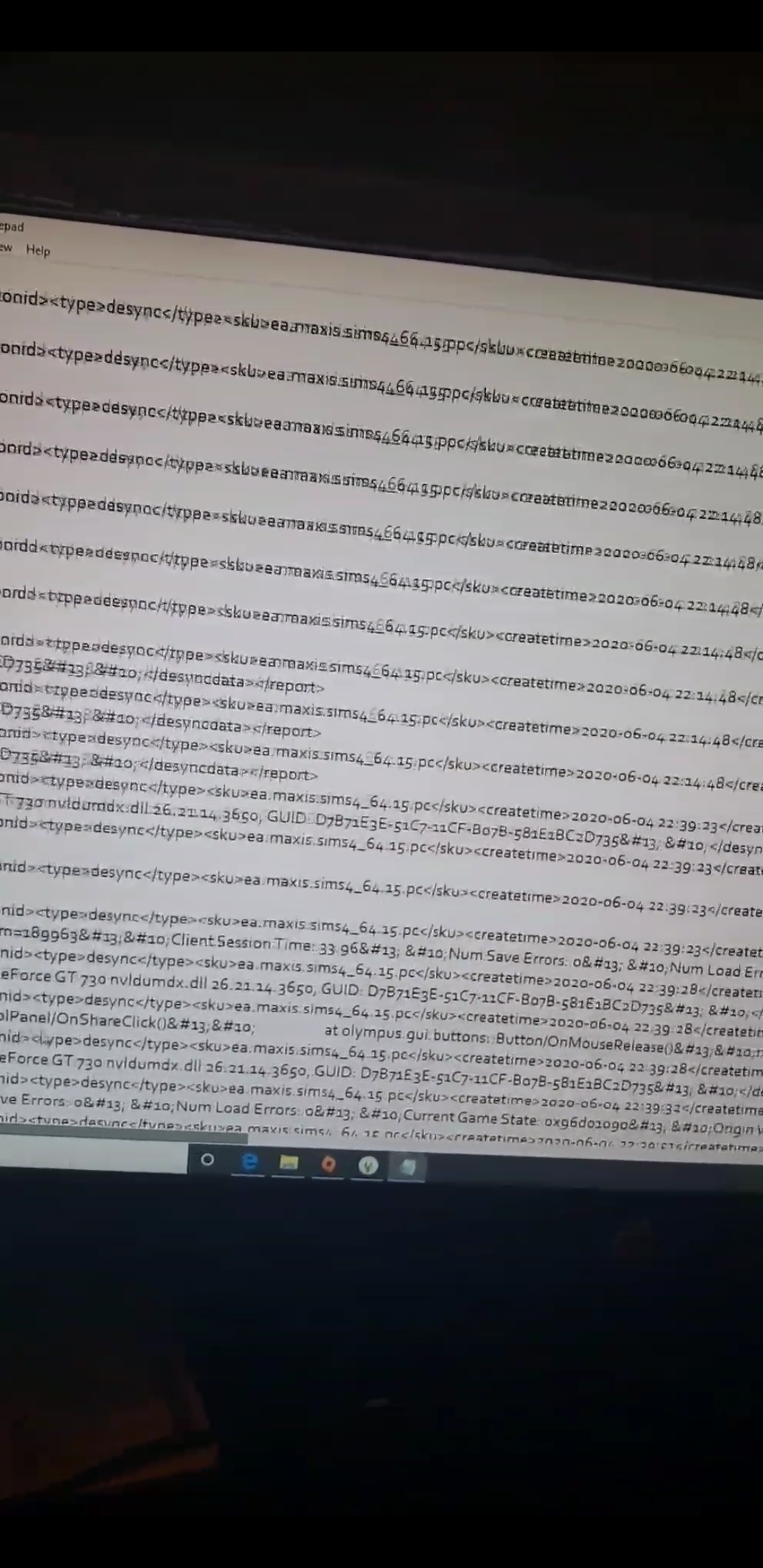
I restarted and tried the gallery again from multiple screens and during gameplay and it wouldn't even pop the gallery up. I was hitting the button but nothing worked. There was also no orange notification saying anything was wrong, I checked my last exception and found this.
I cant make heads or tails of it, so please help.
- 6 years ago
hey so i have the same problem and mine isnt working but https://lastexception.com/ try this it helped me last time
 puzzlezaddict6 years agoHero+
@Im_mortal2105 That's generally caused by the UI cheats mod. Please remove or update it, if you use it. If that doesn't help, remove all your mods and test. If the problem is gone, you can add them back in batches and test each time to see whether it reappears.
Edit: @Jazzbkirae I've merged your post with another thread on this issue. Please see the above.
@DreamsicleCream I've merged your post too. If you have the UI cheats mod, try removing it. There shouldn't be a hard limit on the amount of custom content you can have, and I've heard of people using over 50 GB worth. Since the one half you tested didn't cause the issue, you can split the other half and test if you don't have UI cheats.
 6 years ago
Thanks for helping. I never installed UI cheats but when I installed a few of Simda's mods she had a UI cheat extension that was outside of the subfolder. Thanks for mentioning this because once I found and deleted the extension everthing is back to normal. Thank You.
 6 years ago
Hello, I am having trouble with The Gallery in Sims 4. Whenever I open it, the tabs at the top have repetitive W's (WWWWWW) and no content underneath. Then if I exit out of The Gallery and try to reopen it, I can't even get it to open back up. I have asked technical support at EA a couple of times and nothing has helped so far. Does anyone have any idea how to fix this or have seen it before? Thank you!
 CGrant566 years agoHero+
Since you didn't say what system you are running on and from what I see in the picture, I think you are running on either a PC or Mac and you have mods. Other players have gotten the same problem. What you are seeing is probably caused by an outdated mod, probably UI Cheats. At least that was the cause of the problem on an earlier post.
So you need to update your mods. UI Cheats has been updated.
Hope this helps
- 6 years ago
I am sorry for not including that I am on my PC and that I have mods! I am pretty new to this, so I appreciate you reply with this! I am in the process of updating, thank you again!
- 6 years ago@Im_mortal2105 If you hav "UI" mod then reinstall it! worked for me
- 6 years ago
Thank you very much!!
Featured Places