Solved
Forum Discussion


9 years ago
Ok so I've seemed to have fixed the problem on my end. Here what I did:
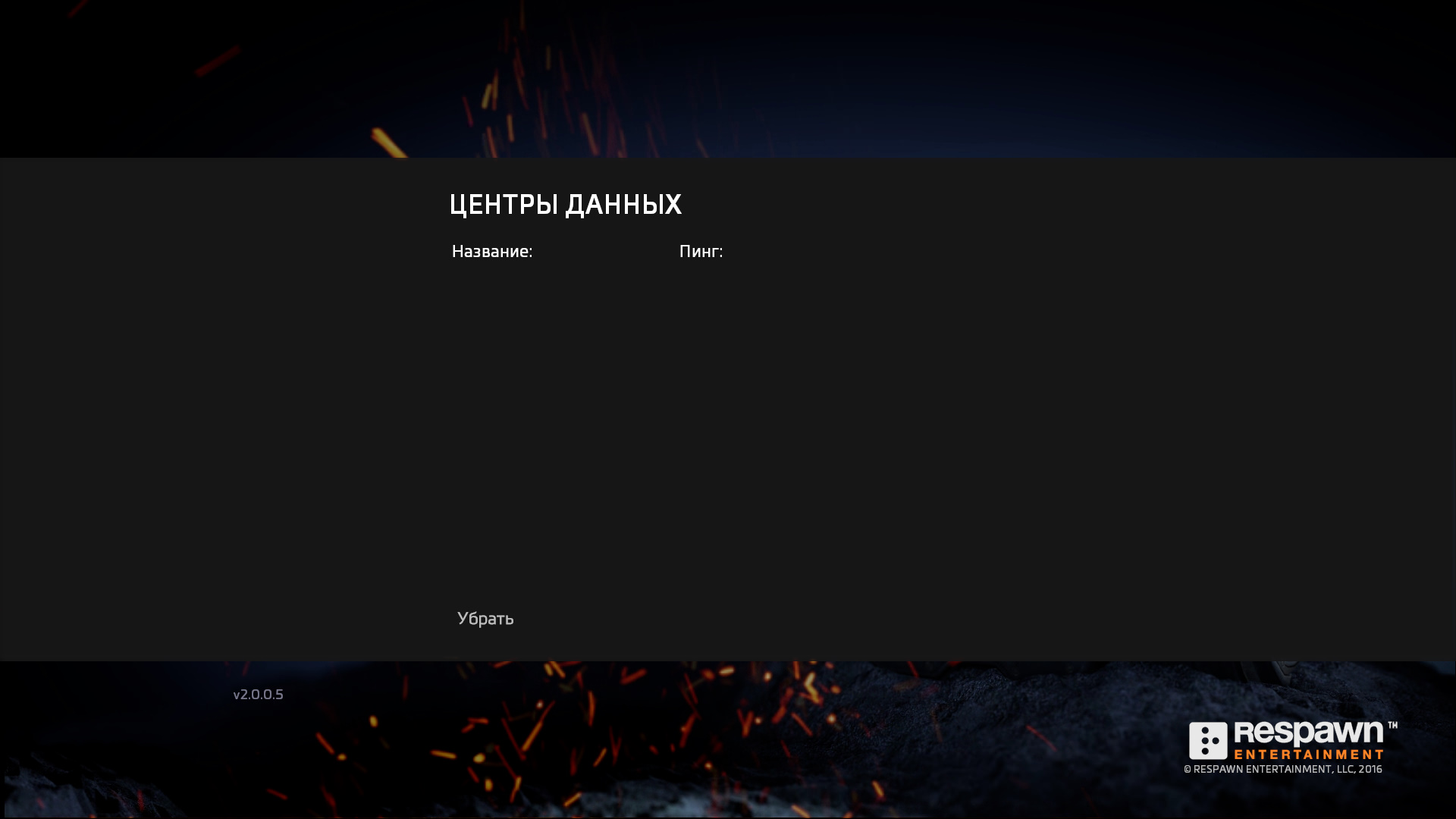
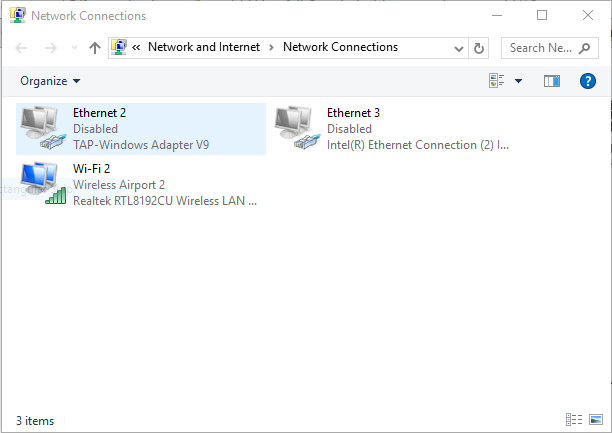
I went to network settings and went to the status tab. From there click on change adapter options. I then disabled both my Ethernet adapters.(picture included) After this I was connected to a data center and joined the multiplayer menu when I clicked it. (Problem solved)
I hope this helps you solve your problem.
- Approved
 Anonymous9 years ago
I only have my wifi. I do NOT have a hardline Ethernet connection. I'm having this issue. My other online games work fine.
Earlier I was able to connect once. Only once.
- ApprovedAnonymous9 years ago
What if you use WI Fi not Ethernet?
- ApprovedAnonymous9 years ago
This worked for me
Featured Places