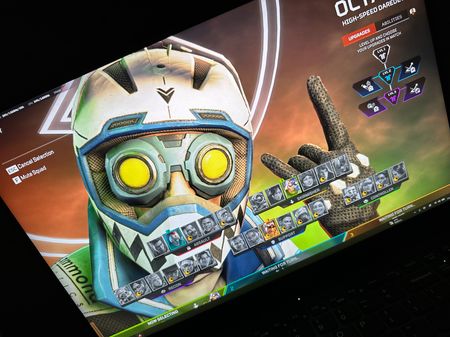
Hi snipermsh ,
Sorry to hear you’re running into this. If verifying game files didn’t help, this may be caused by an entitlement or cache sync issue rather than local files.
Could you please try the following refresh steps in this exact order:
- Fully close Apex Legends, then fully exit Steam / the EA App (not just minimizing to the tray).
- Disconnect your network for about 5–10 seconds, then reconnect.
- Log back into Steam / the EA App and launch Apex Legends.
- In the lobby, equip a different Aura first and save/apply the change.
- Enter the Firing Range (or a match) briefly, then return to the lobby.
- Re-equip the Ascension Crest (Ranked Aura) and save/apply again.
- Re-enter the Firing Range and check whether the Aura now displays correctly as Diamond.
If the issue persists, please reply with the following so we can escalate it to the team:
- Exact current rank tier (D4/D3/D2/D1).
- Whether other ranked cosmetics (badge/frame/trail) are also affected
Thanks for your patience and help.