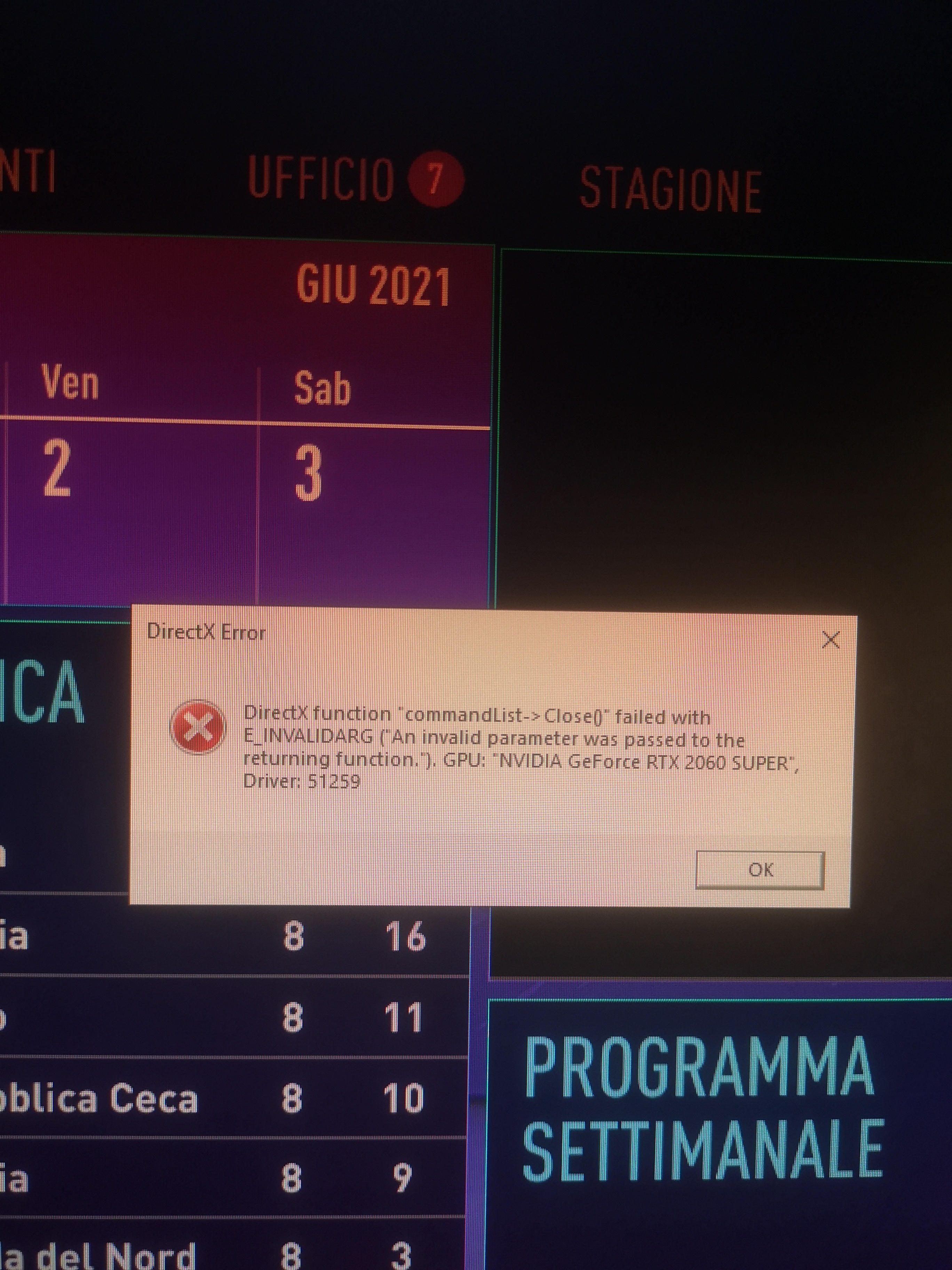
DirectX Error
DirectX Error, Oh no! Just started getting this error while trying to load bf2042 before it bombs back to the desktop.
DirectX function "Find Closest Matching Mode" failed with DXGI_ERROR_NOT_CURRENTLY_AVAILABLE. The requested functionality is not supported by the device or the driver, GPU
Nvidia Geforce GTX 1070, Driver 51259.
The game was working fine until a few days ago. The only thing that i can say has changed on my pc is windows update installed a new .net framework and the new Nvidia driver.
I have looked a so many trouble shooting guides and tried everything they suggest like, using ddu to uninstall the video card drivers and re-install an older version 512.15,
Installed DirectX from micosoft website, Edited the PROFISAVE_profile and changed the value of GstRender.Dx12Enabled from 0 to 1, Cleared the game cache ProgramData and in AppData.
Fresh install of bf2042 and still the same error.
Does anyone have a few more ideas please?
Widows 10
Core I7-6700k @ 4.0GHz
32g ddr4
Asus Geforce 1070 8g
Hi Vin! Well after finding a post from 2017 i've been able to solve the problem!
The solution was to switch my monitor cable from a dvi one to a hdmi cable. I would have never thought of this, but hey it worked for me.
Here's a link to the original post,
Solved: Re: Directx function "FindClosestMatchingMode" failed - Answer HQ (ea.com)