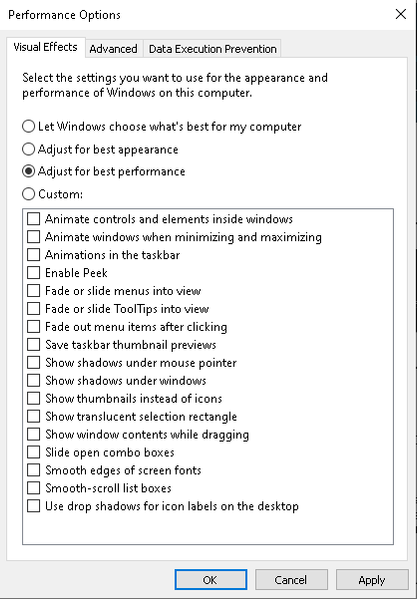
FIX for 100% CPU usage/low performance/low FPS |Get even +40FPS


Nice. Finally I can play this game with decent fps. Also for everybody playing on MSI laptops. If you want to unlock OC options in BIOS you have to press r.crlt + r.shift + l.alt + F2. After that you get 'Overclocking performance menu', click it, then you have an option named 'memory'. Scroll down and pick 'memory profile'. Remember to pick XMP profile 1 (idk why but profile 2 may cause problems).

 Community Manager
Backing up your registry before making changed is always advised so you can revert if required.
Thanks.





