4 years ago
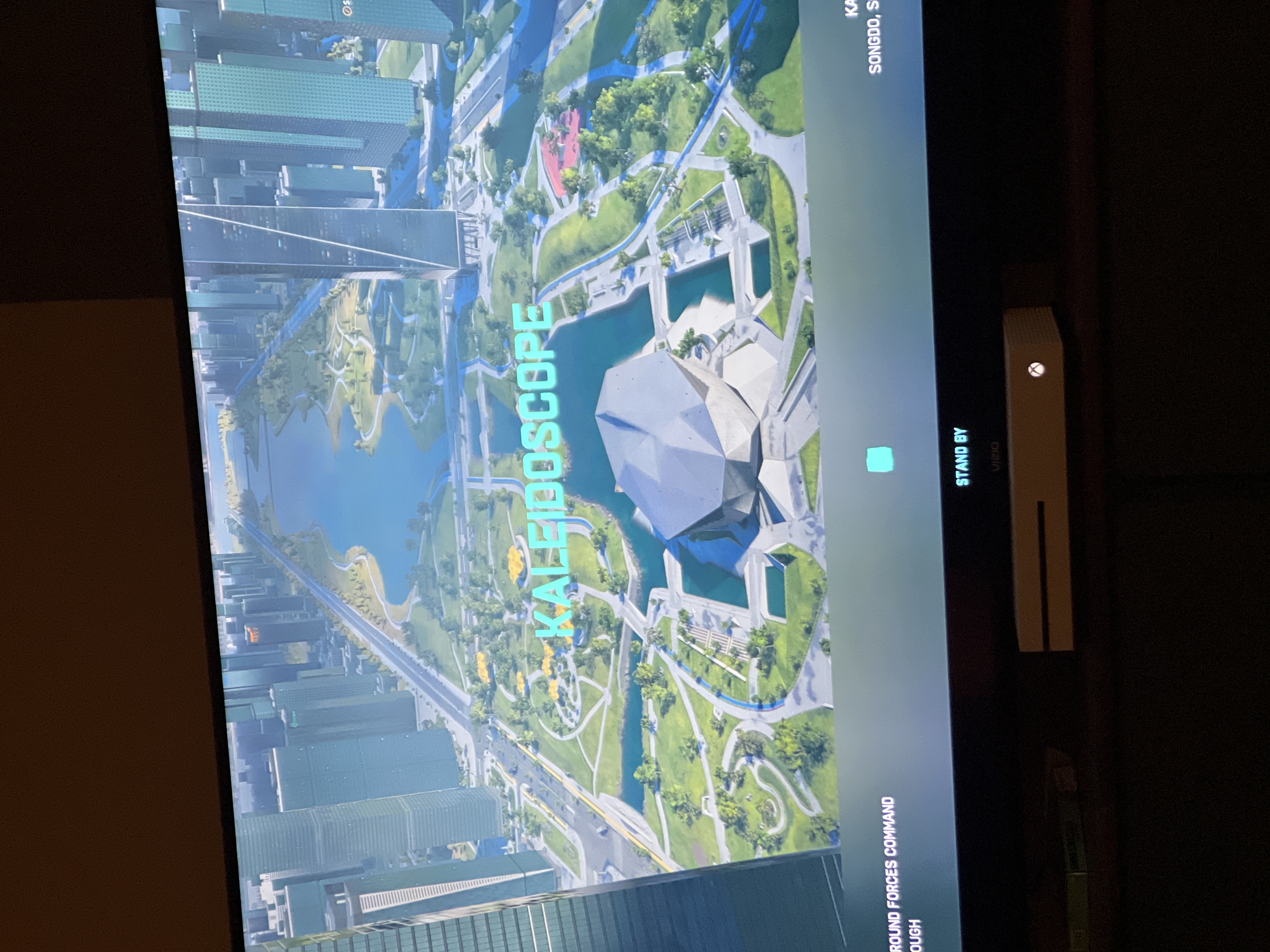
Stuck on standby screen
When I select conquest or hazard zone my game starts loading into the game mode, goers to the map screen and says standby, showing the map I’ll be playing on but will never load past this screen. It ...

I tried someone solution for this issue that I found in the forum. It actually worked for me and I have not had this issue since I tried that guy solution. Unfortunately, I do not remember his user name otherwise I would mentioned his username. I will try to explain the solution of this issue hopefully someone else will benefit from it.
I have had this issue also in BFV before but now it worked for me even in BFV
P.S dmzing your console will expose it to public network

I'm still experiencing that issue.
I've uninstall the game and re-install it again. update button at Origin is available even after fresh re-install.
Try to join a game with no luck.
This is how its look like: https://vimeo.com/703146099
I cancel crossplay and join a game - it work but I cannot tell if its the problem as I able to join a match once in a while even if crossplay is on.
For example, I enable crossplay again and it work also, and I didn't try again since.
EDIT:
"Double NAT" was active from my ISP side, which means that I got external IP address and another virtual IP which I can only see at the router's administrator settings.
It means that if you forward ports it just wouldn't work because the ports never forwarded to the right IP and basically block from ISP side.
When that "double NAT" disabled I got brand new IP that I set to static, and then forward the ports that I mention to that specific static IP.
It maybe work even without forward the ports, just by disable that "double NAT" thing. In my case I took no prisoners and forward those ports.
All BF2042 mods I've tested right now work without issues, first time from game release at November.
Cheers
@EA_AticI'm glad I could help.
Its solve my friend same issue as all mention in this thread.
My friend for example cannot never join a game after the game starts, it show him the count down then "Waiting for leader to start game" and repeat. Now it work also in all mods include portal, which my friend cannot never join from game release.
Anyway, I suggest a test that help me resolve that issue -
Run a Trace Route:
• Open the Start Menu and search for ‘cmd’.
• Open the Command Prompt.
• When prompted, type ‘tracert’ followed by a space and the URL you want to test.
• Press the Enter key.
This test maps the internet traffic between your computer and an internet destination. It is often used to identify connectivity problems or delays.
Once the trace route is complete, check the first two IP addresses listed. If they are both private IP addresses, you are using a double NAT.
Private IP addresses usually appear in these number ranges:
10.0.0.0 to 10.255.255.255
172.16.0.0 to 172.31.255.255
192.168.0.0 to 192.168.255.255
In a double NAT set up, the connection will travel through two private networks, which can cause or add to other connectivity issues.
Forwarding ports can help resolve some of the issues you may be experiencing.
If necessary - I forward those ports I read that BF2042 use:
TCP:
5222, 9988, 1705, 20000-20100, 22990, 42127
UDP:
3659, 14000-14016, 22990-23006, 25200-25300
I use good application HERE that got free port checker, and it's reliable as you can check for example for "TCP 5222" and it tells you if this specific port open to your external IP, and its good indication if you got "double NAT" after you forward ports and they are still blocked.
Now the game works 100% of the time, Cheers EA team and players.🥳

I faced the exactly same issue: I cannot join any further matches after the first match.
My original network configuration is actually double NAT:
After several attempts of different configurations, I finally found the best and easiest solution:
There're several important conditions in order to ensure the Battlefield 2042 can build connection behind NAT:
Now the issue is totally fixed.