Lagging, Network Issue or BF6 Issue??
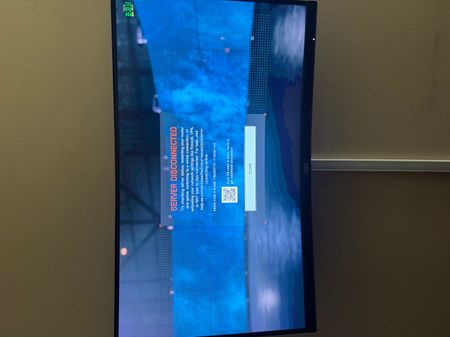


First thing I would point you to is to close unnecessary background Programs. This appears to be a case of CPU overload. If virus scanners, updates, or audio streams etc. place a heavy load on the CPU, the audio stream is briefly interrupted. This results in crackling, dropouts, delays (latency), or digital noise. How much RAM does the system have? If the audio file isn't loaded into RAM quickly enough, the sound stutters. If too many programs send data packets simultaneously, a bottleneck occurs at the network adapter. For you, this manifests as high ping, connection drops, or stuttering in online games and video conferences. An additional option would be to reduce the sample rate in the sound settings.