Solved
Forum Discussion
1 Reply
 EA_Atic6 years ago
DICE Team
Try pressing Alt + Enter @chikoyzzz
This should bring BFV to window mode and then go into options adjust the screen to your monitor.
/Atic
Featured Places


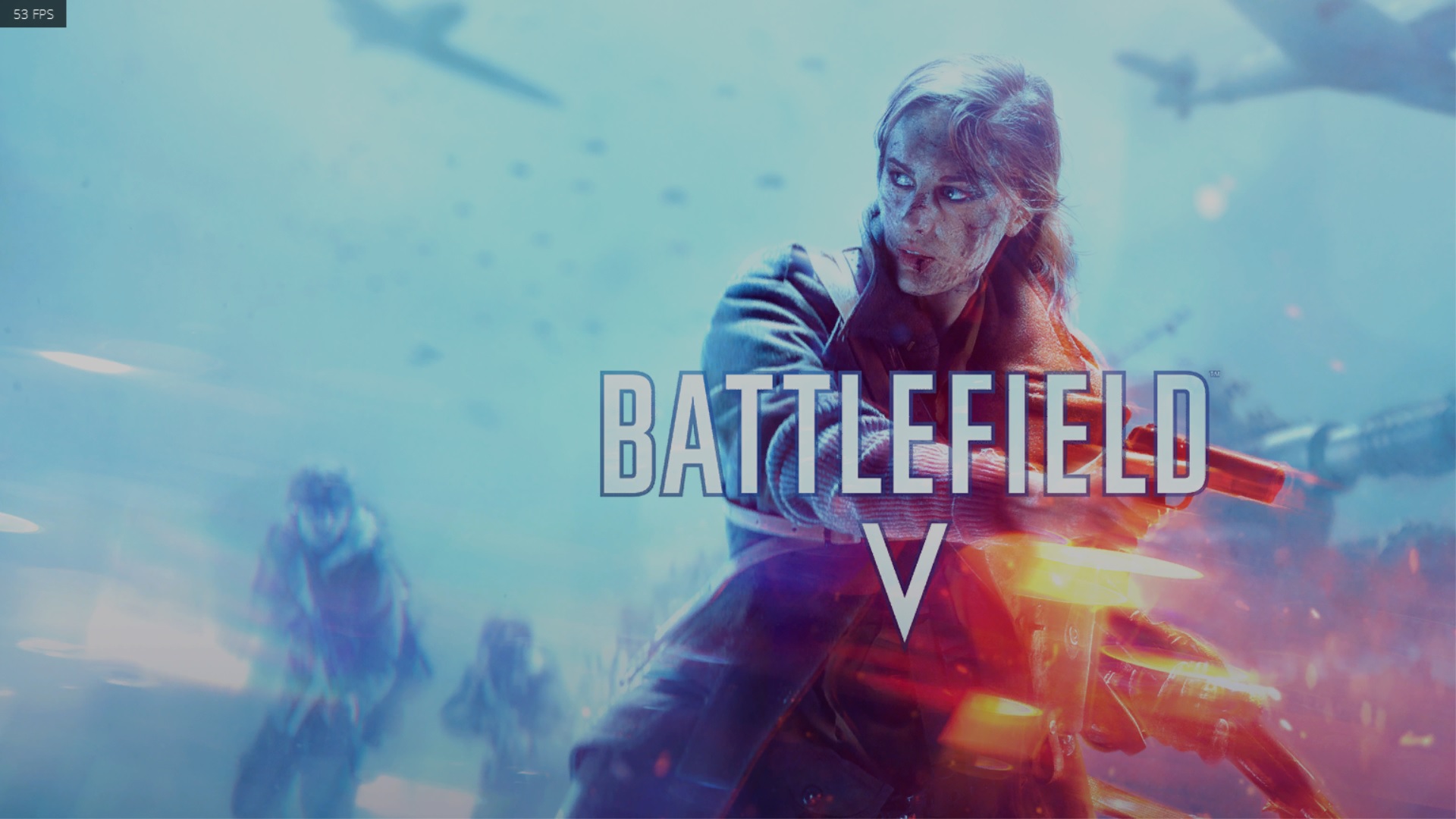
when i start battlefield v, the screen is too big and i cant find the menu. what should i do?
Try pressing Alt + Enter @chikoyzzz
This should bring BFV to window mode and then go into options adjust the screen to your monitor.
/Atic
DICE TeamTry pressing Alt + Enter @chikoyzzz
This should bring BFV to window mode and then go into options adjust the screen to your monitor.
/Atic