Forum Discussion


SpiffyBuzzard20
1 year agoSeasoned Newcomer
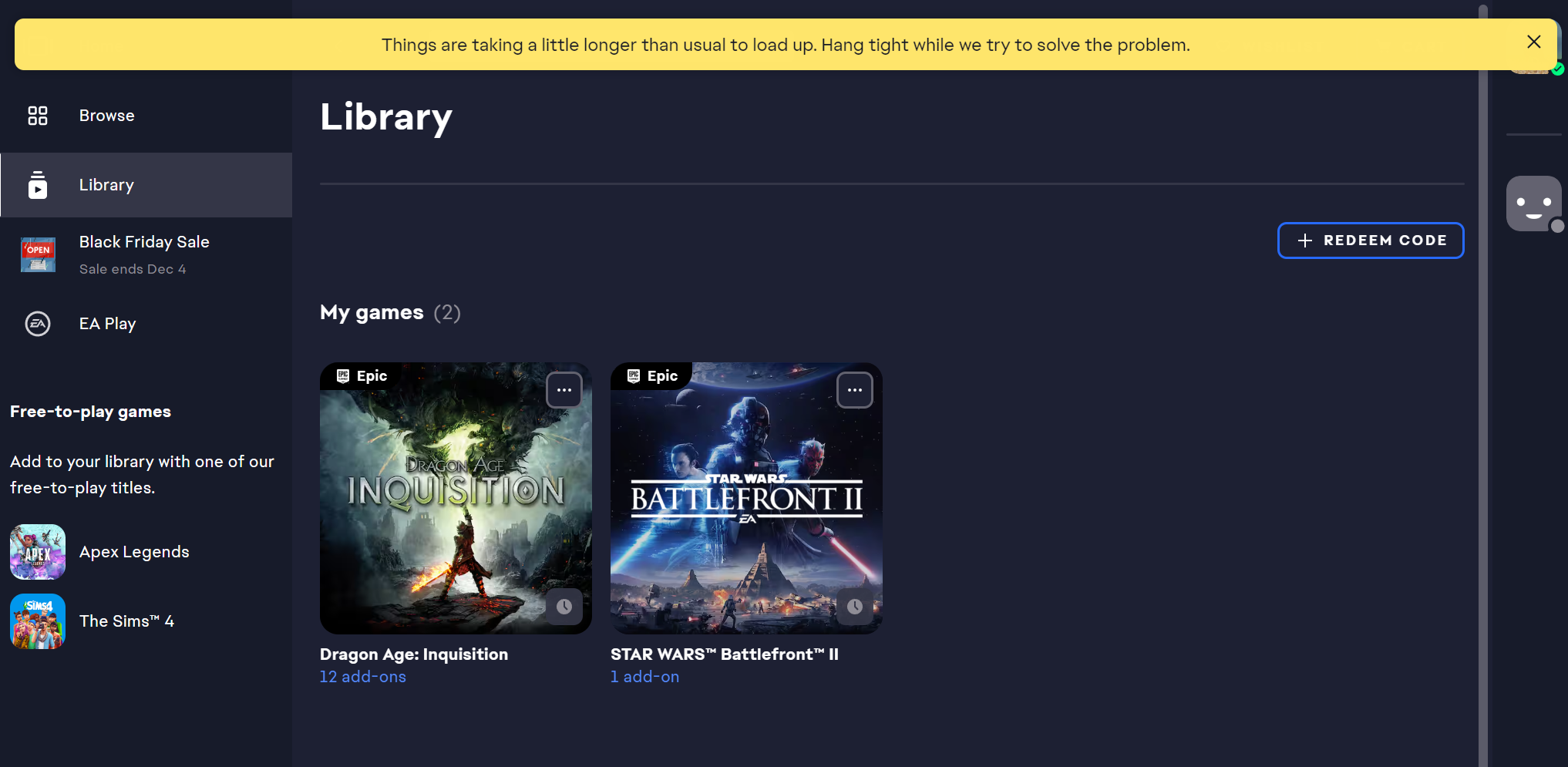
Okay, closed and reopened the app this morning (after doing it multiple times last night) and it appears to have fixed itself. Not sure what the problem is, and I don't know which side it was on--nothing should have changed on my end, as my computer didn't even go into sleep mode overnight, just the lock screen. Once you listed those solutions, I remembered that I had already tried all of these (replacing running the updater with a fresh install) last night.
Thanks for your help!
SpiffyBuzzard20
1 year agoSeasoned Newcomer
And... I'm back. Cleared the cache for the app after it spent about 50 minutes spinning around saying 'installing' when I tried to download SWBII--no progress in the download was evident anywhere.
- SpiffyBuzzard201 year agoSeasoned Newcomer
And... it's back to normal? Something seems to be acting up on a case-by-case basis, and I can't figure out what. I had relaunched the app, and it was back to normal when I looked at it after a while. No clue what's going on, sorry.
Featured Places